SMARTRG INC. PROPRIETARY AND CONFIDENTIAL. ALL RIGHTS RESERVED. COPYRIGHT © 2014 58
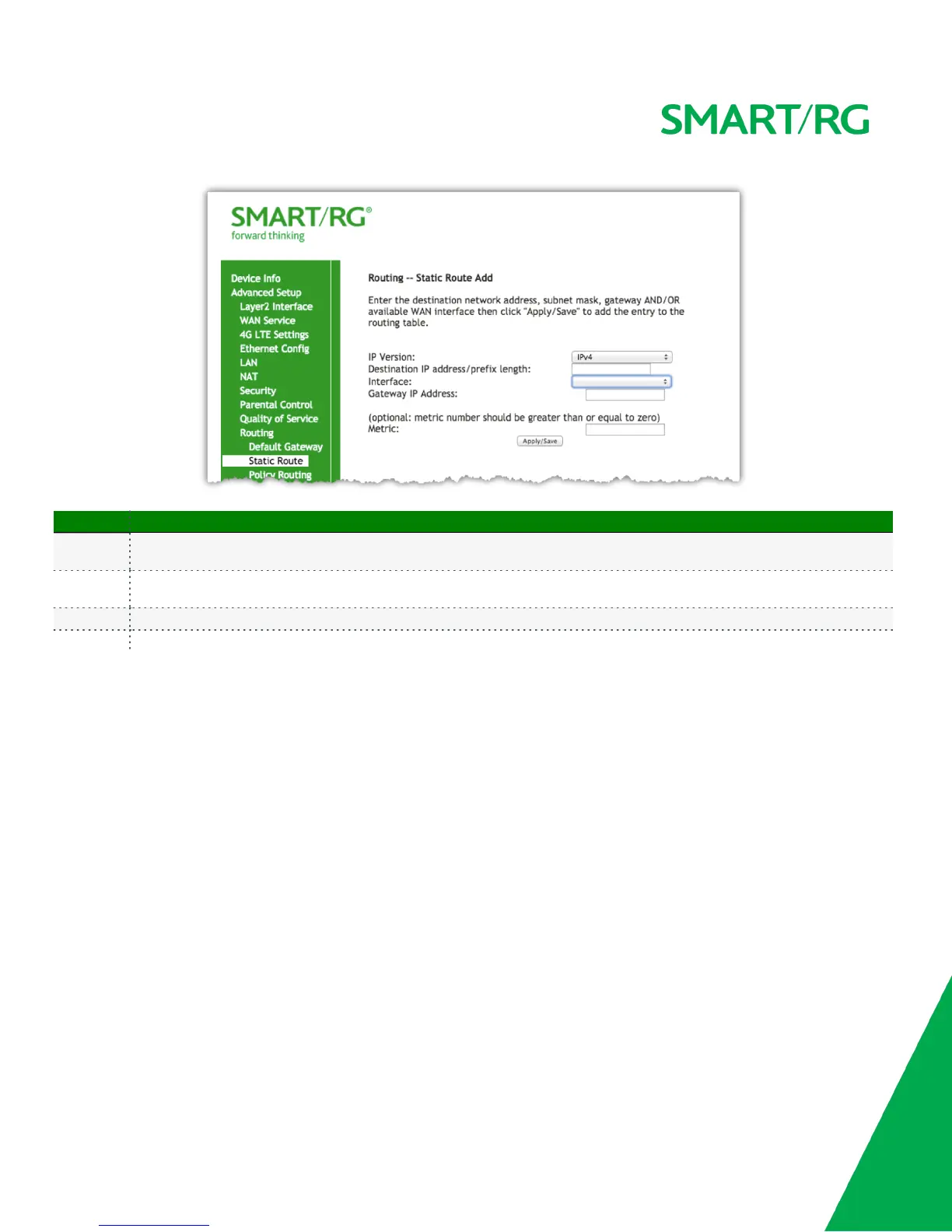
The individual fields on this screen are defined as follows:
Field Name Description
Interface
This column shows a list of available WAN interfaces. Complete the line item(s) associated with the interface you wish to employ
RIP.
Version
[1,2,Both] Select the version of Routing Interface Protocol you desire. Reference RFC 1058 and RFC 1453 for detailed information on
RIP versions.
Operation [Passive, Active] Passive mode listens only. It does not advertise routes. Select Active mode to both listen and advertise routes.
Enabled Check this box to employ RIP on the displayed interface.
DNS
DNS Server
Use the features of this screen to input the Domain Name Server information supplied by the service provider.
After selecting Advanced Setup -> DNS -> DNS Server from the left navigation bar, the following screen will appear.
Enter your desired settings. Click Apply/Save to commit changes.



 To Next Page