SMARTRG INC. PROPRIETARY AND CONFIDENTIAL. ALL RIGHTS RESERVED. COPYRIGHT © 2014 43
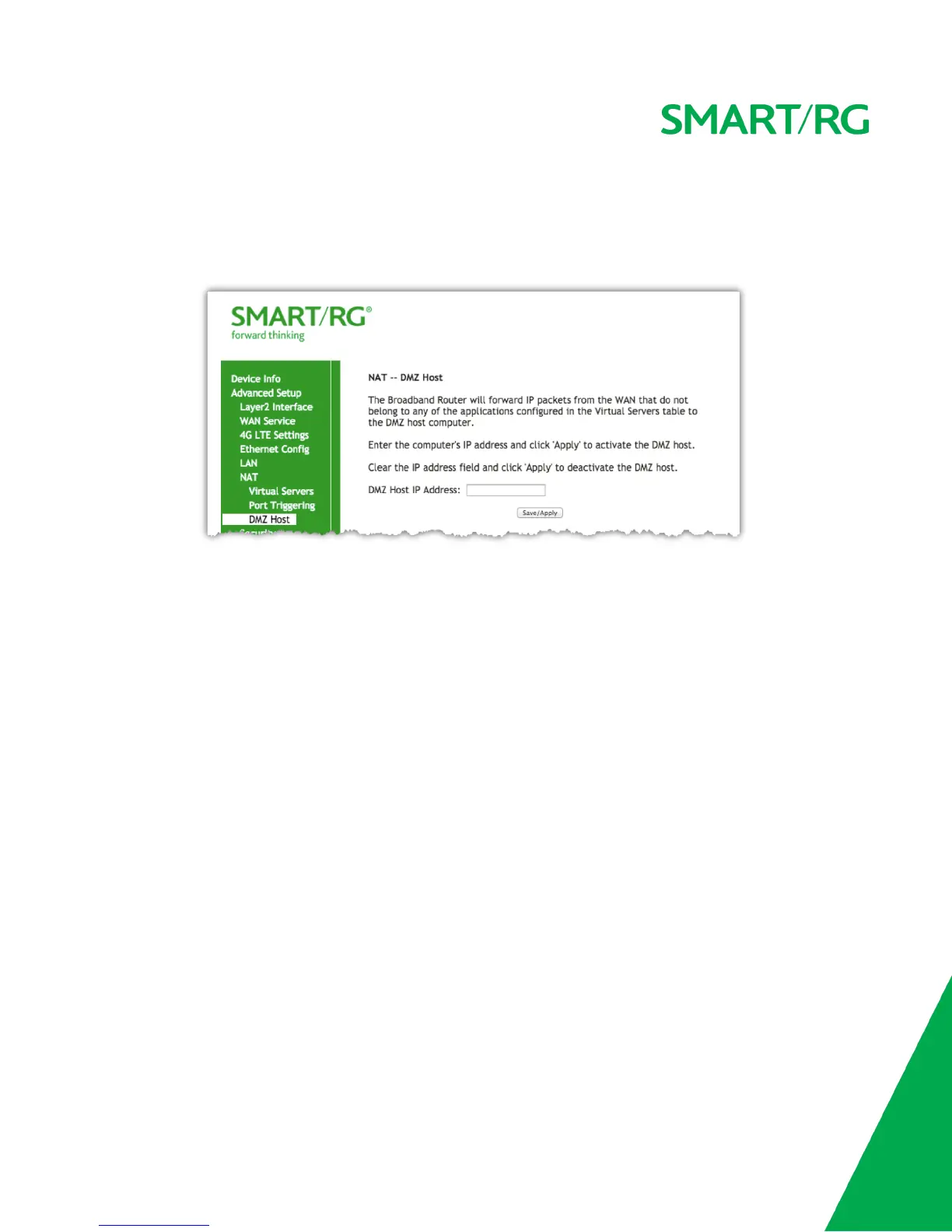
to the DMZ host computer. If it is desired to route all internet traffic with no filtering or security to a specific LAN device, add the IP address of
that device to this field.
After selecting Advanced Setup -> NAT -> DMZ Host from the left navigation bar, enter the DMZ Host IP Address.
Click Apply/Save to commit the new or changed address.
Security
IP Filtering - Outgoing
Add an Outgoing filter when refusal of data from the LAN to the WAN is desired.
After selecting Advanced Setup -> Security -> IP Filtering -> Outgoing from the left navigation bar, click the Add button. The following screen will
appear to facilitate the filtering you desire. Click Apply/Save to commit the completed entry.



 To Next Page