SMARTRG INC. PROPRIETARY AND CONFIDENTIAL. ALL RIGHTS RESERVED. COPYRIGHT © 2014 81
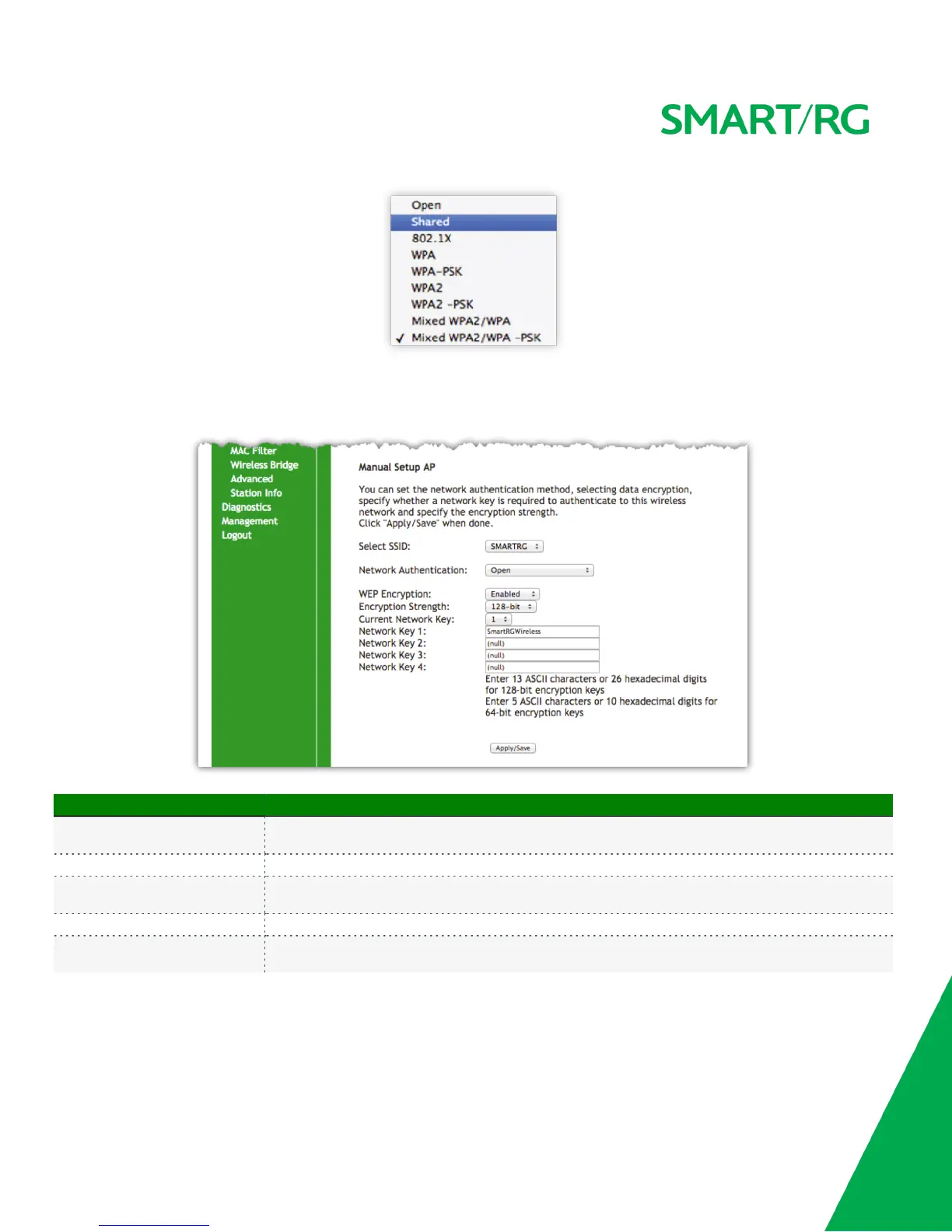
Manual Setup - Network Authentication: Open and Shared
The same configuration fields apply for Manual Setup of both Shared and Open authentication types. WPS however may not be used under
Shared.
The individual fields on this screen are defined as follows:
Field Name Description
Select SSID
Select the SSID from the drop-down list for the wireless network to which this security configuration will
apply.
WEP Encryption [Enabled, Disabled] Select Enabled to turn on Wired Equivalent Privacy mode.
Encryption Strength
[128 bit, 64 bit] Select the length of the encryption method. 128 bit being the more robust option for
security.
Current Network Key [1-4] Select which of the four keys from the list is presently in effect.
Network Key 1-4
Enter up to four encryption keys using the on-screen instructions to achieve the desired security strength
(128 or 64 bit).



 To Next Page