SMARTRG INC. PROPRIETARY AND CONFIDENTIAL. ALL RIGHTS RESERVED. COPYRIGHT © 2014 24
ETH Interface
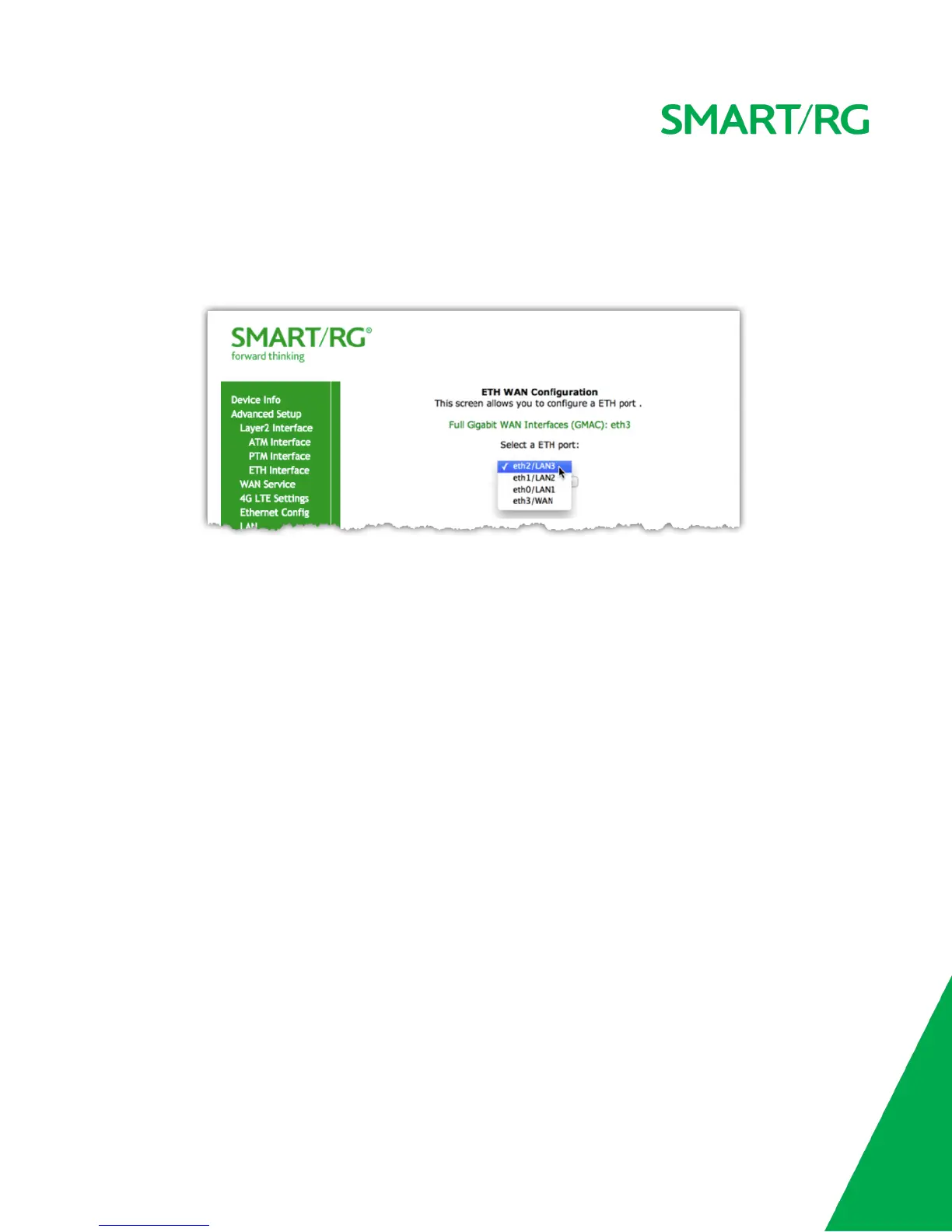
Your gateway has four LAN ports. One of them can be re-purposed to become a WAN port when such an RJ45 WAN port is desired.
After selecting Advanced Setup -> Layer2 Interface -> ETH Interface from the left navigation bar, click Add in the center pane. The following
screen will appear. From the drop-down menu in the center pane, simply select the LAN port you wish to act as a WAN port.
WAN Service
There are several variations of WAN Service available to configure. The three core variations are:
l PPP over Ethernet (PPPoE)
l IP over Ethernet
l Bridging
This chapter will illustrate a sample configuration scenario down each of these three variations and define the available fields to customize your
WAN service setup.
PPP over Ethernet
After selecting Advanced Setup -> WAN Service from the left navigation bar, click the Add button. A progression of several screens will follow.
Advance to the next after completing the required fields using the Next button appearing near the bottom of each screen.
First, select the Layer2 interface to use for the WAN service.



 To Next Page