SMARTRG INC. PROPRIETARY AND CONFIDENTIAL. ALL RIGHTS RESERVED. COPYRIGHT © 2014 19
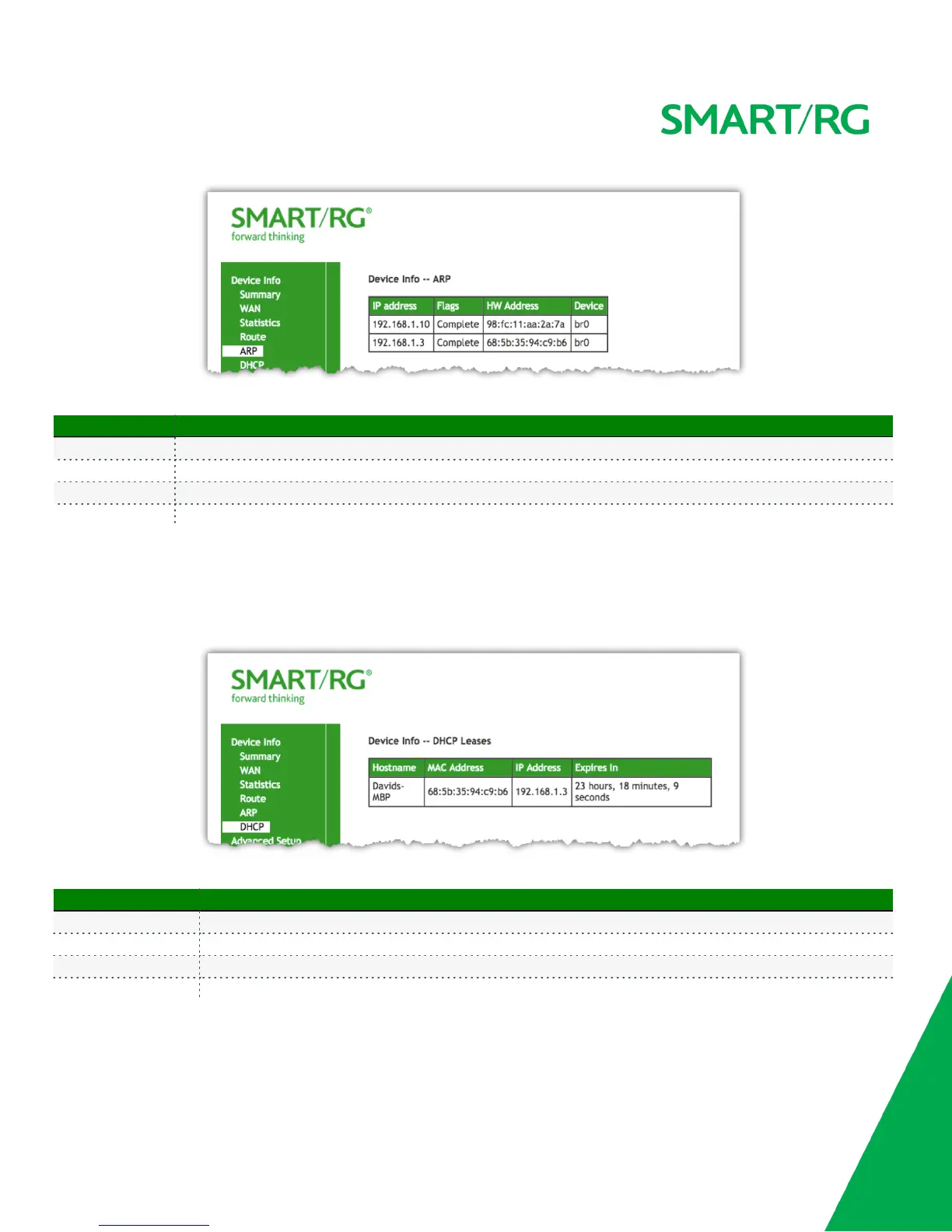
The individual fields on this screen are defined as follows:
Field Name Description
IP address The IP address of the host.
Flags [Complete, Permanent, Published] Each entry in the ARP cache will be marked with one of these flags.
HW Address The hardware (MAC) address of the host.
Device [br(n), atm(n), eth(n), atm(n)] The system level interface by which the host is connected.
DHCP
Device Info -> DHCP displays a list of locally connected LAN hosts and their DHCP lease status, which are directly connected to the SmartRG
Gateway via a LAN Ethernet port or Wireless LAN.
The individual fields on this screen are defined as follows:
Field Name Description
Hostname Displays the Host name of each connected LAN device.
MAC Address Displays the MAC Address for each connected LAN device.
IP Address Displays the IP Address for each connected LAN device.
Expires In Displays the time until the DHCP lease expires for each LAN device.



 To Next Page