SMARTRG INC. PROPRIETARY AND CONFIDENTIAL. ALL RIGHTS RESERVED. COPYRIGHT © 2014 49
Note that there is only one Block List and one Allow List per gateway. The stand-alone modem capability does not maintain a unique Allow and
Block List for each individual LAN device. Some additional flexibility however is available when your SmartRG gateway is under management of
Cisco Prime Home™. Refer to Cisco documentation regarding, "Content Filtering" for instructions.
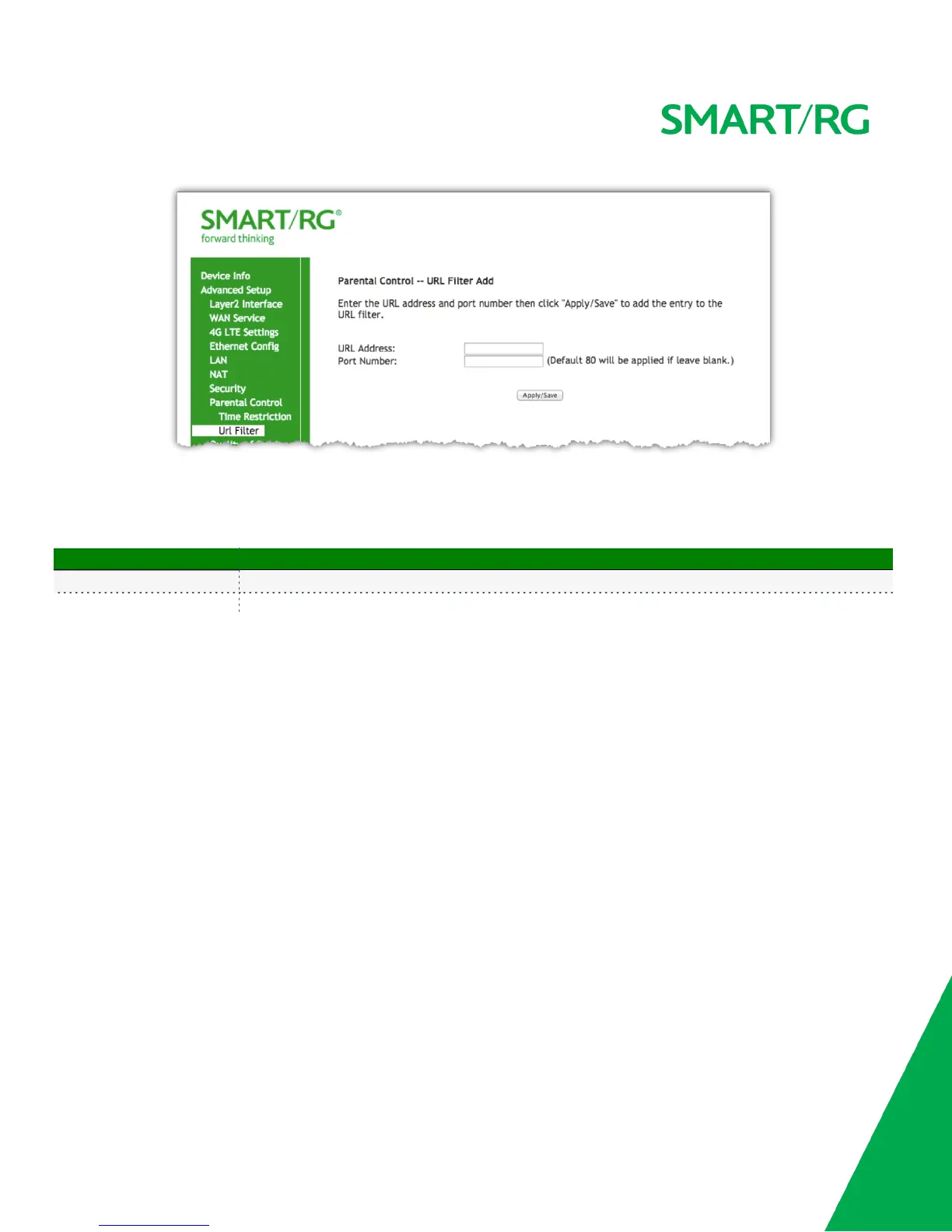
The individual fields on this screen are defined as follows:
Field Name Description
URL Address URL address to be added to the enabled applicable Exclude or Include list.
Port Number Port number associated with URL being added (default 80 ).
Quality Of Service
QOS enables prioritization of internet content to help ensure the best possible performance. This is particularly useful for streaming video and
audio content to minimized potential for drop-outs. QoS becomes significant when the sum of the traffic (audio, video, data) exceeds the capacity
of the line.
QoS Config
Use the QOS Config screen to enable QOS and set the DSCP Mark classification.
NOTE:
l In ATM mode, the maximum queues that can be configured is 16.
l In PTM mode, the maximum queues that can be configured is 8.
l For each Ethernet interface, the maximum configurable queues is 4.
l Queues for Wireless (e.g. WMM Voice Priority for wl0 interface) show only when wireless is enabled. If the WMM Advertise function in
the Wireless Basic Setup page is disabled, classification related to wireless will have no effect.
After selecting Advanced Setup -> Quality Of Service -> QoS Config, click the checkbox toward the center of the screen if you wish to enable QoS.



 To Next Page