SMARTRG INC. PROPRIETARY AND CONFIDENTIAL. ALL RIGHTS RESERVED. COPYRIGHT © 2014 31
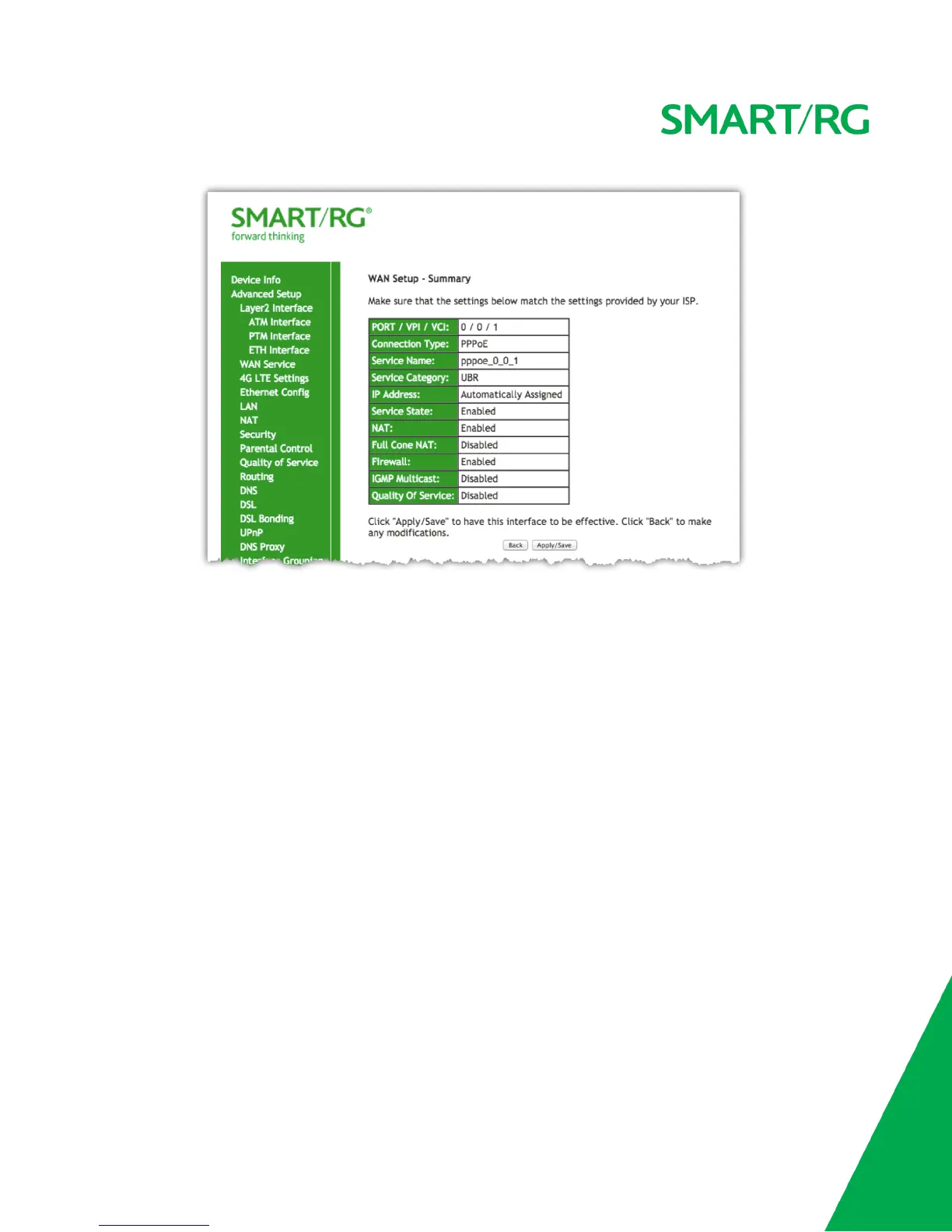
Review the summary and either click Apply/Save to commit your changes or choose Back to step through this progression of screens in reverse
order to make any necessary alterations you may desire.
IP Over Ethernet
The next WAN Service variant is IP over Ethernet.
After selecting Advanced Setup -> WAN Service from the left navigation bar, click the Add button. A progression of several screens will follow.
Advance to the next after completing the required fields using the Next button appearing near the bottom of each screen.
First, select the Layer2 interface to use for the WAN service.



 To Next Page