SMARTRG INC. PROPRIETARY AND CONFIDENTIAL. ALL RIGHTS RESERVED. COPYRIGHT © 2014 94
Diagnostics
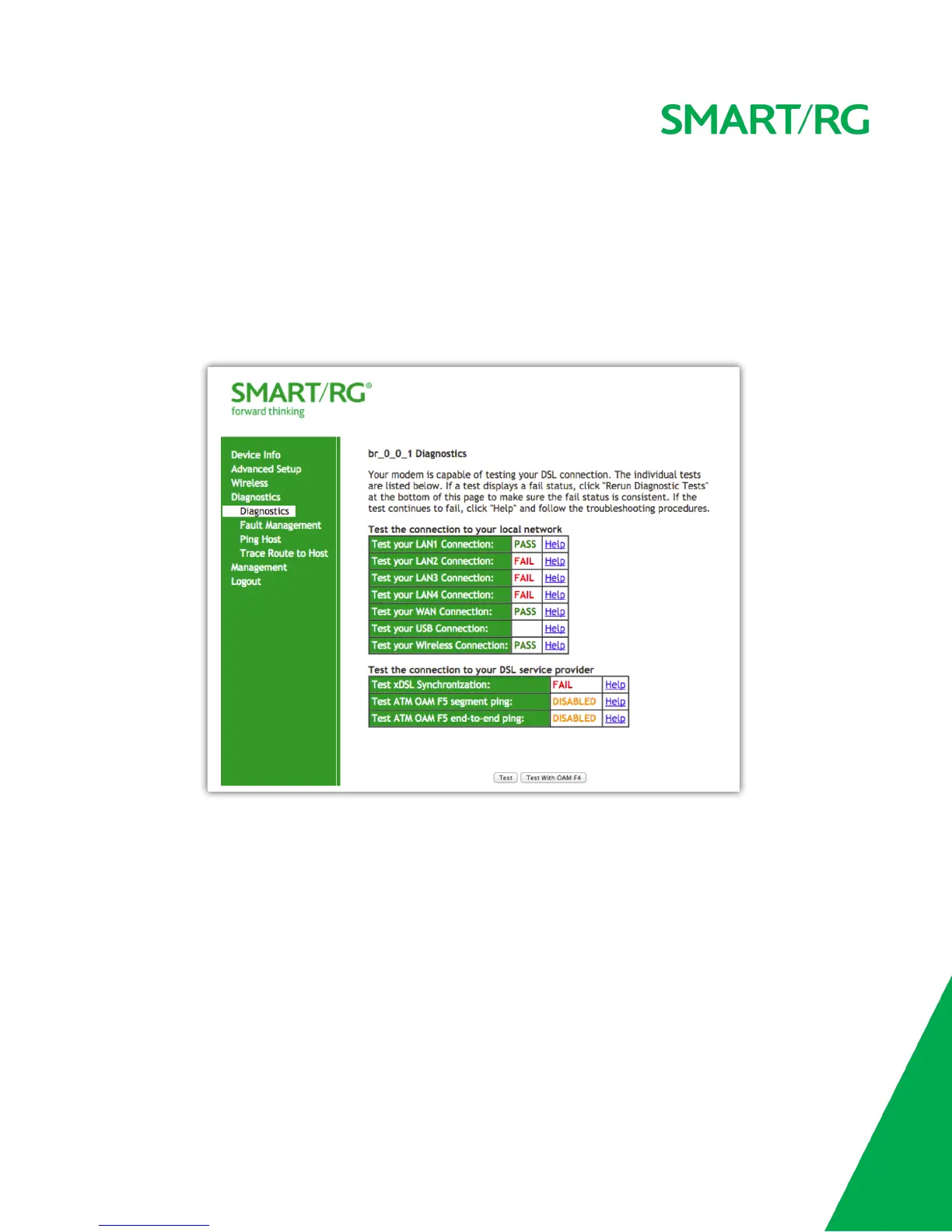
After selecting Diagnostics -> Diagnostics from the left navigation bar, click the Test button at the bottom of the screen.
The table will be updated with fresh diagnostic information regarding connection integrity. There is significant in-line documentation regarding
each individual test. Simply click the Help link at the far right of each line item to learn more about what is being tested and what actions to take
in the event that a particular test should fail.
The normal test method is initiated with the Test button and utilizes OAM F5 loopback cells.
Selecting the Test With OAM F4 will conduct the test at the VP level in lieu of at an individual VC connection.
Fault Management
Utilize this screen for diagnostics regarding your VDSL PTM or Ethernet WAN connection. Fault Management is compliant with IEEE 802.1ag for
Connectivity Fault Management.
After selecting Diagnostics -> Fault Management from the left navigation bar, select values for the
Maintenance Domain (MD) Level, Destination MAC Address to test and enter the applicable (if any) 802.1Q VLAN ID.



 To Next Page