SMARTRG INC. PROPRIETARY AND CONFIDENTIAL. ALL RIGHTS RESERVED. COPYRIGHT © 2014 64
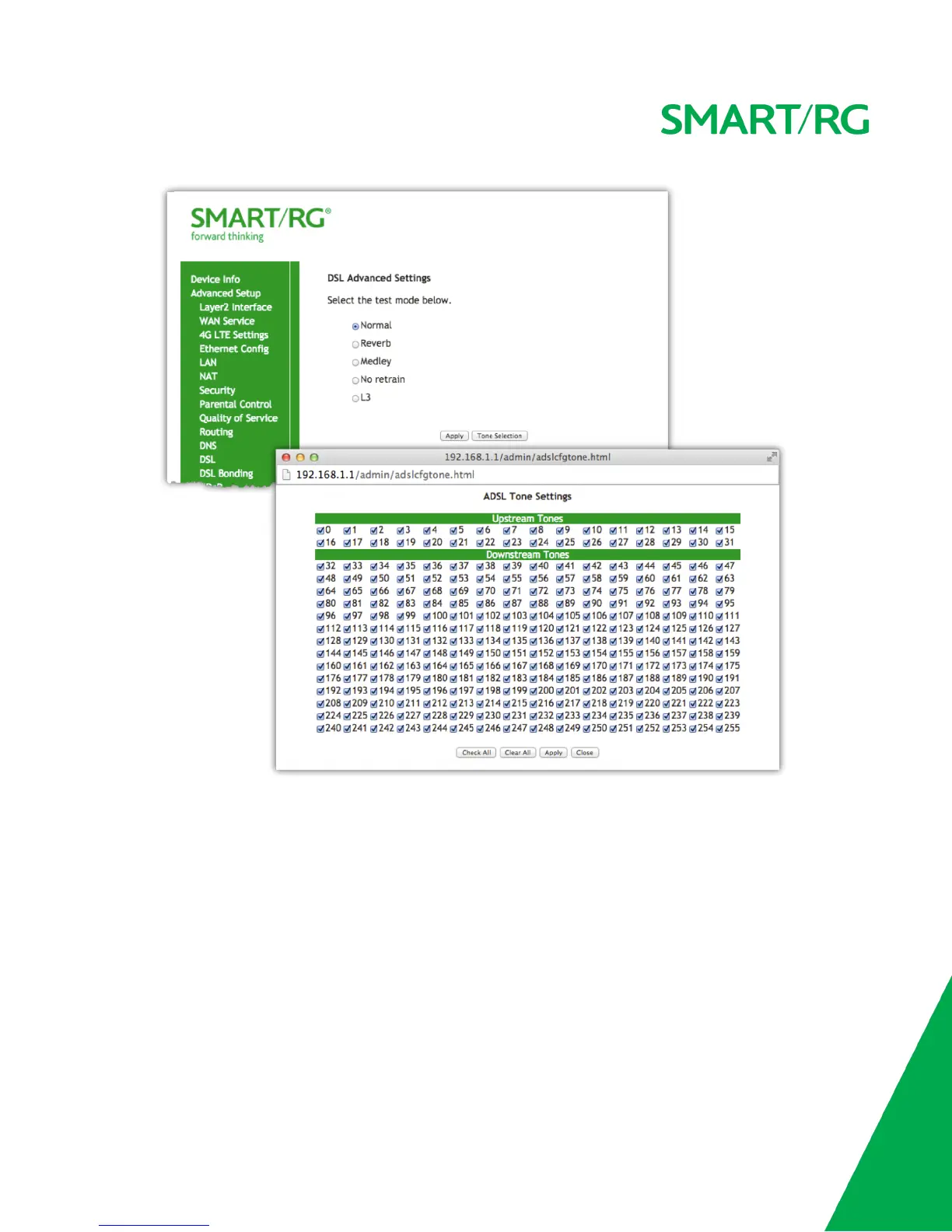
CAUTION: Do not modify the tones selected unless under explicit instruction from a telecommunications professional.
Click the Apply button to commit your changes.
DSL Bonding
NOTE: This feature supported only on SmartRG models SR550n and SR552n.
Bonding enables two DSL lines to feed the same modem. Utilize this screen to leverage the bandwidth of both lines. Bonded, they will behave as
a single, higher bandwidth connection.
After selecting Advanced Setup -> DSL Bonding from the left navigation bar. The following screen will appear. Check the checkbox to enable
Bonding.



 To Next Page