SMARTRG INC. PROPRIETARY AND CONFIDENTIAL. ALL RIGHTS RESERVED. COPYRIGHT © 2014 29
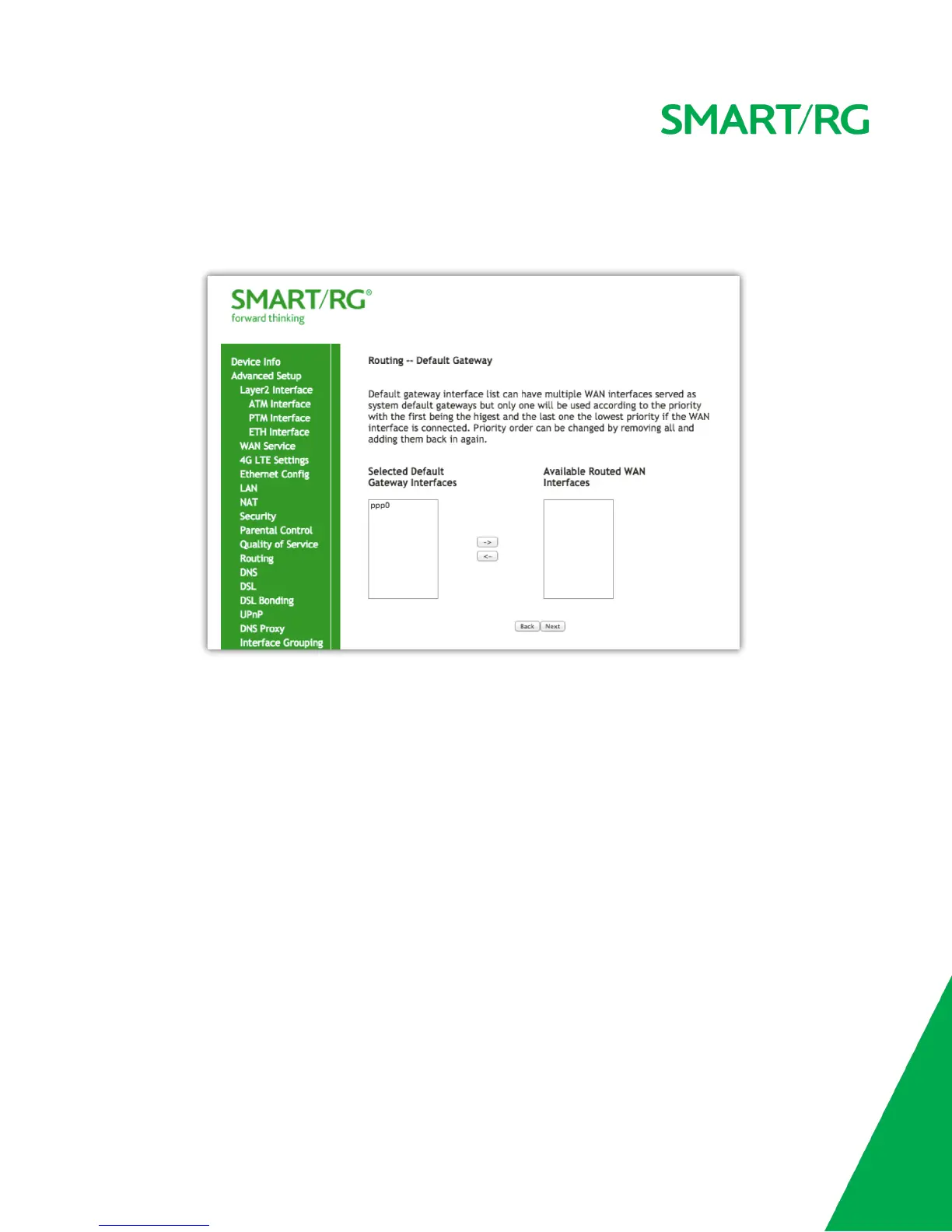
Next, Select the interface used as a default gateway used for the PPP service being created.
Use the -> button to move your highlighted selection from left to right or <- for right to left
Click Next after completing the necessary fields.
Select DNS Server Interface from available WAN interfaces.
Use the -> button to move your highlighted selection from left to right or <- to move your selection from right to left.



 To Next Page