SMARTRG INC. PROPRIETARY AND CONFIDENTIAL. ALL RIGHTS RESERVED. COPYRIGHT © 2014 53
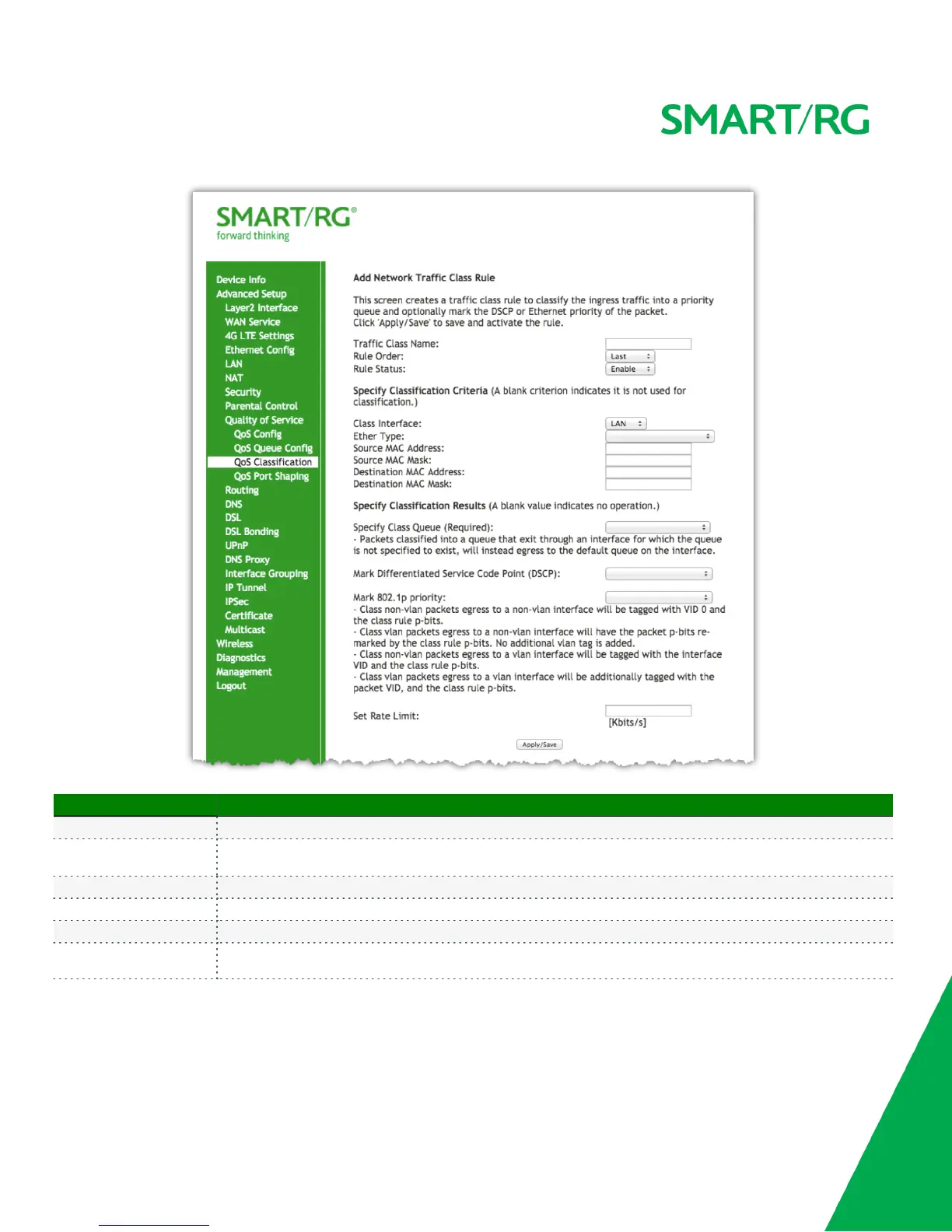
The individual fields on this screen are defined as follows:
Field Name Description
Classification Name A free form text field. Enter a descriptive name for this rule.
Rule Order
[Last, Null] Select Last to set this rule as the very last classification rule to be processed. Select Null to set this rule
as the next classification rule to be processed within the existing list of classification rules.
Rule Status [Enable, Disable] Select whether this rule is active or turned off.
Class Interface [local, eth0..eth4, wl0] Select an interface.
Ether Type [IP, ARP, IPV6] Select the Ethernet interface type for this classification.
Source MAC Address
Source MAC Mask
Enter the source MAC Address and Source MAC Mask applied to classification.



 To Next Page