SMARTRG INC. PROPRIETARY AND CONFIDENTIAL. ALL RIGHTS RESERVED. COPYRIGHT © 2014 73
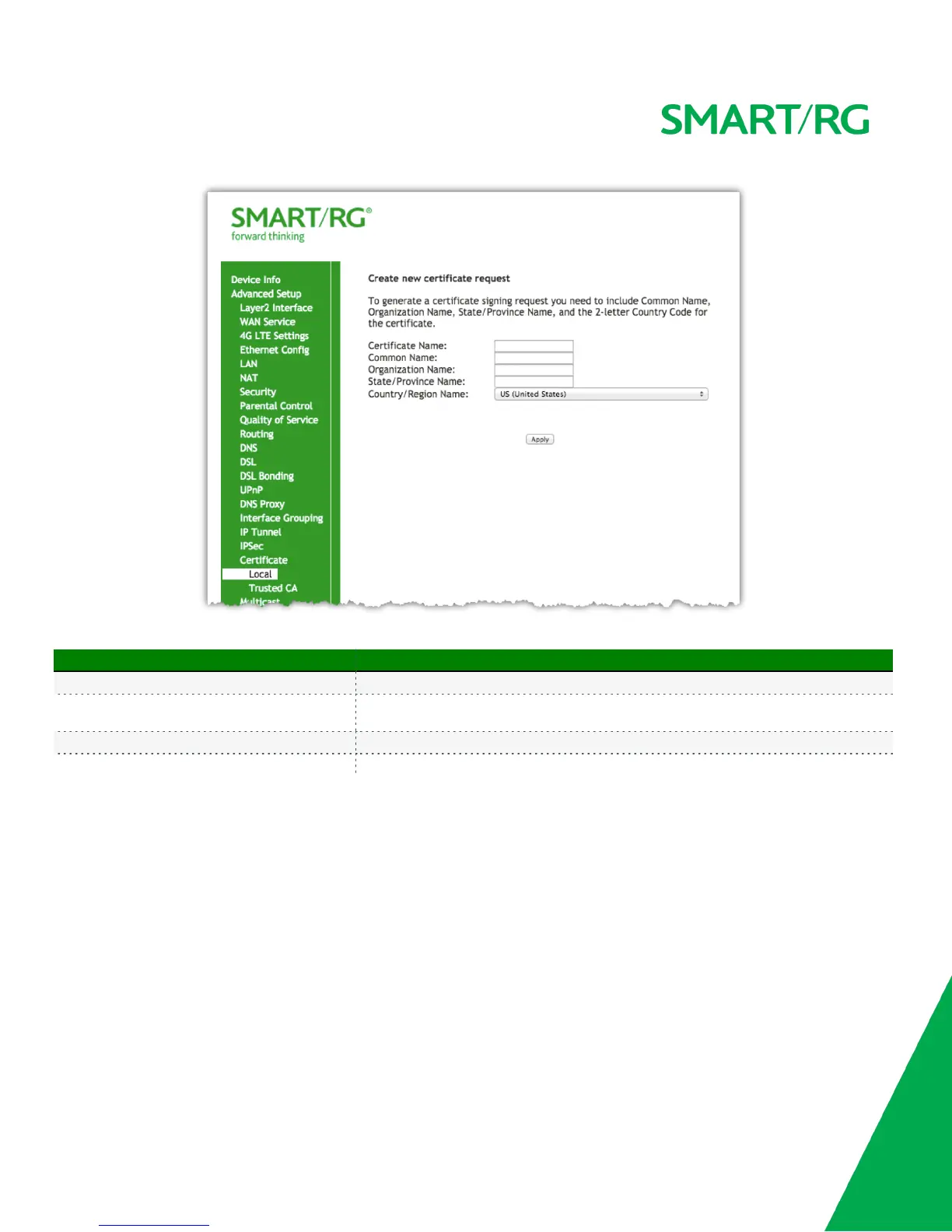
The individual fields on this screen are defined as follows:
Field Name Description
Certificate Name A free form text field. Typically used to describe the intended use of the certificate.
Common Name
The FQD of the ACS or other server to which this gateway will connect. In non ACS
environments, an IP address may be
Organization Name A free form text field. Typically the company name creating the request.
Country/Region Select the Country/Region in which this certificate will be employed.
Click Apply to complete the request.
Reference the ITU X.509 standard for certificate related details.
The Import Certificate button on the Local landing page facilitates putting the signed Certificate and corresponding Private Key information into
place.
1. Enter "cpecert" for this field.
2. Paste the Certificate details as indicated between the BEGIN and END markers.
3. Paste the Private Key information as indicated between the BEGIN and END markers.
Click Apply to commit this Certificate.



 To Next Page