SMARTRG INC. PROPRIETARY AND CONFIDENTIAL. ALL RIGHTS RESERVED. COPYRIGHT © 2014 91
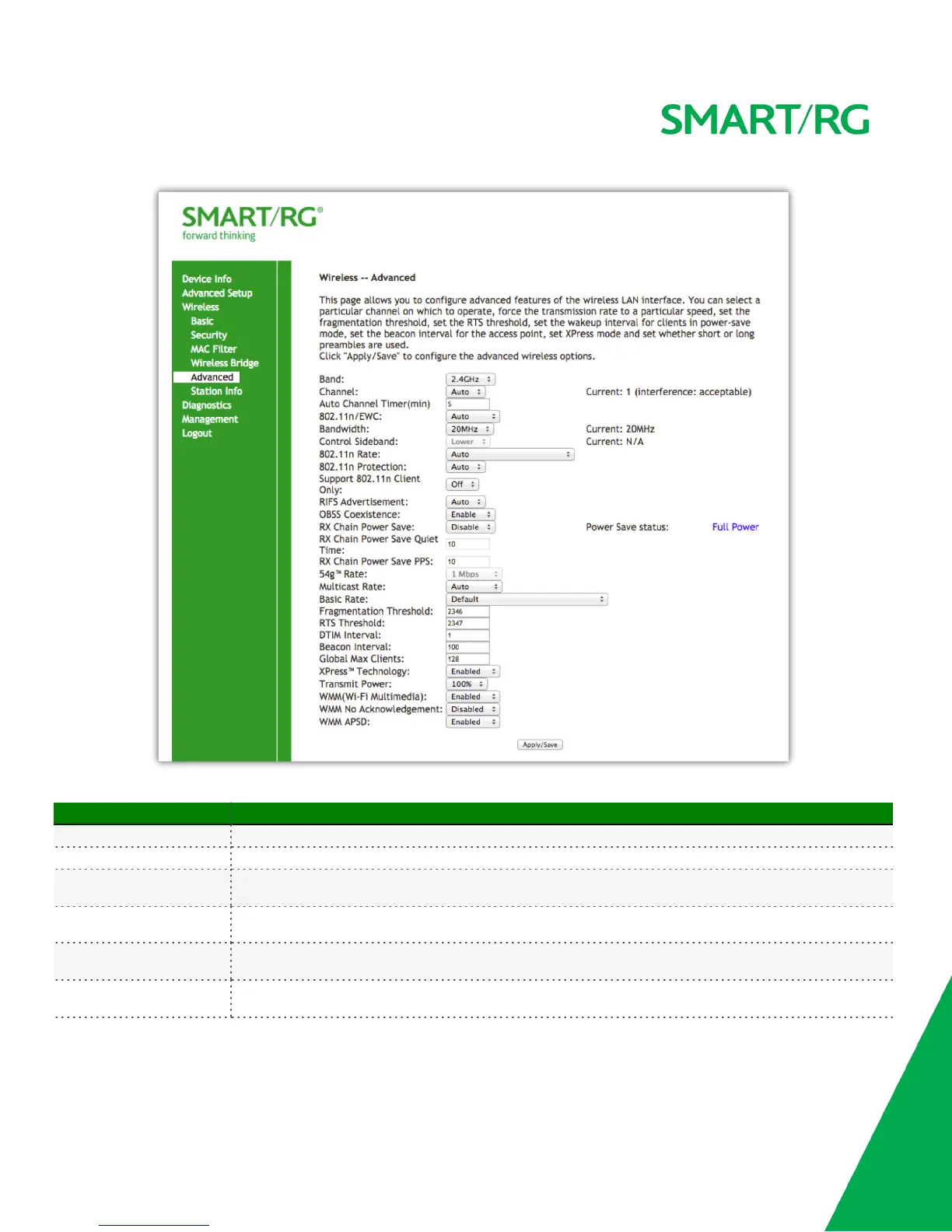
The individual fields on this screen are defined as follows:
Field Name Description
Band Pre-set at 2.4 GHz for compatibility with IEEE 802.11x standards.
Channel [Auto, 1-11] Select the Wi-Fi channel you wish to use.
Auto Channel Timer(min)
[0-65535 minutes] Set the frequency with which the gateway scans channels for interference. If a threshold of
inference is detected, a new channel will be auto selected.
802.11n/EWC
[Auto, Disabled]
Reference, IEEE 802.11n Draft 2.0 for details on this standard.
Bandwidth
[20MHz, 40MHz] Select the Bandwidth. 40MHz bandwidth provides better throughput by taking advantage of
two, adjacent 20MHz bands.
Control Sideband
[Upper, Lower] Select the appropriate sideband to minimize RF interference from adjacent channels and
maximize the throughput. Sideband controls only available in 40MHz mode.



 To Next Page