Paramount ME User’s Guide
106
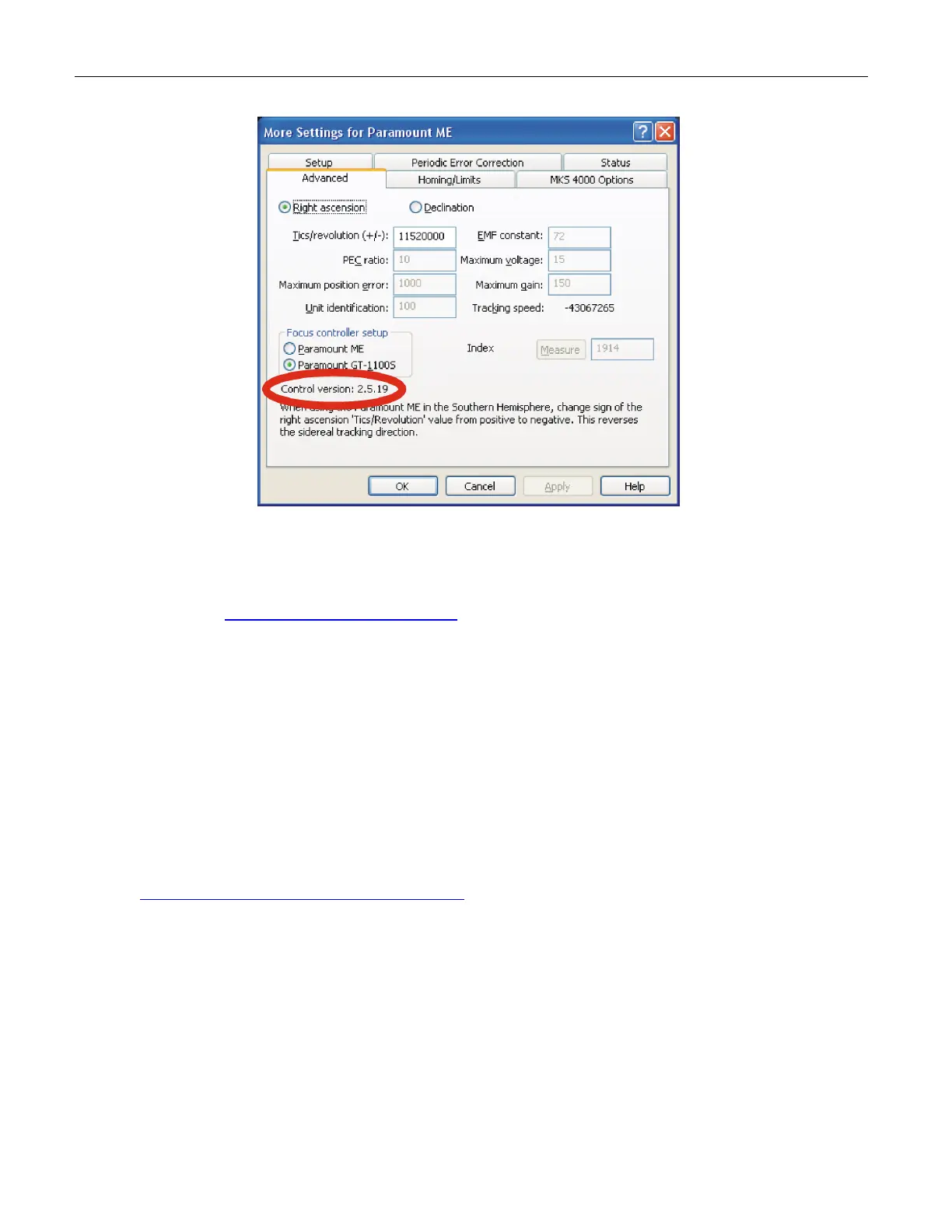
Figure 78: Advanced tab of the Paramount ME More Settings dialog box showing the firmware or
“control” version.
1. Download the most recent version of TheSky6 Professional Edition from Software
Bisque at HTUwww.bisque.com/downloadUTH.
2. The latest Paramount firmware is version for the MKS 3000 and MKS 3200 is 1.1.45.
The latest Paramount firmware is version for the MKS 4000 is 2.8.6. Files named
MKS1145.out and MKS4-286.out contain updated control software (firmware) that
will be transferred into Paramount’s control system. MKS1145.out is located in
TheSky6 Professional Edition’s folder:
<Drive>:\Program Files\Software Bisque\TheSky6\MKSXXXX.OUT
where <Drive> is the letter of the hard drive where TheSky6 Professional Edition was installed.
Firmware version 2.8.6 (MKS4-286.out) can be downloaded from the Software
Bisque web page at:
http://www.bisque.com/sc/media/p/52428.aspx
Firmware updates on the Paramount ME with the MKS 4000 can be performed
without setting any DIP switches. Note that to date there have been no updates
to the MKS 4000 control system firmware. From TheSky6, establish
communications with the mount, and then click Telescope > Options > More
Settings command. Click the For Flash Update button on the MKS 4000
Options tab to select the name of the firmware update file. Enter the name of
the firmware update file (MKSxxx.out, where xxxx is the latest firmware version)
and then click Update.
Firmware updates on the Paramount GT-1100S requires removing the side panel
(where the power switch and joystick plug in).



 To Next Page