3.
Optionally,setthebatteryOFFperiodsasfollows:
a.
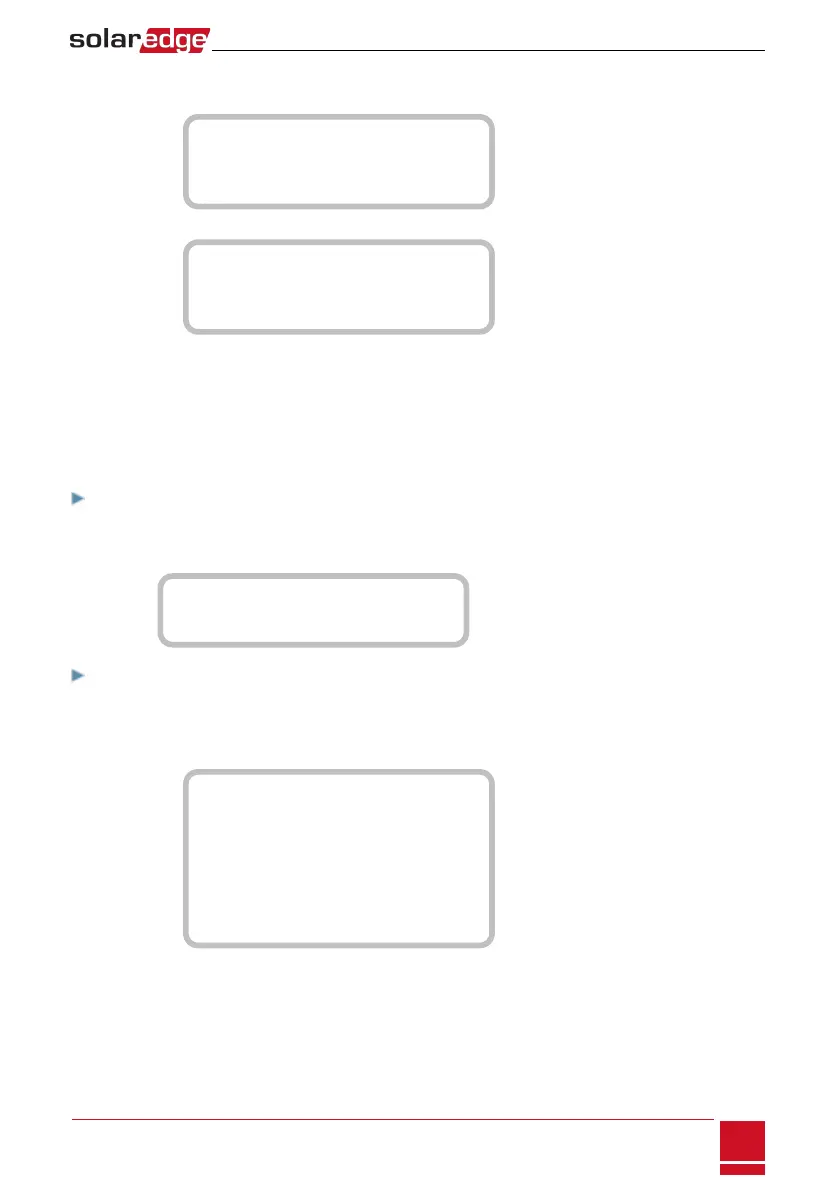
SelectSet Operation.Alistisdisplayed,allowing12monthlyprofilesetup:
J a n < O N >
F e b < O N >
M a r < O N >
A p r < O N >
b.
Selectamonth.Alistofoptionsisdisplayed.
S t a r t T i m e < 0 0 : 0 0 >
E n d T i m e < 0 0 : 0 0 >
A l w a y s O N
A l w a y s O F F
c.
Selectoneoftheoptions:
l SelectAlways OFFtoavoidbatteryusageentirely(forexampleduringwinter)
l SetStart TimeandEnd Timetosetbatteryusageinspecifichoursandavoidusageduring
specifichoursthroughoutthemonth(forexampleatnight).Thissetstheperiodsduring
whichthebatterywillbeintheOFFstate.
l SelectAlways ONtousebatteryatalltimesforcharging/discharging.
To set up Backup-only:
1. AccesstheEnergy Controlmenuasdescribedabove.
2.
SelectBackup only.TheEnergyManagerscreenchangestodisplaythefollowing:
L i m i t C o n t r o l < D i s >
E n e r g y C t r l < B U >
S t o r a g e C o n t r o l
To set up Backup Power + Smart Energy Management:
1.
VerifythatBackup issettoEnableasfollows(Backupshouuldbeenabledbydefaultifthehardware
supportsit).
a.
EnterSetupmodetodisplaythemainmenu:
C o u n t r y < U S A + >
L a n g u a g e < E n g >
C o m m u n i c a t i o n
P o w e r C o n t r o l
B a c k u p C o n f < E n >
D i s p l a y
M a i n t e n a n c e
I n f o r m a t i o n
b.
FromthemainmenuselectBackup Conf.
Chapter 9: System Configuration
SolarEdge-StorEdge Installation Guide MAN-01-00262-1.0
67






 To Next Page