181
Operation on LCD
====ExternalGen====
Forced Charg Period
End Time 2
00:00
====ExternalGen====
Allowed Disc Period
Start Time 2
00:00
====ExternalGen====
Allowed Disc Period
End Time 2
00:00
Figure 9-79 Setting Char&Disc period2
»
Setting Charge from grid
Default Charge battery to: 10%, setable range: 10%~100%.
====ExternalGen====
Charge from gird
> Enable <
====ExternalGen====
Charge battery to
10%
Figure 9-80 Setting Charge from grid
• Dry Contact
When you set Dry Contact, you can set MaxChargePower, Start Gen Method,
Char&Disc period, Char&Disc period2 and Charge from grid in the following
LCD screen.
»
Setting MaxChargePower
====ExternalGen====
MaxChargePower
0W
====ExternalGen====
Function Control
>Dry Contact<
Figure 9-81 Setting MaxChargePower
»
Setting Start Gen Method
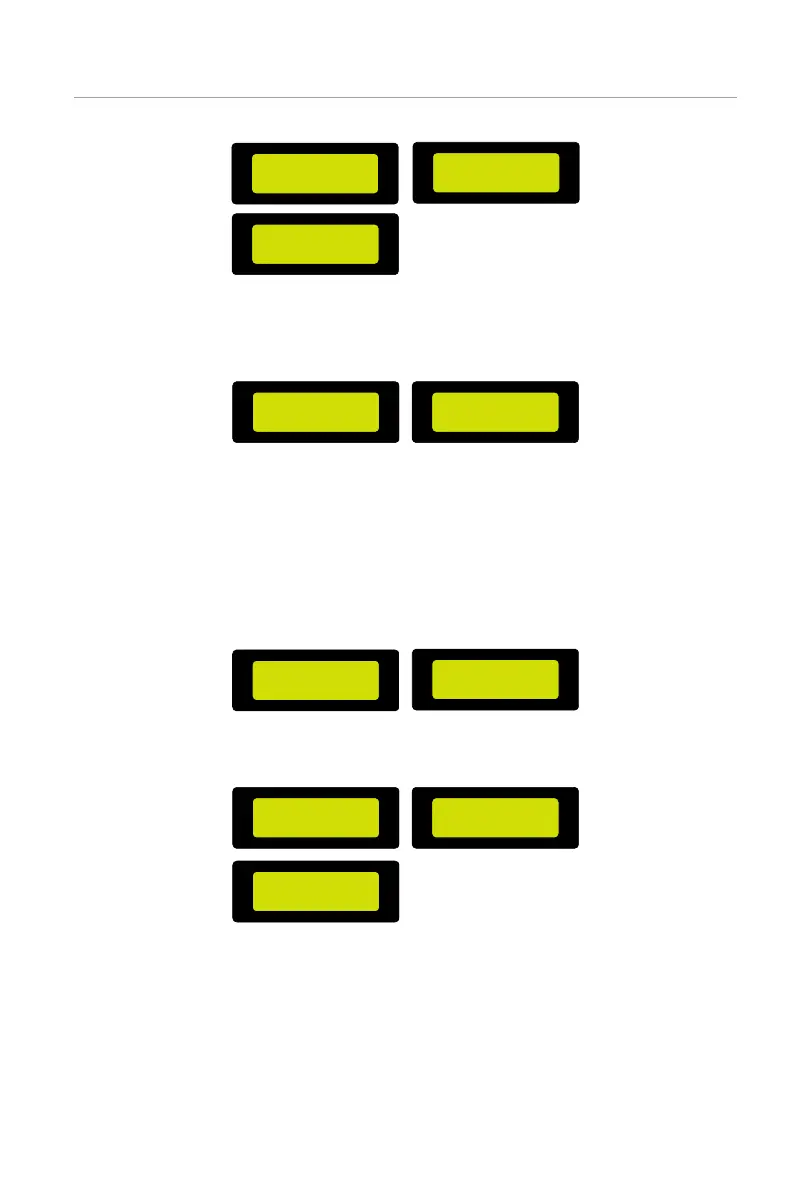
====ExternalGen====
Start Gen Method
>reference soc<
====ExternalGen====
Switch on soc
0%
====ExternalGen====
Switch off soc
0%
Figure 9-82 Setting Start Gen Method



 To Next Page
 Loading...







