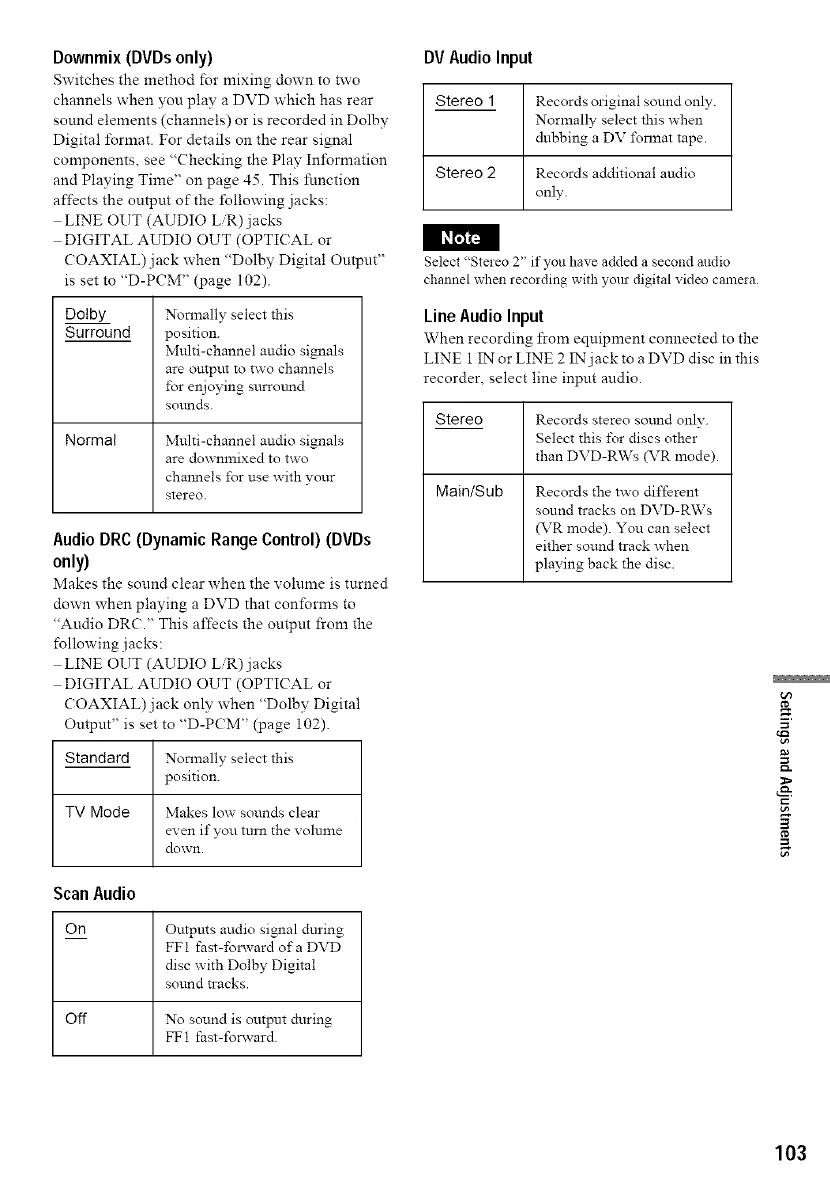
Downmix (DVDs only)
Switches the method for mixing down to two
channels when you play a DVD which has rear
sound elements (channels) or is recorded in Dolby
Digital format. For details on the rear signal
components, see "Checking the Play Inibrmation
and Playing Time" on page 45. This function
affects the output of the Ibllowing jacks:
LINE OUT (AUDIO L/R)jacks
DIGITAL AUDIO OUT (OPTICAL or
COAXIAL) jack when "Dolby Digital Output"
is set to "D-PCM" (page 102).
I I_
Dotby
Surround
Normal
Normally select this
position.
Multi-channel audio signals
are output to two channels
for enjoying surrotmd
SOl_lnds.
Multi-channel audio signals
are do_mnixed to two
channels lbr use with your
stereo.
Audio DRC (Dynamic Range Control) (DVDs
only)
Makes the sound clear when the volume is turned
down when playing a DVD that conforms to
"Audio DR(?." This affects the output from the
following jacks:
LINE OUT (AUDIO L/R)jacks
DIGITAL AUDIO OUT (OPTICAL or
COAXIAL) jack only when "Dolby Digital
Output" is set to "D-PCM" (page i02).
Standard Normally select this
position.
TV Mode Makes low sounds clear
even if you turn the volume
do_,vn.
Scan Audio
On Outputs audio signal during
FFI fast-foxavard ofa DVD
disc with Dolby Digital
sound tracks.
Off No sound is output during
FFI fast-forward.
DV AudioInput
Stereo 1
Records original sound only.
Normally select this _hen
dubbing a DV l\_nnat tape.
Stereo 2 Records additional audio
only.
Select "Stereo 2" if you have added a second audio
channel when recmding with your digital video camma.
Line Audio Input
When recording from equipment connected to the
LINE 1 IN or LINE 2 IN jack to a DVD disc in this
recorder, select line input audio.
Stereo
Main/Sub
Records stereo sound only.
Select this l\_r discs other
than DVD-R\Vs (VR mode).
Records the two different
sound tracks on DVD-RWs
(VR mode). You can select
either sound track when
playing back the disc.
g
103



 To Next Page