4
5
Pressthe numberbuttonsto enter the
PlusCodenumber.
If you make a mistake, press ('LEAR and re-
enter the correct munber.
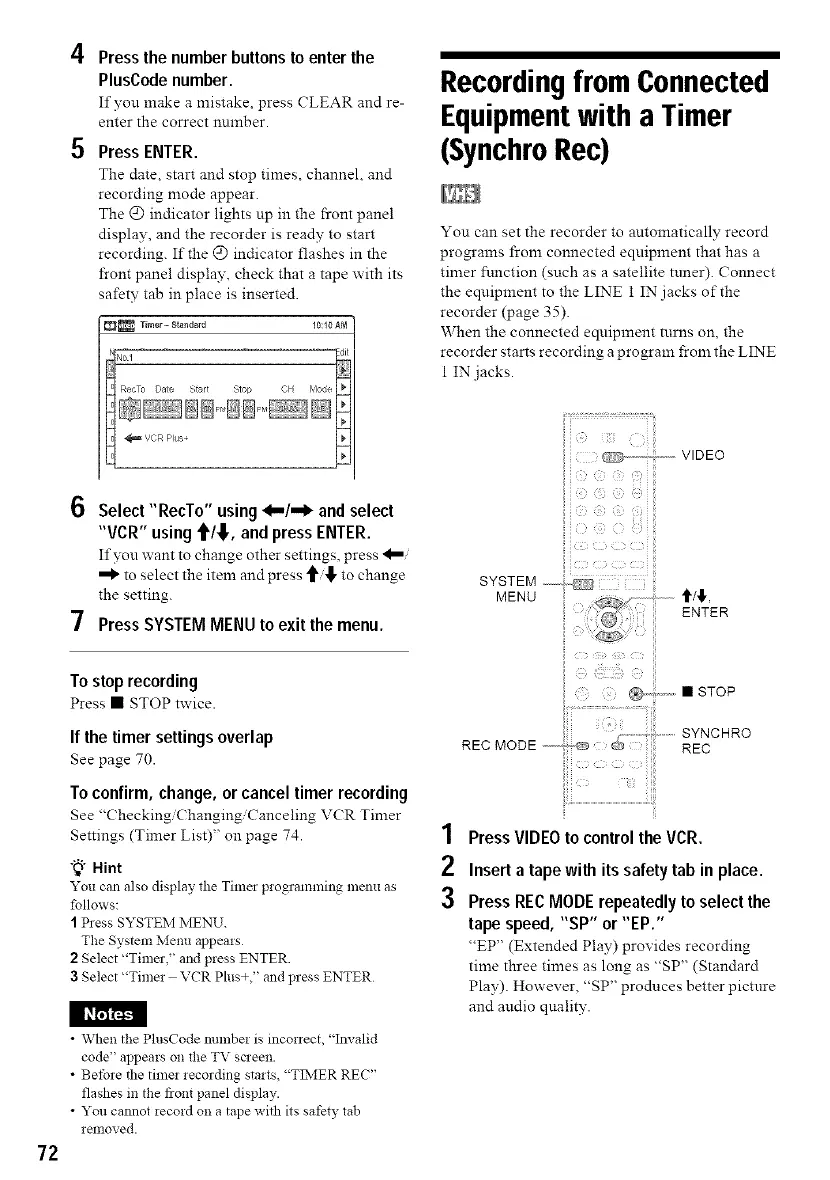
Press ENTER.
The date, start and stop times, channel, and
recording mode appear.
The @ indicator lights up in the front panel
display, and the recorder is ready to start
recording. If the @ indicator flashes in the
front panel display, check that a tape with its
safety tab in place is inserted.
_ Timer = $_andard I0:I0AM
Recordingfrom Connected
Equipmentwith a Timer
(SynchroRec)
You can set the recorder to automatically record
programs from connected equipment that has a
timer function (such as a satellite tuner). Connect
the equipment to the LINE 1 IN jacks of the
recorder (page 35).
When the connected equipment turns on, the
recorder starts recording a program from the LINE
1 IN jacks.
72
6 Select "RecTo" using <,,-/,-I_ and select
"VCR" using t/,!,, and press ENTER.
If yon want to change other settings, press
to select the item and press to change
the setting.
7 Press SYSTEM MENU to exit the menu.
Tostop recording
Press • STOP twice.
If the timer settings overlap
See page 70.
To confirm, change, or cancel timer recording
See "( heckingi( hanging/Canceling V(R Timer
Settings (Timer List)" on page 74.
"_"Hint
You can also display the Tima programming menu as
follows:
I Press SYSTEM MENU.
The System Menu appears
2 Select "Timer," and press ENTER.
3 Select "Timer VCR Plus+," and press ENTER
• When the PlusCode number is inconect, "Invalid
code" appears on the TV saeen.
• Before the timer recording starts, "TLMER REC"
flashes in the front panel display.
• You cannot record on a tape with its safety lab
removed.
SYSTEM 4C23
MENU
REC MODE ...........
ENTER
1 Press VIDEOto control theVCR.
2 Inserta tape with its safety tab in place.
3 PressRECMODErepeatedlyto select the
tape speed, "SP" or "EP."
"EP" (Extended Play) provides recording
time three times as long as "SP" (Standard
Play). However, "SP" produces better pictnre
and audio qnality.



 To Next Page