BeforeRecording
Before you start recording...
• This recorder can record on varions discs. Select
the disc type according to your needs (page 10).
• Check that the disc has enough available space
lbr the recording (page 50). For DVD-RWs, you
can tree up disc space by erasing titles (page 82).
I I_
"_° Hint
Tilne! lecordings will stair regmdless of whethe! o! not
the recorder is mined on. You cannot mm off the
recorder during a timer recording. The recorder
automatically tmns off after the timer recording finishes
• This recolder records at x I speed
• This recolder shaies a single tuner for both the DVD
recorder and the VCR You cannot record different
programs to a DVD and a VHS tape at the same time
Recordingmode
Like the SP or EP recording mode of VCRs, this
recorder has six different recording modes.
Select a recording mode according to the time and
picture quality you need. For example, if picture
quality is your top priorit% select the High Quality
mode (HQ). If recording time is your priority
Super Long Play mode (SLP) can be a possible
choice. Note that the recording time in the
following table is an approximate guide.
Press REC MODE repeatedly to switch the
recording modes.
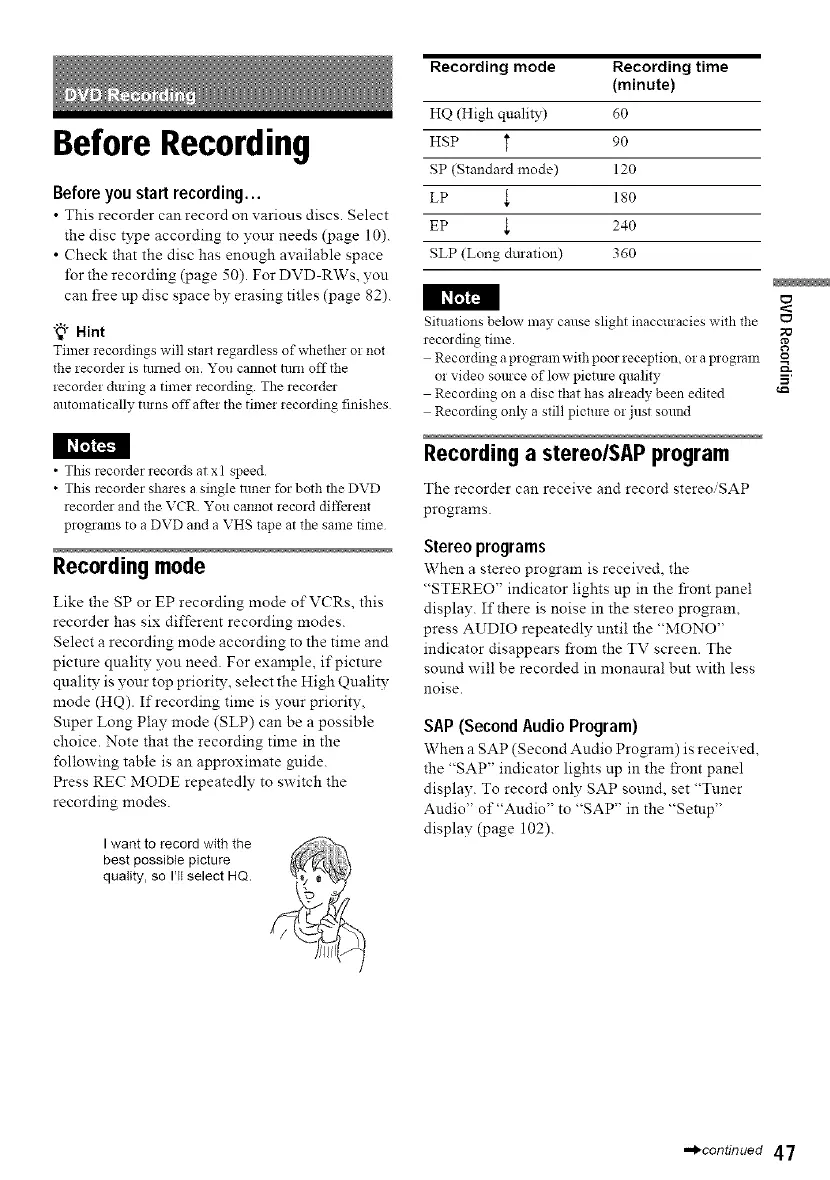
I want to record with the
best possible picture
quality, so I'll select HQ.
Recording mode Recording time
(minute)
HQ (High quality) dO
HSP _ 90
SP (Standard mode) 120
LP _ 180
EP t 240
SLP (Long dm-ation) 360
Situations below may cause slight inaccuracies with the
recording time.
Recording a program with poor reception, or aprogram
or video somce of low pictme quality
Recording on a disc that has already been edited
Recording only a still picture or just sollnd
Recordinga stereo/SAPprogram
The recorder can receive and record stereo/SAP
programs.
Stereo programs
When a stereo program is received, the
"STEREO" indicator lights up m the front panel
display. If there is noise in the stereo program,
press AUDIO repeatedly until the "MONO"
indicator disappears from the TV screen. The
sound will be recorded in monaural but with less
noise.
SAP (Second Audio Program)
When a SAP (Second Audio Program) is received,
the "SAP" indicator lights np in the front panel
display. To record only SAP sound, set "Tuner
Audio" of "Audio" to "SAP" in the "Setup"
display (page 102).
o
5'
,,,,_continued 47



 To Next Page