• The recorder may not be able to play some DATA CDs
created in the Packet Write format
• Tile recorder will play any data with the extension
"MP3," even if they are not in MP3 £bmlat. Playing
this data may generate a loud noise which could
damage your speaker system.
• The recorder does not con£brm to audio tlacks in
MP3PRO tbnnat.
• The recorder can recognize up to 499 MP3 files within
a single folder. The recorder may not recognize solne
discs depending on the recording device used tbr
recording or the disc condition
• The recorder can play MP3 audio t_acks recorded in the
tbllowing sampling frequencies: 32 kHz, 44t kHz,
48 kHz.
• ID3 tags cannot be displayed.
• Only alphabet and nmnbers can be used for album or
track names. Anything else is displayed as an asWrisk.
Playing JPEGImage Files
You can play JPEG image files on DATA CDs
(CD-Rs,CD-RWs).
iiiii_:_'_;__:_;'_i!iii
TOOLS
CE_
TOP MENU ......,-._ ENTER
I::> PLAY .....,,i!_
4
/ PressDVDtocontrolthe DVDrecorder.
2 Place a DATACD onthe disctray,
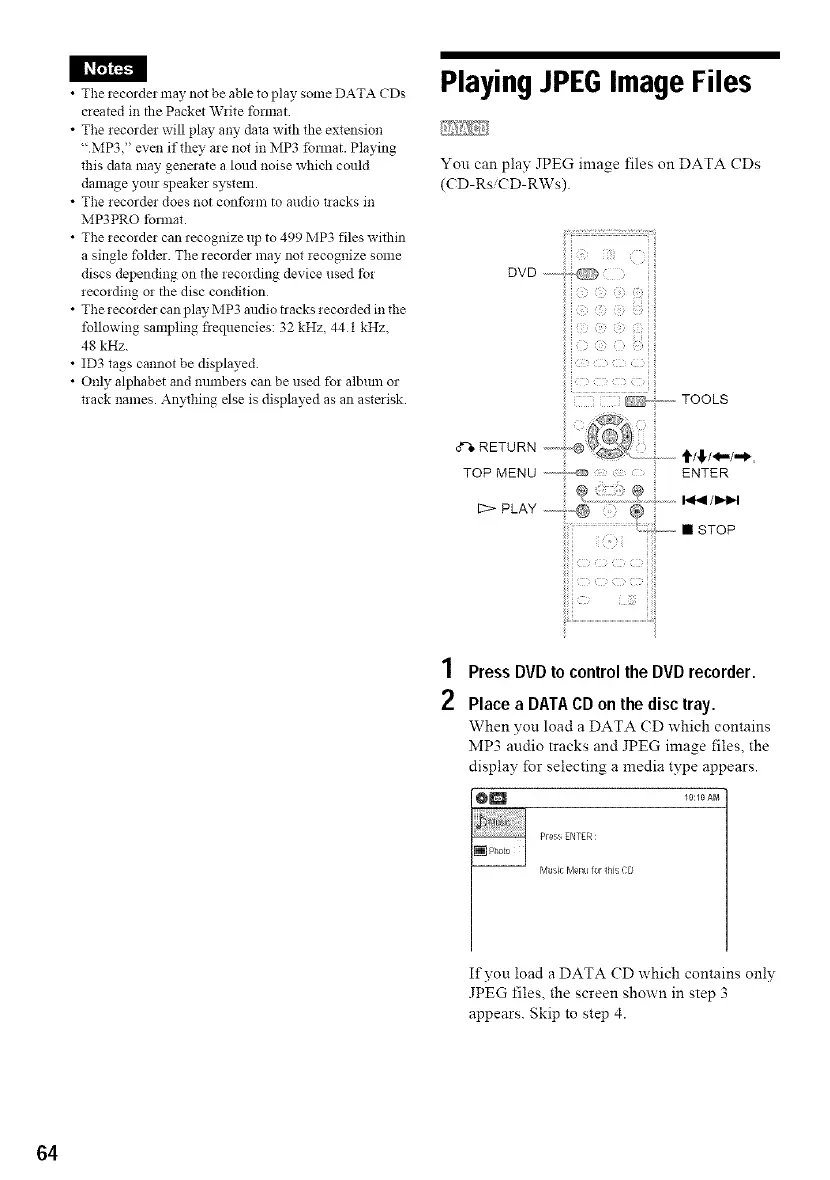
When yon load a DATA (D which contains
MP3 audio tracks and JPEG image files, the
display for selecting a media type appears.
@1_1 _O:_OAM
Press ENTER :
Music Menu for _his CD
If you load a DATA CD which contains only
JPEG files, the screen shown in step 3
appears. Skip to step 4.
64



 To Next Page