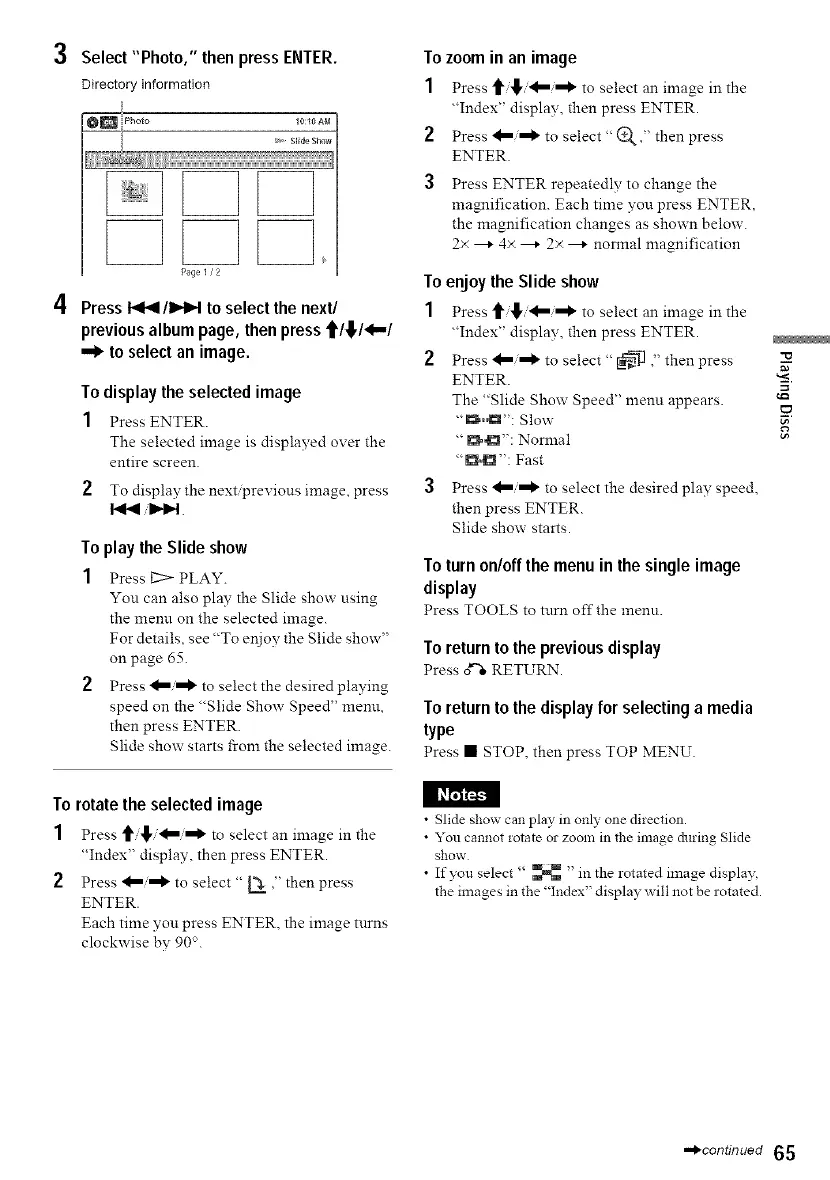
3 Select"Photo," then press ENTER.
Directory information
10:10 AM
,,
Page 1/2
4 Press I_1_1/1_1_1to select the next/
previous album page, thenpress fit,/4.-/
.._ to selectan image.
To display the selected image
1 Press ENTER.
The selected image is displayed over the
entire screen.
2 To display the next/previous image, press
To play the Slide show
1 Press _ PLAY.
You can also play the Slide show using
the menn on the selected image.
For details, see "To eNoy the Slide show"
on page 65.
2 Press _"_ to select the desired playing
speed on the "Slide Show Speed" menu,
then press ENTER.
Slide show starts from the selected image.
To zoom in an image
1 Press t _, _'='_ to select an image in the
"Index" display, then press ENTER.
2 Press _i,=O_ to select" (D_," then press
ENTER.
3 Press ENTER repeatedly to change the
magnification. Each time you press ENTER,
the magnification changes as shown below.
2x ---* 4x ---* 2× ---* normal magnification
To enjoy the Slide show
1 Press _ _, 4=,=0_ to select an image in the
"Index" display, then press ENTER.
2 Press _/'='_ to select "_ "' then press
ENTER.
The "Slide Show Speed" menu appears.
"_,Ct": Slow
"I_": Normal
"D°D": Fast
3 Press _/_ to select the desired play speed,
then press ENTER.
Slide show starts.
To turn on/offthe menu in the single image
display
Press TOOLS to tnrn off the menn.
To return to the previous display
Press d'-"eRETURN.
Toreturn to the displayfor selecting a media
type
Press • STOP, then press TOP MENU.
==
_D
i.o
To rotate the selected image
1 Press _/_,/4=/,=0_ to select an image in the
"Index" display, then press ENTER.
2 Press _i,=O_ to select " L_ ," then press
ENTER.
Each time you press ENTER, the image turns
clockwise by 90".
• Slide show can play in only one direction.
• You cannot rotate or zoo]]] in the in]age &_ring Slide
show
• If you select '' _ "in the rotated image displa_
the images in the "Index" display will not be rotated.
-,_continued 65



 To Next Page