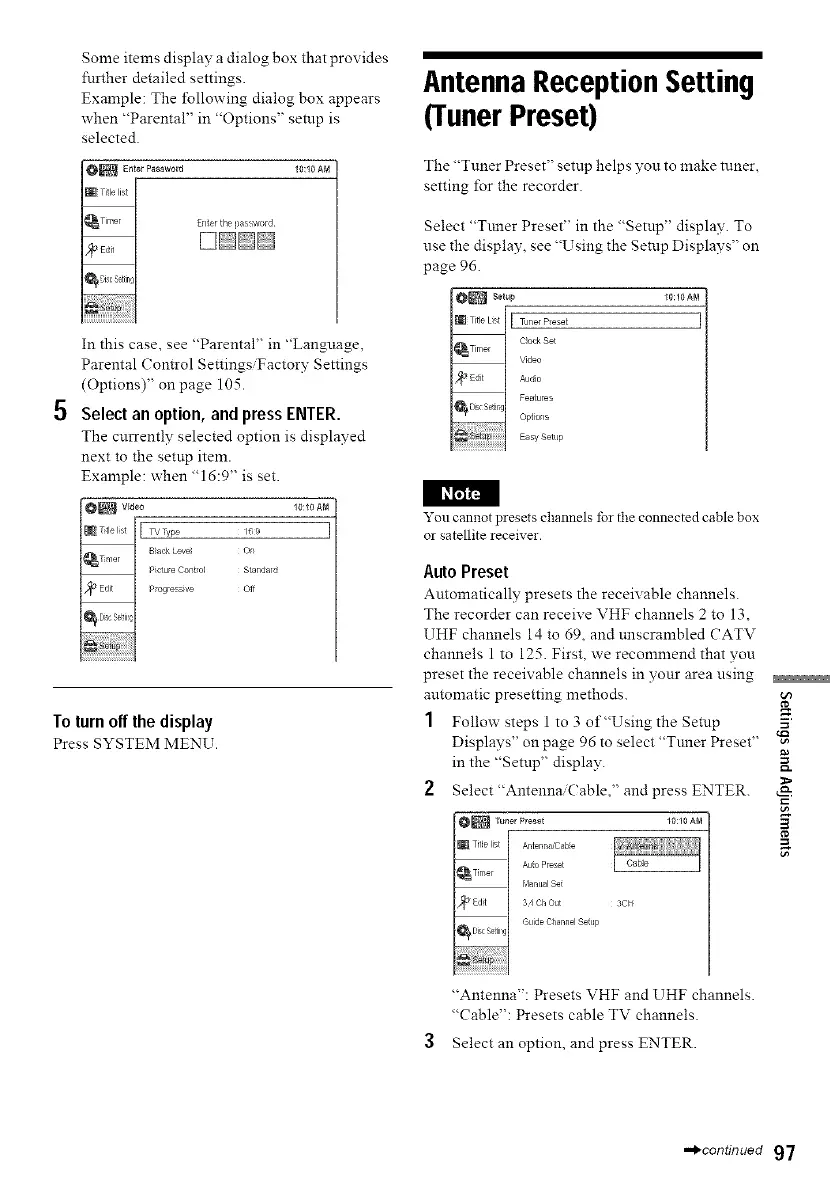
Some items display a dialog box that provides
further detailed settings.
Example: The following dialog box appears
when "Parental" in "Options" setup is
selected.
10:10 AM
E_/terthel?aSsword
In this case, see "Parental" in "Language,
Parental Control Settings/Factory Settings
(Options)" on page 105.
5 Select an option, and press ENTER.
The currently selected option is displayed
next to the setup item.
Example: when "16:9" is set.
I l_r_
10:10 AM
16 9
On
Standald
Off
To turn off the display
Press SYSTEM MENU.
Antenna Reception Setting
(Tuner Preset)
The "Tuner Preset" setup helps you to make tuner,
setting lbr the recorder.
Select "Ttmer Preset" in the "Setup" display. To
use the display, see "Using the Setup Displays" on
page 96.
10:10AN
You cannot presets channels tbr the connected cable box
or satellite receive1.
Auto Preset
Automatically presets the receivable channels.
The recorder can receive VHF channels 2 to 13,
UHF channels 14 to 69, and tmscrambled CATV
channels 1 to 125. First, we recommend that you
preset the receivable channels in your area using
automatic presetting methods.
1 Follow steps 1 to 3 of"Using the Setup
Displays" on page 96 to select "Tuner Preset" 'N
in the "Setup" display.
2 Select"Antenna,Cable," and press ENTER.
_ TunerPreset 10:10AN
® Title list [ Antenna/Cable
k
,_ Time I Auto Preset
k Manual Set
_rl,_ F 34 OhOut 3CFF
Guide Channel Setup
_Dis SeitilgI
"Antenna": Presets VHF and UHF channels.
"Cable": Presets cable TV channels.
Select an option, and press ENTER.
==_continued 97



 To Next Page