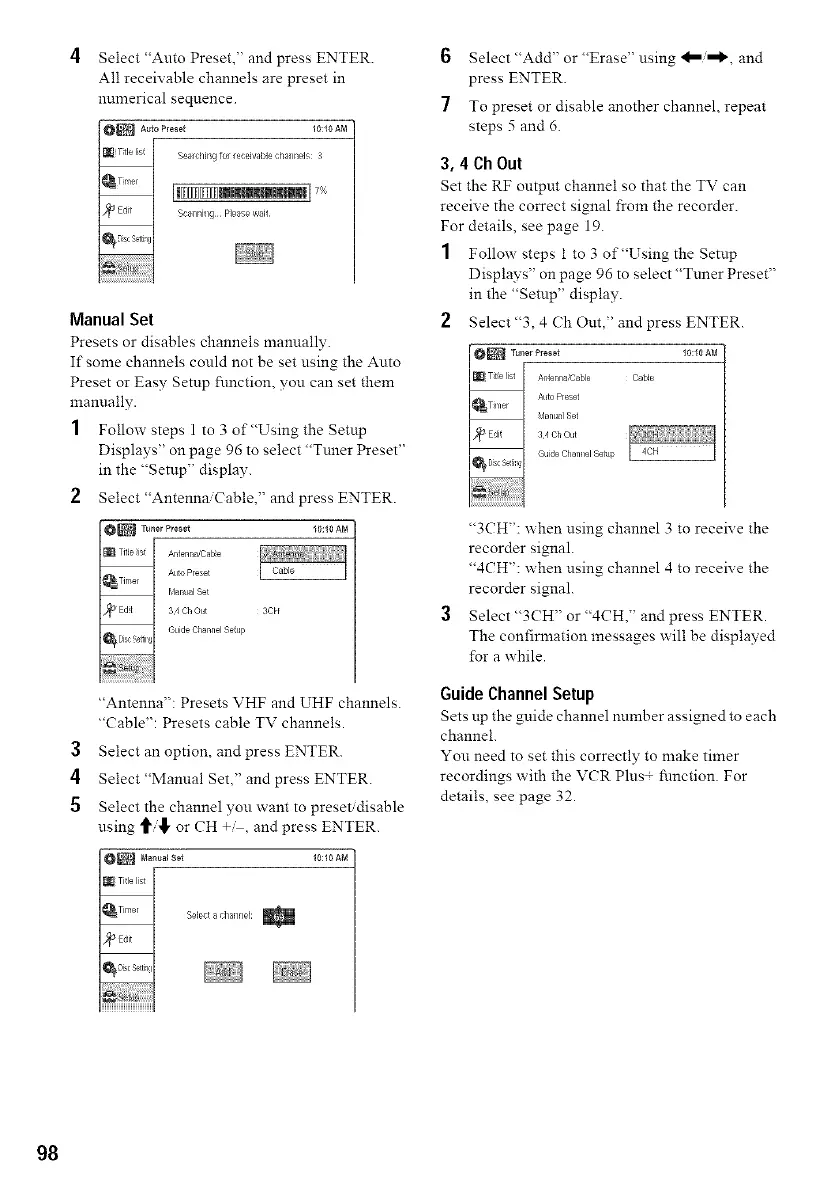
4 Select"Auto Preset," and press ENTER.
All receivable channels are preset in
numerical sequence.
Manual Set
Presets or disables channels manually.
If some channels could not be set using the Auto
Preset or Easy Setup function, you can set them
manually.
1 Follow steps 1 to 3 of"Using the Setup
Displays" on page 96 to select "Tuner Preset"
in the "Setup" display.
2 Select "Antennai( able," and press ENTER.
_ TunerPreset I0:I0AM
......tZ:7
GuideChannel Se{up
"Antenna": Presets VHF and UHF channels.
"Cable": Presets cable TV channels.
3 Select an option, and press ENTER.
4 Select"Manual Set," and press ENTER.
5 Select the channel you want to preset, disable
using "_i![ or CH +_, and press ENTER.

_ Manual Se* 10:10 AM
_rt Titlelis! I
k
_Timer I Selecl aclnalmet:
k
7_cS ttin ii
6 Select "Add" or "Erase" using _/,,,1_ and
press ENTER.
To preset or disable another channel, repeat
steps 5 and 6.
3, 4 Ch Out
Set the RF output channel so that the TV can
receive the correct signal from the recorder.
For details, see page 19.
1 Follow steps 1 to 3 of"Using the Setnp
Displays" on page 96 to select "Tnner Preset"
in the "Setup" display.
2 Select"3, 4 Ch Out," and press ENTER.
Tun_rPreset 10:10AM
A_tenna_Cable Cable
Auto Preset
GLlld8 Channel Setttp
"3CH": when using channel 3 to receive the
recorder signal.
"4CH": when using channel 4 to receive the
recorder signal.
Select "3CH" or "4CH," and press ENTER.
The confirmation messages will be displayed
for a while.
Guide Channel Setup
Sets up the guide channel nnmber assigned to each
channel.
You need to set this correctly to make timer
recordings with the VCR Plus+ function. For
details, see page 32.
98