13Select whether or not you want to send a
DTSsignal toyouramplifier(receiver),
and press ENTER.
If yottr AV amplifier (receiver) has a DTS
decoder, select "On." Otherwise, select "Off."
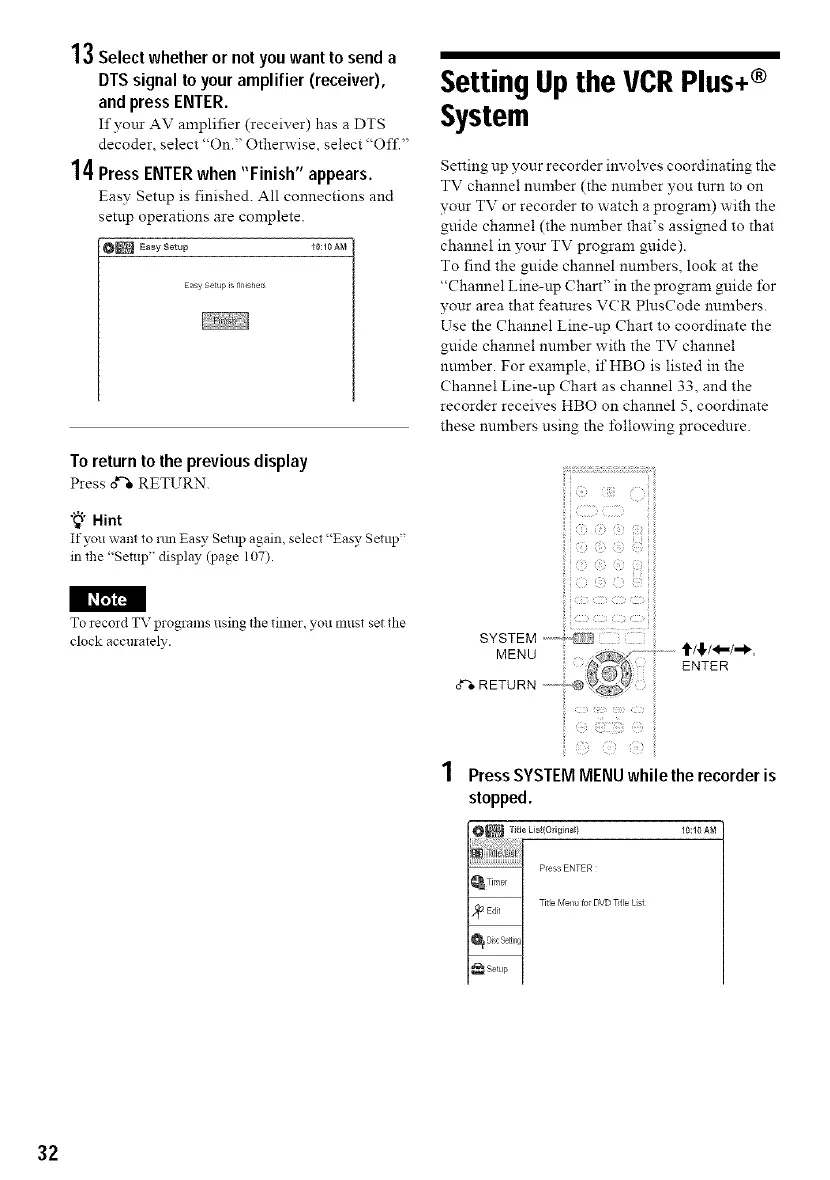
14Press ENTER when "Finish" appears.
Easy Setup is finished. All connections and
setup operations are complete.
O_ Easy Setup _O:lOAN
Easy Setup _snnished
To returnto the previous display
Press o_'"eRETURN.
"_° Hint
If you want to mn Easy Setup again, select "Easy Setup"
in tlle "Setup" display (page 107).
i_r_
To record TV programs using tile timer, you must set die
clock accurately.
SettingUpthe VCRPlus+®
System
Setting up your recorder involves coordinating the
TV channel number (the number you turn to on
your TV or recorder to watch a program) with the
guide channel (the number that's assigned to that
channel in your TV program guide).
To find the guide channel numbers, look at the
"Channel Line-up (?hart" in the program guide i"or
your area that features VCR PlusCode numbers.
Use the Channel Line-up Chart to coordinate the
guide channel number with the TV channel
number. For example, ifHBO is listed in the
Channel Line-up Chart as channel 33, and the
recorder receives HBO on channel 5, coordinate
these mmrbers using the i"ollowing procednre.
!i_i_ii_i_,_!_<_'_i__ii!il_iii
ii!i __ _i__ , ,_i_ii_i
PressSYSTEMMENUwhile the recorderis
stopped.
10:10 AM
32



 To Next Page