6 Select"Auto," and press ENTER.
The recorder will antomatically search for a
channel that carries a time signal when you
turn off the recorder after finishing Easy
Setup.
• If broadcasters in your area are not yet
sending time signals, select "Manual," and
press ENTER. Press to set the month
and press "_. Set the dab,, year, hour,
minutes, and AM,PM in the same way. The
day of the week is set automatically.
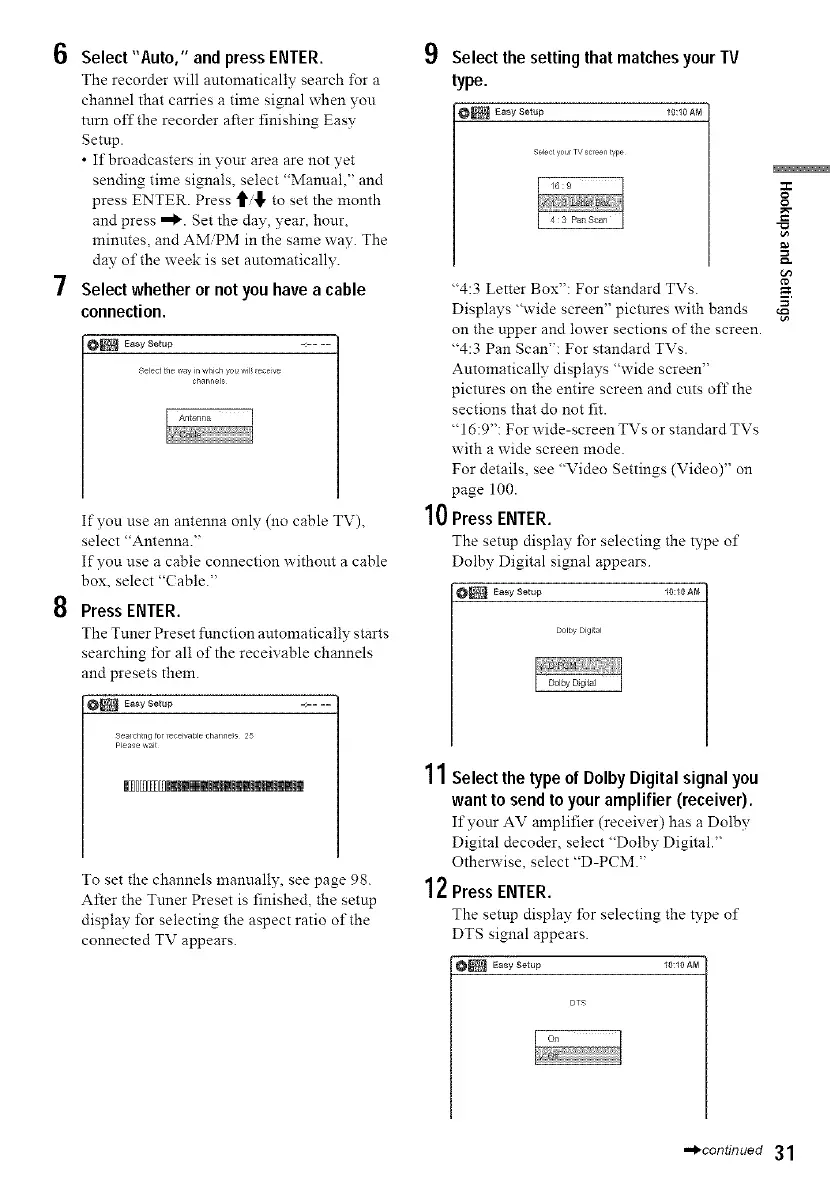
7 Select whether or not you have a cable
connection.
O_ Easy Setup - ....
Select tie way in _,hich you vil_ eeve
channel
If you use an antenna only (11o cable TV),
select "Antenna."
If you use a cable connection without a cable
box, select "(?able."
8 Press ENTER.
The Tuner Preset function automatically starts
searching for al! of the receivable channels
and presets them.
O_ Easy Setup -:....
3era chmg forlece}vable chalme_s 25
Please aait
|[Du[D@w|m|mmm|m|m|m|m|m|m|m
To set the channels manually, see page 98.
After the Tnner Preset is finished, the setup
display for selecting the aspect ratio of the
connected TV appears.
Select the setting that matches your TV
type.
_ Easy Selup _0:10 AM
Selectyo,_rTY screentyp_
10
"4:3 Letter Box": For standard TVs.
Displays "wide screen" pictures with bands
on the upper and lower sections of the screen.
"4:3 Pan Scan": For standard TVs.
Automatically displays "wide screen"
pictures on the entire screen and cuts offthe
sections that do not fit.
"16:9": For wide-screen TVs or standard TVs
with a wide screen mode.
For details, see "Video Settings (Video)" on
page 100.
Press ENTER.
The setup display for selecting the type o1"
Dolby Digital signal appears.
_ Easy Setup 10:_0 AM
Dolby Digital
11Select the type of Dolby Digital signal you
want to send to your amplifier (receiver).
If yonr AV amplifier (receiver) has a Dolbb,
Digital decoder, select "Dolby Digital."
Otherwise, select "D-PCM."
12Press ENTER.
The setup display for selecting the type o1"
DTS signal appears.
_ Easy getup 10:10 AM
O
g
==
-,_continued 31



 To Next Page