AudioSettings (Audio)
The Audio setup allows you to adjust the sound
according to the playback and connection
conditions.
1 PressSYSTEMMENUwhile therecorderis
in stop mode.
2 Select"Setup," and pressENTER.
3 Select"Audio," and pressENTER.
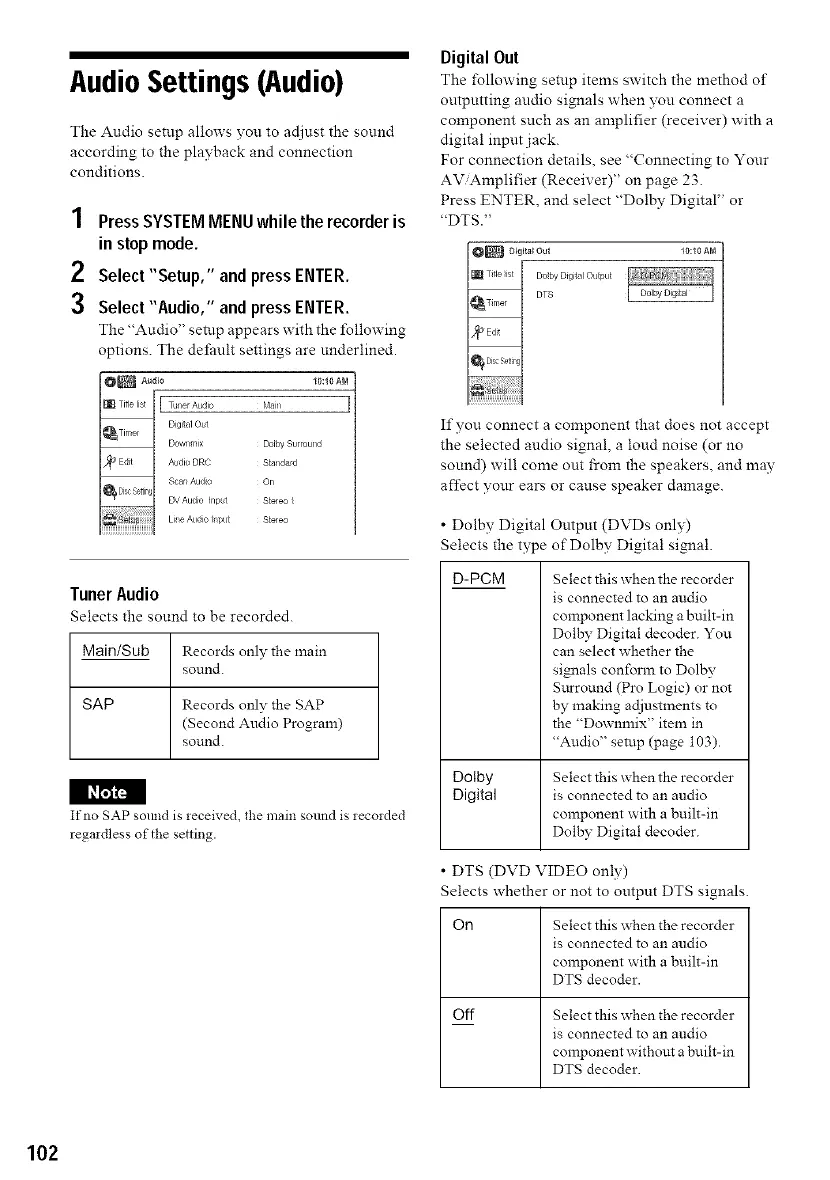
The "Audio" setup appears with the following
options. The deJthultsettings are underlined.
Dolby Surround
Slandard
On
Sleleo}
S_e_eo
Tuner Audio
Selects the sound to be recorded.
Main/Sub Records only the main
sound.
SAP Records only the SAP
(Second Audio Program)
sound.
I_
If no SAP somld is ieceived, the main sound is iecolded
regaidless of the setting.
Digital Out
The following setup items switch the method of
outputting audio signals when you connect a
component such as an amplifier (receiver) with a
digital input jack.
For connection details, see "Connecting to Your
AV'Amplifier (Receiver)" on page 23.
Press ENTER, and select "Dolby Digital" or
"DTS."
i_ D_gita_out
_iTitlelist J DolbyDigitalOutput
_Tmer J DTS
I
10:10 AN
If you connect a component that does not accept
the selected audio signal, a loud noise (or no
sound) will come out from the speakers, and may
affect your ears or cause speaker damage.
• Dolby Digital Output (DVDs only)
Selects the type of Dolby Digital signal.
D-PCM
Select this when the recorder
is connected to an audio
component lacking abuilt-in
Dolby Digital decoder. You
can select whether the
signals conform to Dolby
Snrround (Pro Logic) or not
by making adjustments to
the "Downmix" item in
"Audio" setup (page 103).
Dotby Select this when the recorder
Digital is connected to an audio
component with a built-in
Dolby Digital decoder.
• DTS (DVD VIDEO only)
Selects whether or not to output DTS signals.
On Select this when the recorder
is connected to an audio
component with a built-in
DTS decoder.
Off Select this when the recorder
is connected to an audio
component without a buih-in
DTS decoder.
102



 To Next Page