4 PressSYSTEMMENUwhile the recorderis
in stopmode.
5 Select"Setup," andpress ENTER.
6 Select"Features," andpress ENTER.
The "Features" setup appears.
7 Select "Synchro Recording,"and press
ENTER.
8 Select "to Video," and pressENTER.
9 PressSYSTEMMENU to exit the menu.
10 Set the timer onthe connectedequipment
to the time of the programyouwant to
record, and turn it off.
11 PressSYNCHROREC.
The SYN(HRO RE( indicator lights np on
the front panel. The recorder is ready to start
Synchro-Recording.
The recorder automatically starts recording
when it receives an inpnt signal from the
connected equipment. The recorder stops
recording when the connected equipment
tnrns off.
To stop recording
Press • STOP twice.
To cancel Synchro Rec function
Press SYN(HRO RE(. The SYNCHRO RE(.'
indicator on the recorder tnrns off.
If you press SYNCHRO REC dnring Synchro-
Recording, the Synchro-Recording stops, the
SYNCHRO REC indicator tnrns offand the
recorder's power turns off.
• The recorder starts recording only aria detecting the
video signal fiom the connected equipment. The
beginning of the program may not be recorded
regardless ofwhethe! o2 not the recorder's power is on
or off
• Dining Synchro-Recording, other opaations such as
nounal recording cannot be clone
• To use the connected equipment while the recorder is
standing by tbr Synchro-Recording, cancel Synchlo-
Recording by pressing S'_2NCHRO REC. Be sure to
turn offthe colmected equipment and press
S'_2NCHRO REC to reset Synchro-Recording betbre
the timer recording struts
• The Synchro Rec fimction does not work with some
tuners For details, see the mner's opaating
instructions.
• While the recorder is standing by for Synct_o-
Recording, the Auto Clock Set fimction (page 99) does
not woik.
• To use the Sw]chro Rec fimction, you must first set the ;_
iecordei's clock corlectly.
• When the recorder's power is on, the iecolder entels
the Synchro-Recolding standby mode aftei a Synchro-
Recoiding has finished
• You cannot iecord on a tape with its safety tab
ienloved.
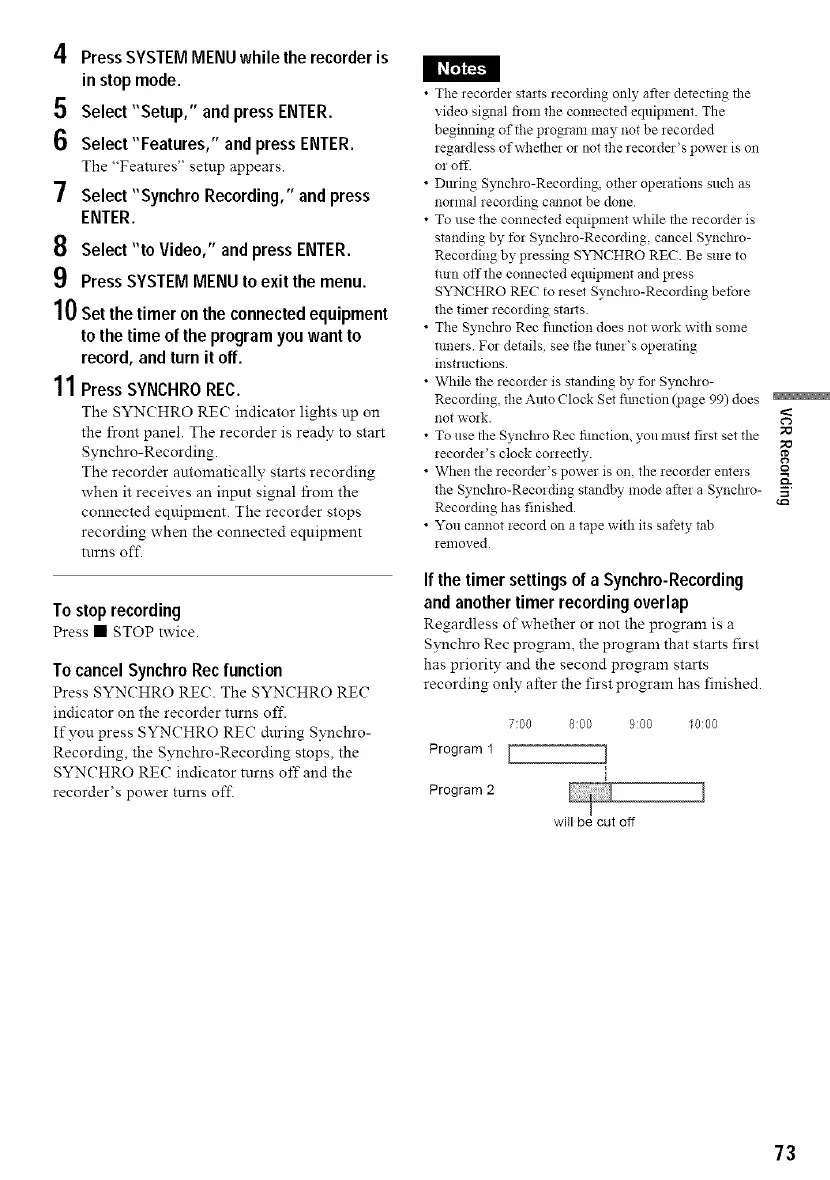
If the timer settings of a Synchro-Recording
and another timer recording overlap
Regardless of whether or not the program is a
Synchro Rec program, the program that starts first
has priority and the second program starts
recording only after the first program has finished.
7:00 8:00 9:oo 1o:oo
Program 1 [ ]
Program 2
will be cut off
73



 To Next Page