[] "Timer" (pages 50, 69):
Allows you to set a new timer recording
setting.
You can also display the Timer List menu,
which allows you to check, change, or cancel
timer settings.
[] "Edit" (page 81):
Allows you to create and edit a Playlist
(DVD-RW in VR mode only), record a DV
format tape onto a disc, dub from a DVD disc
to a VHS tape and dub from a VHS tape to a
DVD disc.
[] "Disc Setting" (page 43):
Allows you to tbrmat or finalize a DVD.
[] "Setup" (page 96):
Turns on the "Setup" display, which allows
you to set up the recorder to suit your
preferences.
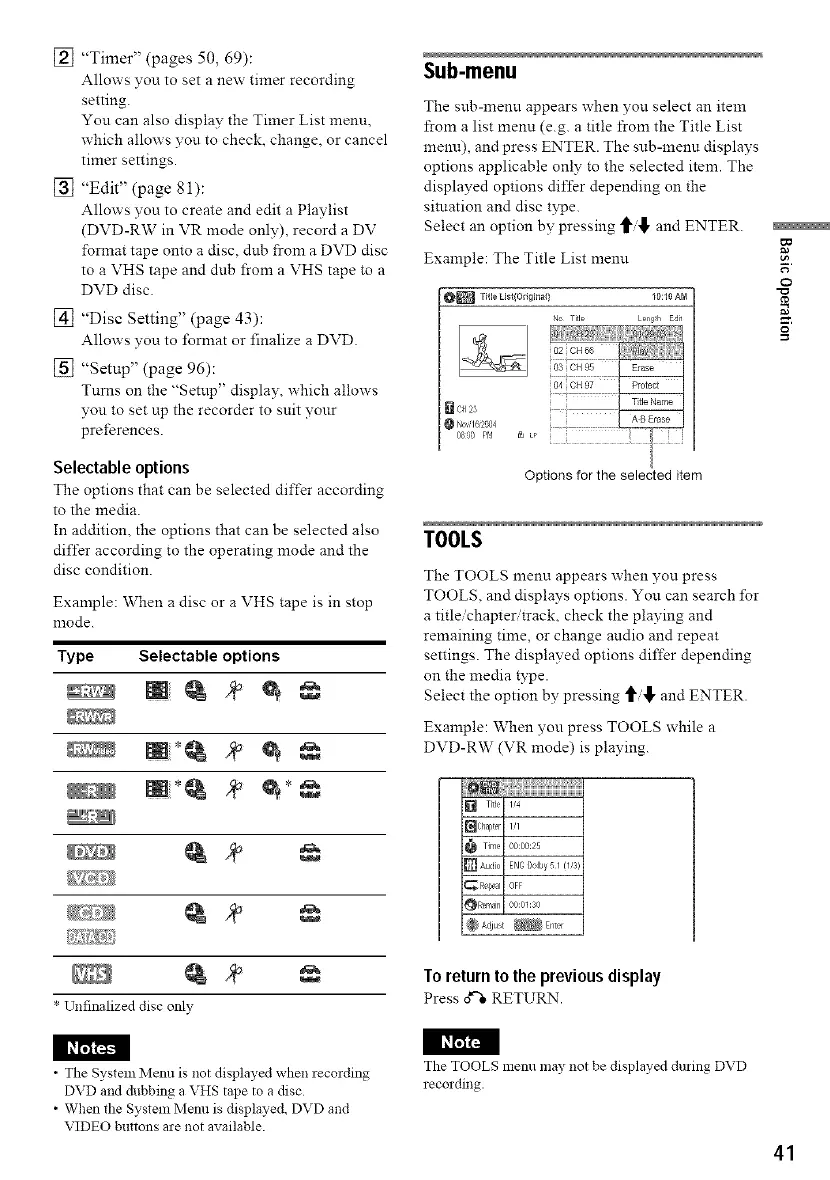
Selectable options
The options that can be selected differ according
to the media.
In addition, the options that can be selected also
differ according to the operating mode and the
disc condition.
Example: When a disc or a VHS tape is in stop
mode.
Type Selectable options
* Unfinalized disc only
Sub-menu
The sub-menu appears when you select an item
from a list menu (e.g. a title from the Title List
menu), and press ENTER. The sub-menu displays
options applicable only to the selected item. The
displayed options differ depending on the
situation and disc type.
Select an option by pressing _/_, and ENTER.
Example: The Title List menu
_ TitleListIOdgina$} iO:lOAM
No Title Le_glh Eait
02 CH66
osCH95
[] CH23
Bo', 1623{4
0800 pr_ _ LP
Optionsfor the selected item
TOOLS
The TOOLS menu appears when you press
TOOLS, and displays options. You can search lbr
a title/chapter/track, check the playing and
remaining time, or change andio and repeat
settings. The displayed options differ depending
on the media type.
Select the option by pressing _/


 To Next Page