"_° Hints
• You can set protection tbr individual titles (page 82)
• By retb_matting, you can change the recording format
on DVD-RWs, or record again on DVD-RWs (Video
mode) that have been finalized.
FollowstepsI to 6 of "Using the DVDDisc
SettingDisplays"on page 43 to select
"Disc Finalize" in the "Disc Setting"
display.
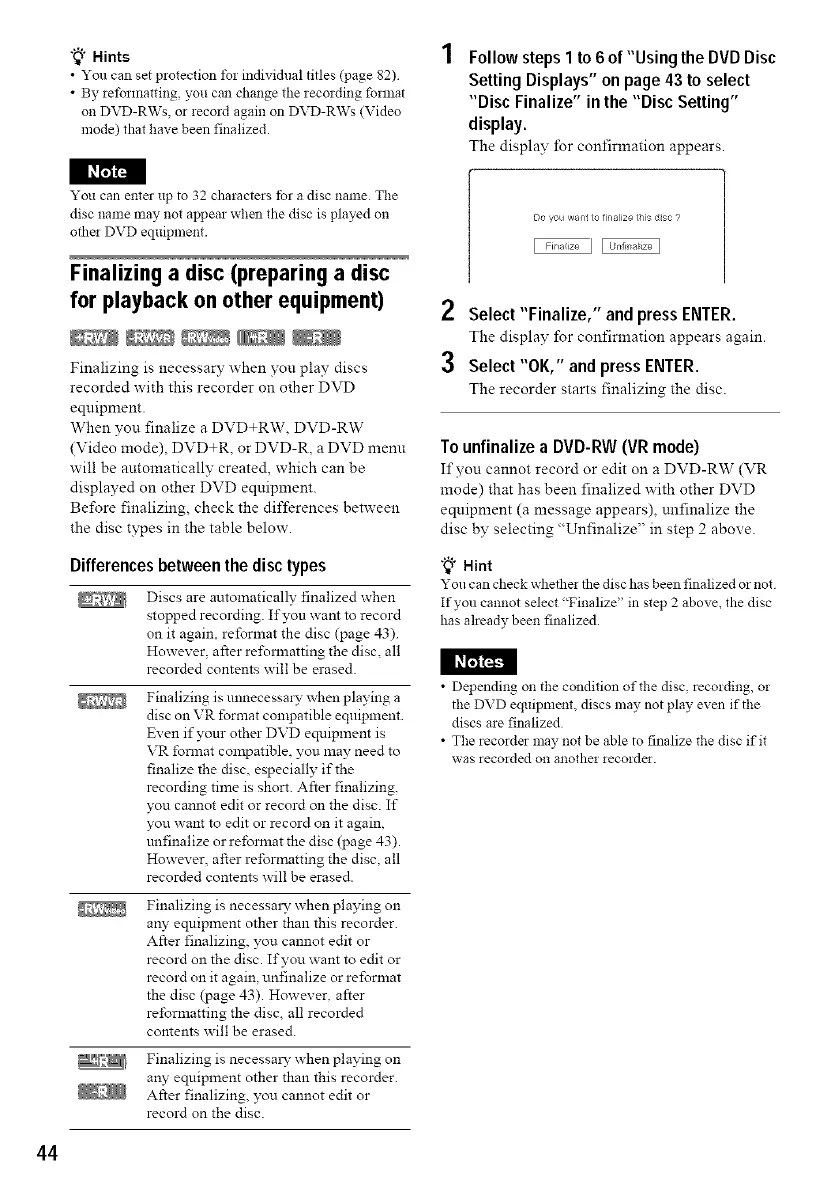
The display for confirmation appears.
I_
You can enter up to 32 characters tbr a disc name The
disc name may not appear when the disc is played on
othe! DVD equipment.
Finalizing a disc (preparing a disc
for playback on other equipment)
Finalizing is necessary when yon play discs
recorded with this recorder on other DVD
equipment.
When you finalize a DVD+RW, DVD-RW
(Video mode), DVD+R, or DVD-R, a DVD menu
will be automatically created, which can be
displayed on other DVD equipment.
Before finalizing, check the differences between
the disc types in the table below.
Differencesbetweenthe disctypes
I_I_I
Discs are automatically finalized when
stopped recording. If you want to record
on it again, reformat the disc (page 43).
However, after rel\_11natting the disc, all
recorded contents will be erased.
Finalizing is unnecessmy when playing a
disc on VR fbrmat compatible equipment
Even if your other DVD equipment is
VR format compatible, you may need to
finalize the disc, especially if the
recording time is short. After finalizing,
you cannot edit or record on the disc. If
you want to edit or record on it again,
unfinalize or reformat the disc (page 43).
However, after reformatting the disc, all
recorded contents will be erased.
Finalizing is necessmy when playing on
any equipment other than this recorder.
After finalizing, you cannot edit or
record on the disc. If you want to edit or
record on it again, unfinalize or reformat
the disc (page 43). However. after
reformatting the disc, all recorded
contents will be erased.
Finalizing is necessmy x_hen playing on
any equipment other than this recorder.
After finalizing, you cannot edit or
record on the disc.
Do you walt to finalize ths dsc s
2 Select"Finalize," and press ENTER.
The display for confirmation appears again.
3 Select "OK," and pressENTER.
The recorder starts finalizing the disc.
To unfinalize a DVD-RW (VR mode)
If you cannot record or edit on a DVD-RW (VR
mode) that has been finalized with other DVD
eqnipment (a message appears), unfinalize the
disc by selecting "Unfinalize" in step 2 above.
"_° Hint
You can check whethe! the disc has been finalized or not
If you cannot select "Finalize" in step 2 above, the disc
has aheady been finalized
• Depending on the condition of the disc, recording, or
the DVD equipment, discs may not play even if the
discs are finalized
• The recorder may not be able to finalize the disc if it
was recorded on another recorde!.
44



 To Next Page