Aboutthis manual
• Instluctions in this nlanual
describe the controls on the
relnote. "_'OllCall also use tile
controls on the recorder if they
[lave the sanle or sindlar nallleS as
those on the remote.
• The on-screen dislJlay illustrations
used in this manual may not match
the graphics displayed on yore TV
screen.
• The explanations regarding discs
in this manual refer to discs
created on this recorder. The
explanations do not apply to discs
that are created on other recorders
and played back on this recorder.
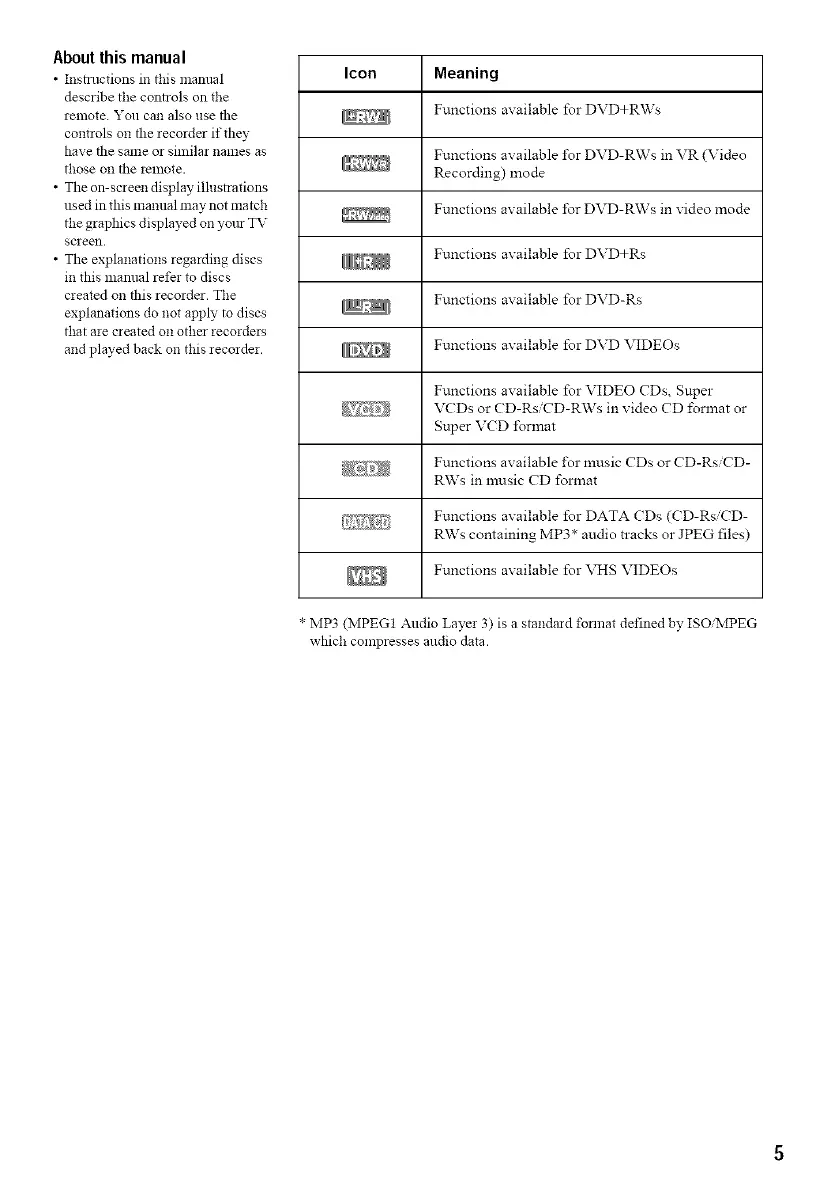
Icon Meaning
Functions axailable %r DVD+RWs
Functions available %r DVD-RWs in VR (Video
\ Recording) mode
\ Functions axailable for DVD-RWs in xideo mode
Functions axailable for DVD+Rs
Functions available for DVD-Rs
Functions axailable for DVD VIDEOs
Functions available for VIDEO CDs, Super
VCDs or CD-Rs'CD-RWs in xideo CD l\_rmat or
Super V(D I\_rmat
_}_,,,;_;: Functions ax ailable I\_rmusic CDs or CD-Rs CD-
RWs in music CD format
,Z_i,_ji_,_}_: Functions available for DATA CDs (CD-Rs'CD-
RWs containing MP3* audio tracks or JPEG files)
Functions available for VHS VIDEOs
* MP3 (MPEG1 Audio Laye! 3) is a standard format defined by ISO:MPEG
which compresses audio data.



 To Next Page