Adjusting the picture (tracking)
Ahhough the V(R automatically acljnsts the
tracking when playing a tape, distortion may occur
if the recording is in poor condition. In this case,
mamlally acliust the tracking.
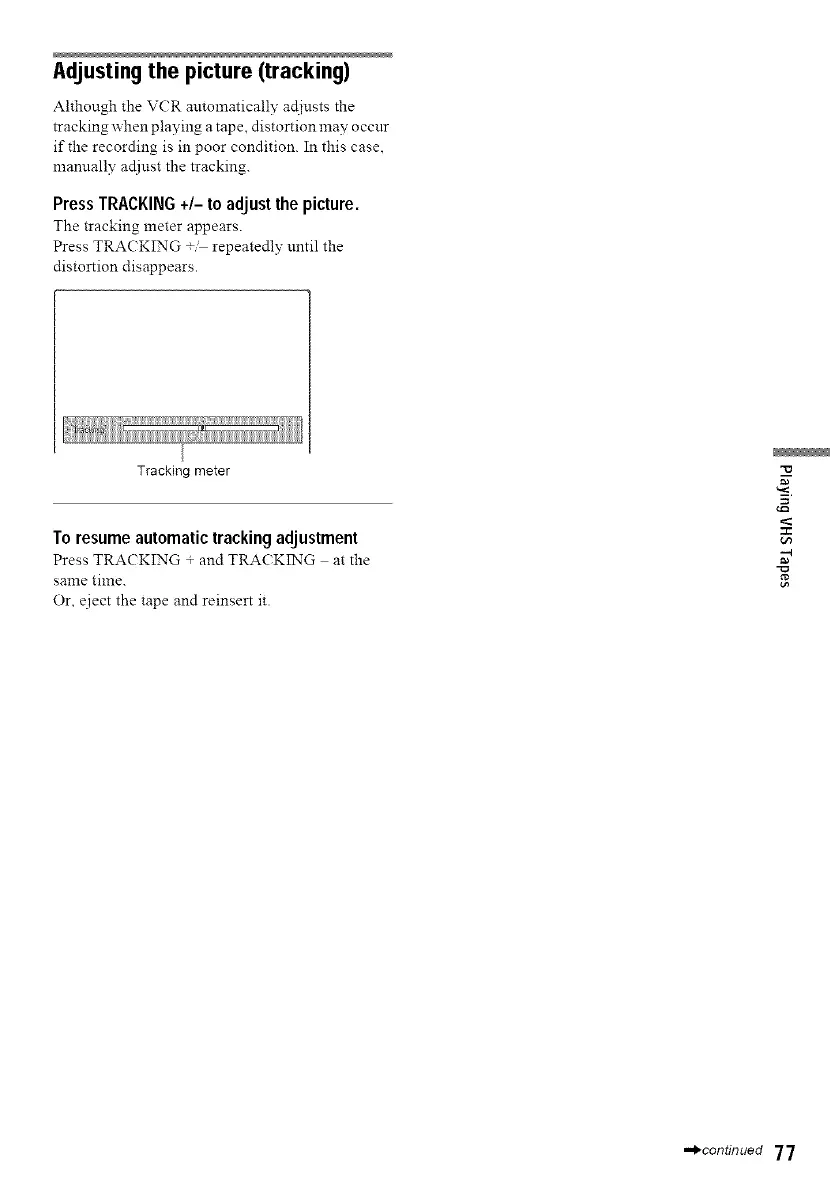
Press TRACKING +/- to adjust the picture.
The tracking meter appears.
Press TRACKING t repeatedly until the
distortion disappears.
Tracking meter
To resume automatic tracking adjustment
Press TRACKING + and TRACKING at the
same time.
Or, eject the tape and reinsert it.
-4
,,,,_continued 77



 To Next Page