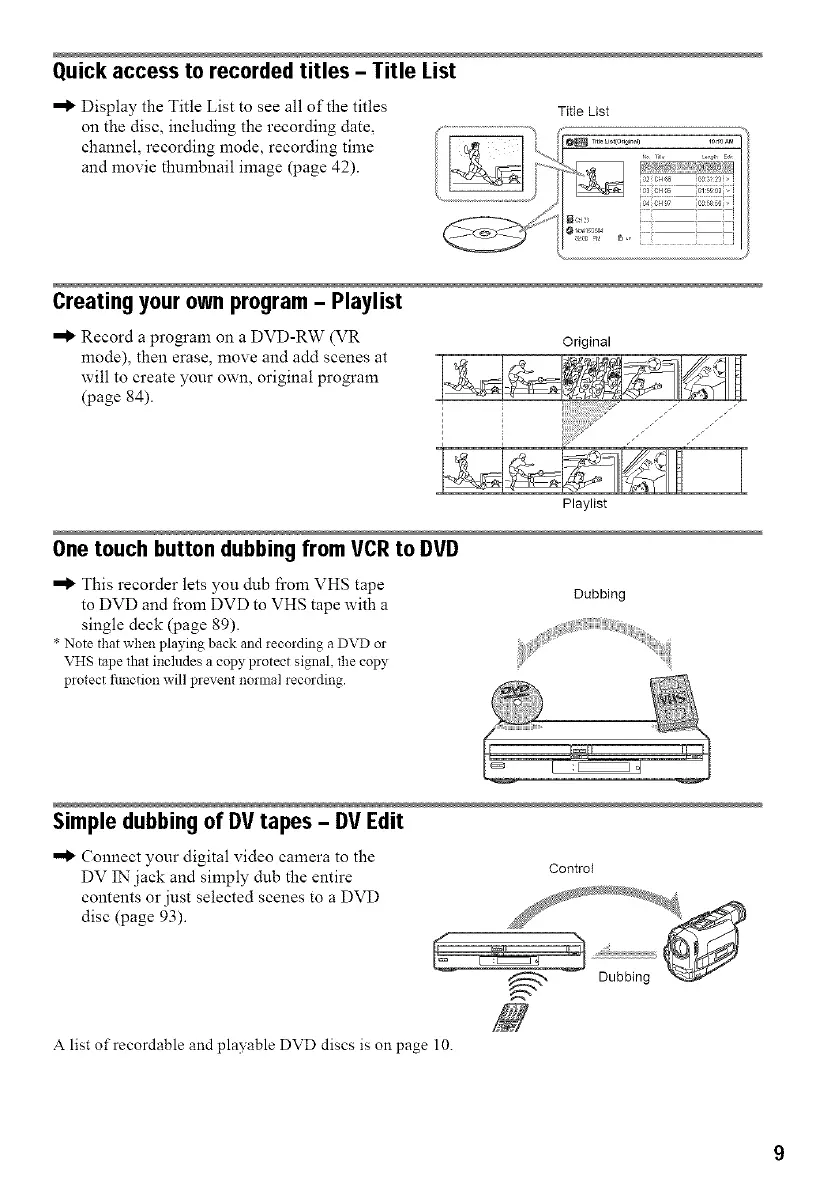
Quick access to recorded titles - Title List
•"_ Display the Title List to see all of the titles
on the disc, including the recording date,
channel, recording mode, recording time
and movie thumbnail image (page 42).
Title List
Record a program on a DVD-RW (VR
mode), then erase, move and add scenes at
will to create your own, original program
(page 84).
Original
I
Playlist
One touch button dubbing from VCR to DVD
•"_ This recorder lets you dub li'om VHS tape
to DVD and from DVD to VHS tape with a
single deck (page 89).
• Note that when playing back and recording a DVD or
VHS tape that includes a copy protect signal, the copy
protect fimction will prevent normal recording.
Dubbing
Simple dubbingof DVtapes - DV Edit
•"_ Connect your digital video camera to the
DV IN"jack and simply dub the entire
contents or just selected scenes to a DVD
disc (page 93).
Control
A list of recordable and playable DVD discs is on page 10.



 To Next Page