Technical data are subject to change without notice.
© Copyright SPM 2002-04. 71650.B
SPM Instrument AB • Box 504 • S-645 25 Strängnäs • Sweden
Tel +46 152 225 00 • Fax +46 152 15075 • info@spminstrument.se • www.spminstrument.se
Time and display light
The date format is fixed and cannot be adjusted to the format used in Condmaster. It is YY.MM.DD,
i. e. the last two digits of the year followed by month and day. The time display is from 00.00 to
23.59. Pressing and holding down one of the UP/DOWN keys changes the marked number. The
clock is year 2000 compliant.
For data loggers, the time of the instrument must be adjusted within 5 minutes of the PC’s time.
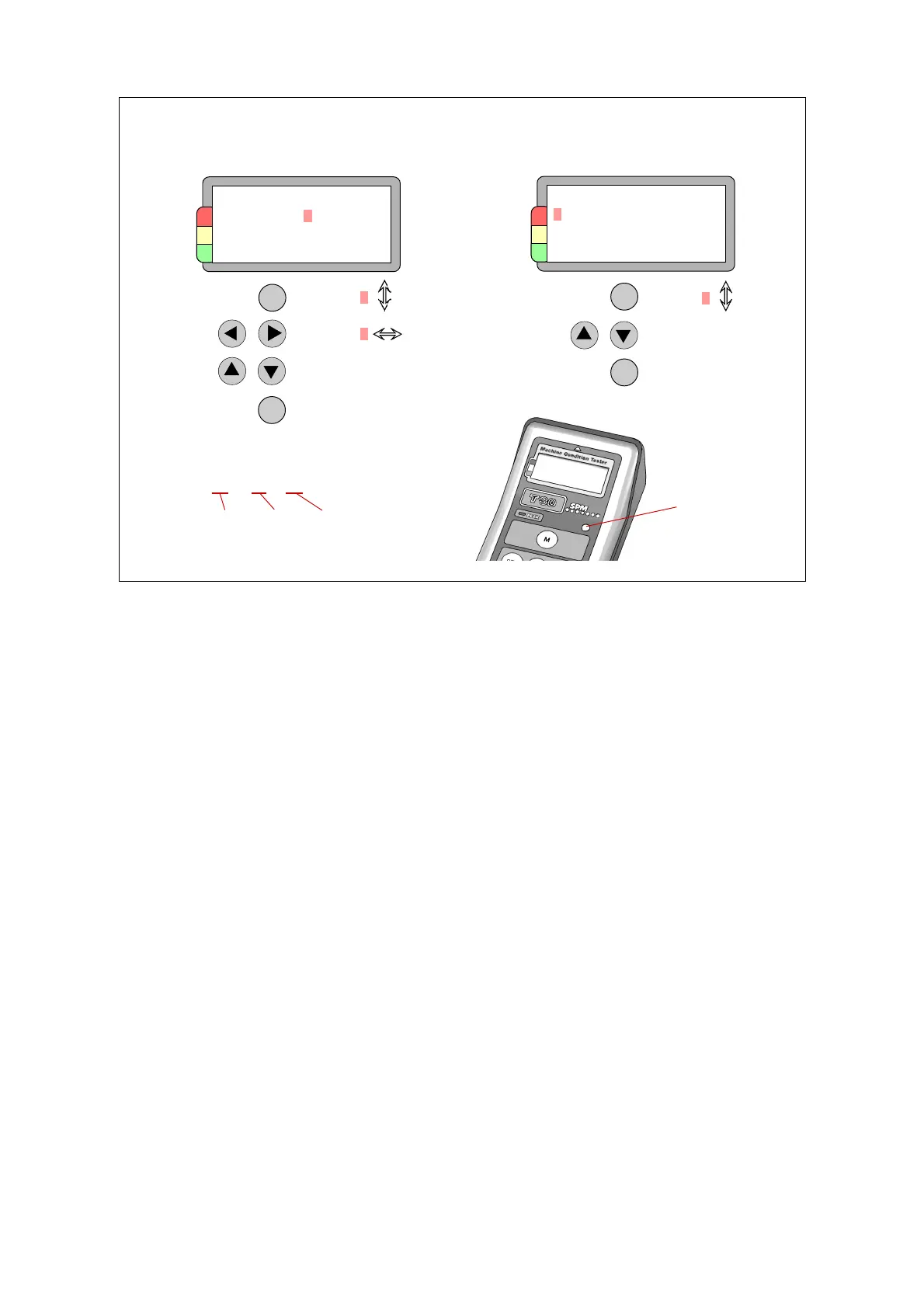
On the menu for display adjustment, the line Contrast controls the appearance of the normal
instrument display, without backlight. Use the UP/DOWN keys to adjust the setting in normal light.
The line Light controls the backlight. You can toggle between AUT (automatic) and OFF. On
automatic, the backlight is switched on by the action of the light sensor above the keypad. The
Sensitivity of this sensor is set on the third line, on a scale of 1 to 9. In the same way, the brightness
of the backlight is set on the fourth line. For fine adjustment, you make the settings in bad light.
Please note: With the backlight on, the instrument draws approx. 30% more power. Do not cover
the sensor when measuring – if on automatic, that will switch on the backlight.
Time and date
Contrast
Light AUT
Sensitivity 5
Brightness 5
Clock
Date 99.11.02
Time 14.36
SET
Select
Select
Change
Save, exit
ENT
Select
Change
Save, exit
SET
ENT
98 . 11 . 02
Year month day
Light
sensor
Display light
8 General description, setup



 To Next Page