Technical data are subject to change without notice.
© Copyright SPM 2002-04. 71650.B
SPM Instrument AB • Box 504 • S-645 25 Strängnäs • Sweden
Tel +46 152 225 00 • Fax +46 152 15075 • info@spminstrument.se • www.spminstrument.se
Spect.
RPM TEMP
CHECK
Comments
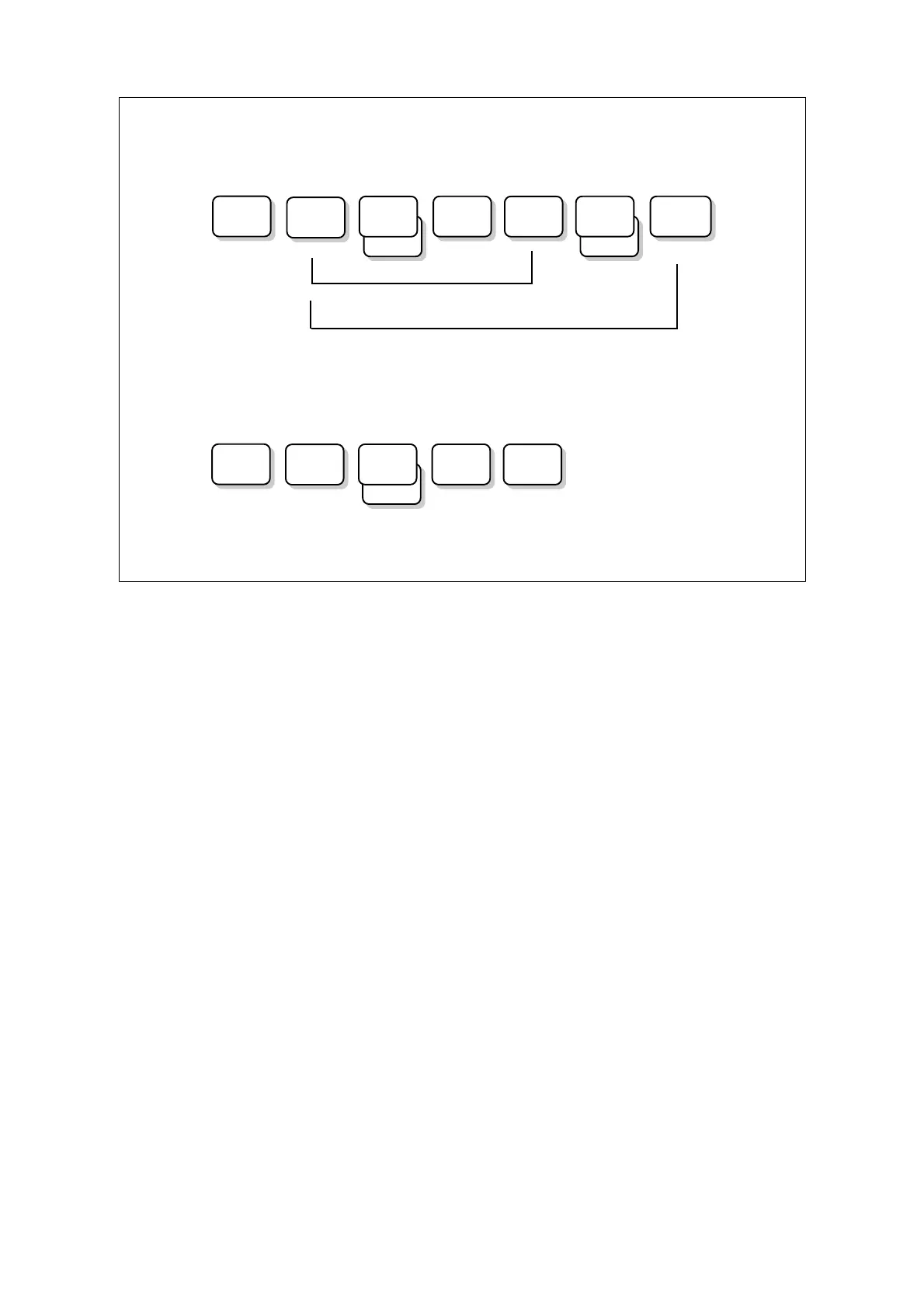
Data logger mode (Expert)
Manual mode (Expert)
Setup VIB
Spect.
RPM TEMP
Setup
VIB
ALT 1
ALT 2
Functions in manual and data logger mode
The full potential of the measuring instruments is realized in the data logger versions. For some of
the functions, the basic data cannot be input via the keypad but are saved in Condmaster
®
Pro and
downloaded from the PC.
Setup General instrument settings such as time and display brightness. Selection of
communication mode. Battery test. Instrument version.
SPM Shock pulse measurement. T30 uses the dBm/dBc technique.
VIB Vibration measurement. The Expert versions have in addition to vibration severity
(according to ISO), spectrum recording. The instrument displays the RMS velocity value
for the selected range (3 – 200, 500, 1000, 2000, and 5000 Hz) and the 15 lines, in Hz or
cpm, with the highest values. It transfers up to 200 lines to Condmaster
®
Pro, where you
have graphical and evaluation functions.
RPM Speed measurement. In manual mode, the display for this function is only shown when
the speed probe is connected.
TEMP Temperature measurement. In manual mode, the display for this function is only shown
when the speed probe is connected.
ALT Alternative measurement (Logger/Expert), which means recording, by manual input, a
value (e. g. read from a dial or gauge) for a user defined quantity such as flow or
pressure. Two input menus are available. In Condmaster
®
Pro, the temperature
measurement, if used, occupies one of the input forms for an alternative measurement.
CHECK Check point (Logger/Expert). A text from Condmaster
®
Pro saying what to check.
A list of comments and parameters for continuous recording can be downloaded to the Logger and
Expert instrument versions.
Long-time recording
SPM
SPM
2 General description, setup



 To Next Page