Technical data are subject to change without notice.
© Copyright SPM 2002-04. 71650.B
SPM Instrument AB • Box 504 • S-645 25 Strängnäs • Sweden
Tel +46 152 225 00 • Fax +46 152 15075 • info@spminstrument.se • www.spminstrument.se
Manual measuring mode
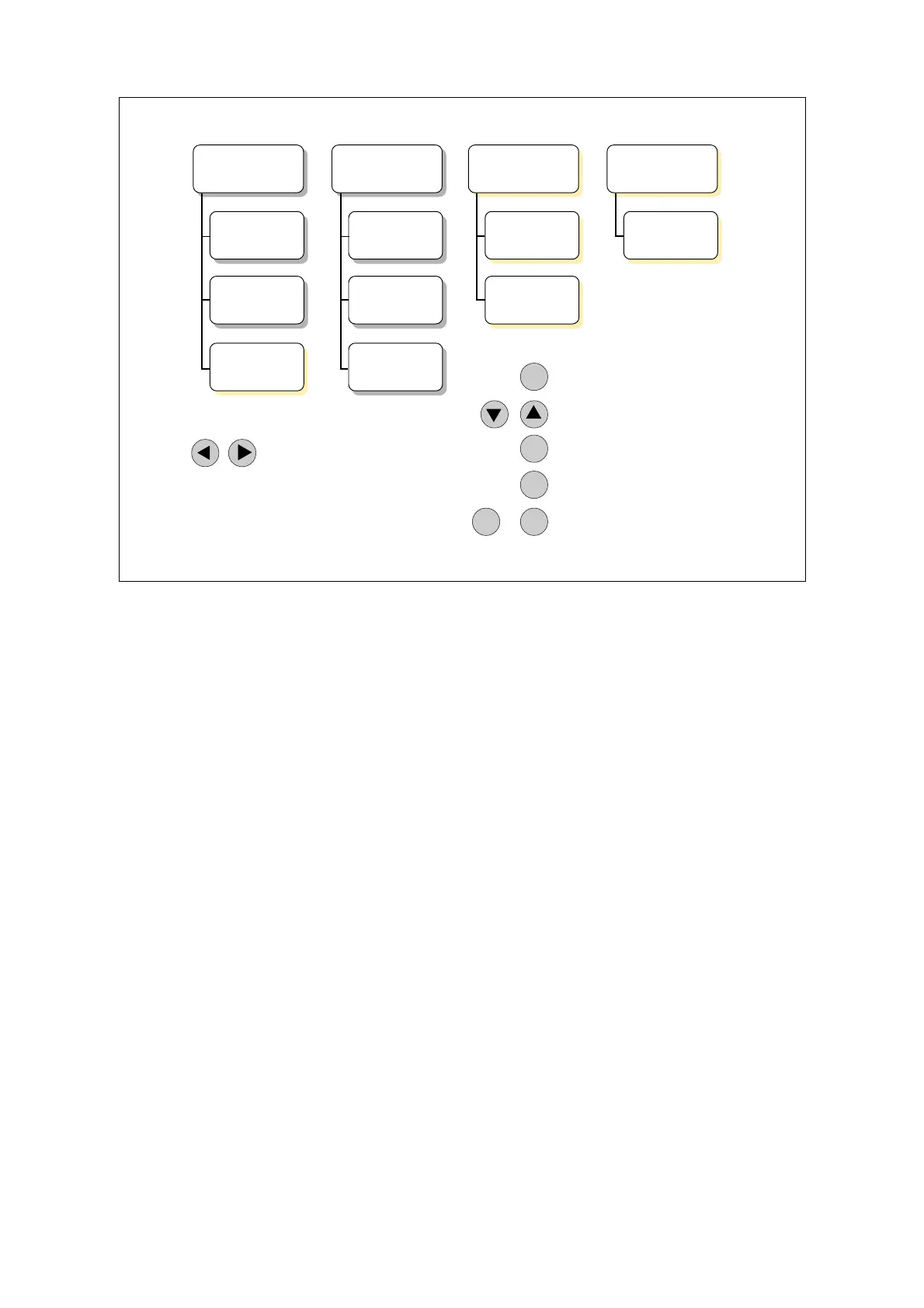
In manual mode, you can measure shock pulses (SPM), vibration severity (VIB) including a spec-
trum, temperature, and speed. The shock pulse and vibration transducers can be connected
simultaneously, and you do not have to disconnect them to use the input EXT. You select either
method with the LEFT/RIGHT arrows.
When measuring shock pulses, you can connect the earphone to EXT. Connecting the temperature
or tachometer probe to EXT automatically changes the display to the respective measuring mode.
To leave this mode, disconnect the probe.
For SPM and VIB, you have to input basic data. For this, you press the SET key and move the cursor
with RIGHT/LEFT to the number you want to change. UP/DOWN changes the number, ENT saves
and allows you to start a reading with the M key.
For continuous reading, first press and hold down ENT, the press M. To stop, hold down any key
(except the M key) for about half a second.
Beneath the VIB display, you have two more displays where you can define a spectrum measure-
ment and calibrate the vibration transducer.
Beneath the TEMP display, you have a displays where you can calibrate the temperature probe tip.
SPM
x
Go to Input data
Change setting
Leave Input data
Measure once
Continuous reading
Measure
Earphone *
VIB
Input data
Spectrum ?
Measure
Calibrate
TEMP *
Measure
RPM *
Measure
* Connect to EXT to start
Disconnect to stop
ENT
SET
Select SPM – VIB
M
ENT M
+
Input data
Calibrate
Manual measuring mode 9



 To Next Page