Technical data are subject to change without notice.
© Copyright SPM 2002-04. 71650.B
SPM Instrument AB • Box 504 • S-645 25 Strängnäs • Sweden
Tel +46 152 225 00 • Fax +46 152 15075 • info@spminstrument.se • www.spminstrument.se
Data logging – measuring sequence [Logger, Expert]
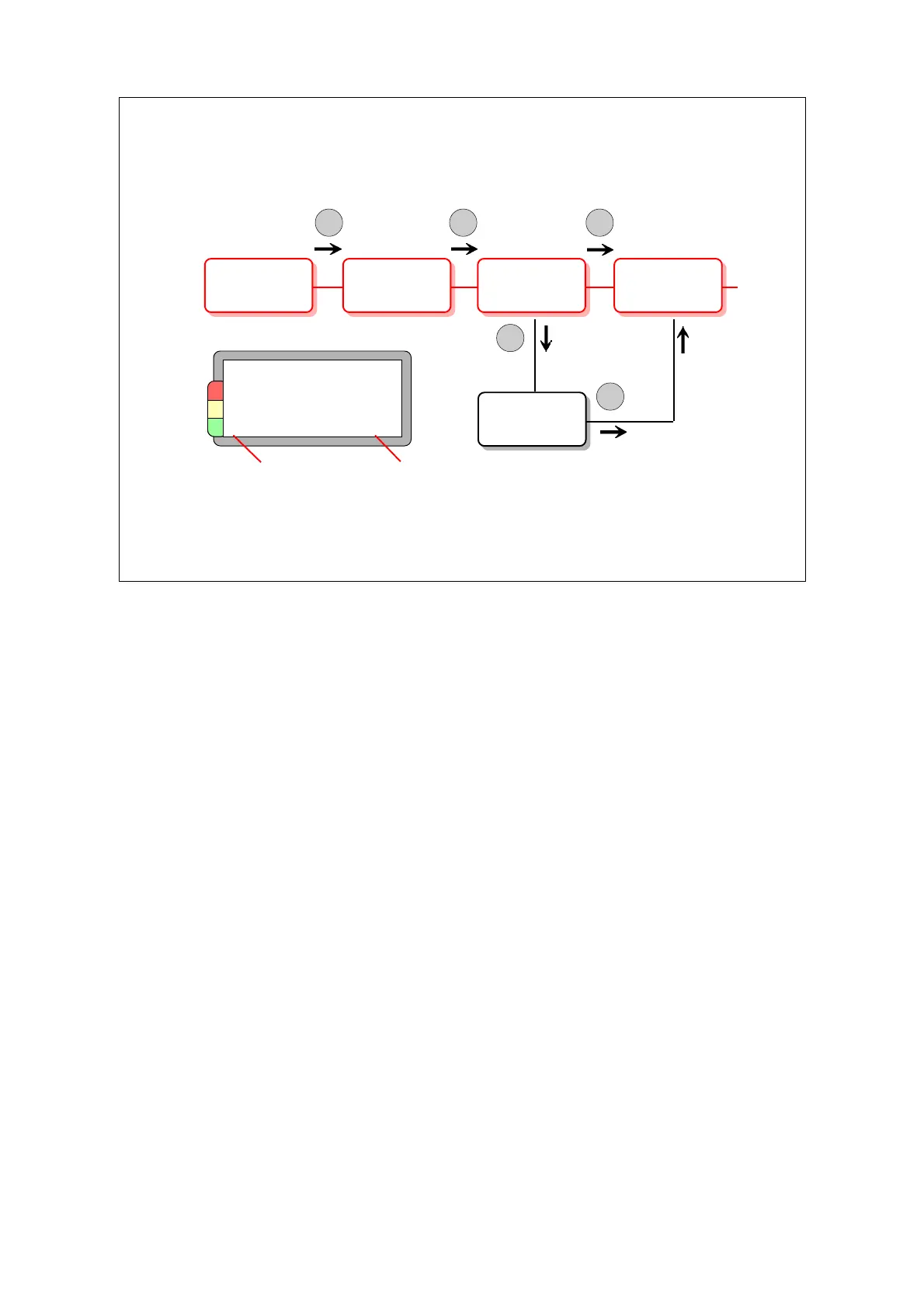
Measuring with a data logger is very simple. You start the instrument by pressing any button. The
first measuring point is displayed (or the point at which the instrument powered down). This display
shows measuring point number and name plus the measuring technique to be used.
Press ENT. You see the result of the previous measurement on that point.
Press M. The instrument starts to measure and will display the new result. You do not enter or
change any basic data.
When the new measuring result is displayed, you have two choices:
• You can press SET to get the display where you can select comments.
You leave this display with ENT and go on as below.
• You press ENT to get to the next measuring technique or next measuring point.
Normally, you measure in the pre-programmed order. You can, however, scroll forwards and
backwards through the list of measuring points and techniques, see next page. A point/technique
with a new measuring result is marked with X.
You can repeat measurements. The last result will be saved. For SPM measuring points, you can
take twice 5 readings and save one result from each batch.
You cannot add to the list of measuring points/techniques. If you measure on a point that is not
part of a downloaded round(s), you cannot transfer the result to Condmaster
®
Pro.
Meas. point,
technique
Previous
result
New
result
Next point,
technique
ENT
M
ENT
Select
comment
SET
ENT
AT30.200.04
Exhaust fan 6
motor N
X ALT 1 011
Measuring
point with
new result
Running
number
Normal measuring sequence for data loggers
Option: Comments can
be set against the measuring point
Data logging 55



 To Next Page