Technical data are subject to change without notice.
© Copyright SPM 2002-04. 71650.B
SPM Instrument AB • Box 504 • S-645 25 Strängnäs • Sweden
Tel +46 152 225 00 • Fax +46 152 15075 • info@spminstrument.se • www.spminstrument.se
Delete a round
Select “Communication”
with SET, press ENT
Ready for
transfer
SET
Mem. clear
Exit
ENT
SET
Select “Mem. clear”
with SET. Press ENT to delete
the round memory
ID test
Select “Test”
with SET, ENT.
Communication
Test
Version
Current setup
ENT
Battery test
CondID test
CondID
Type: 4146
No: 1794365
M
SET
SET
SET
ENT
Test and Memory Clear
ENTSET
Press ENT, M
to get ID.
Select ”CondID
test” with SET
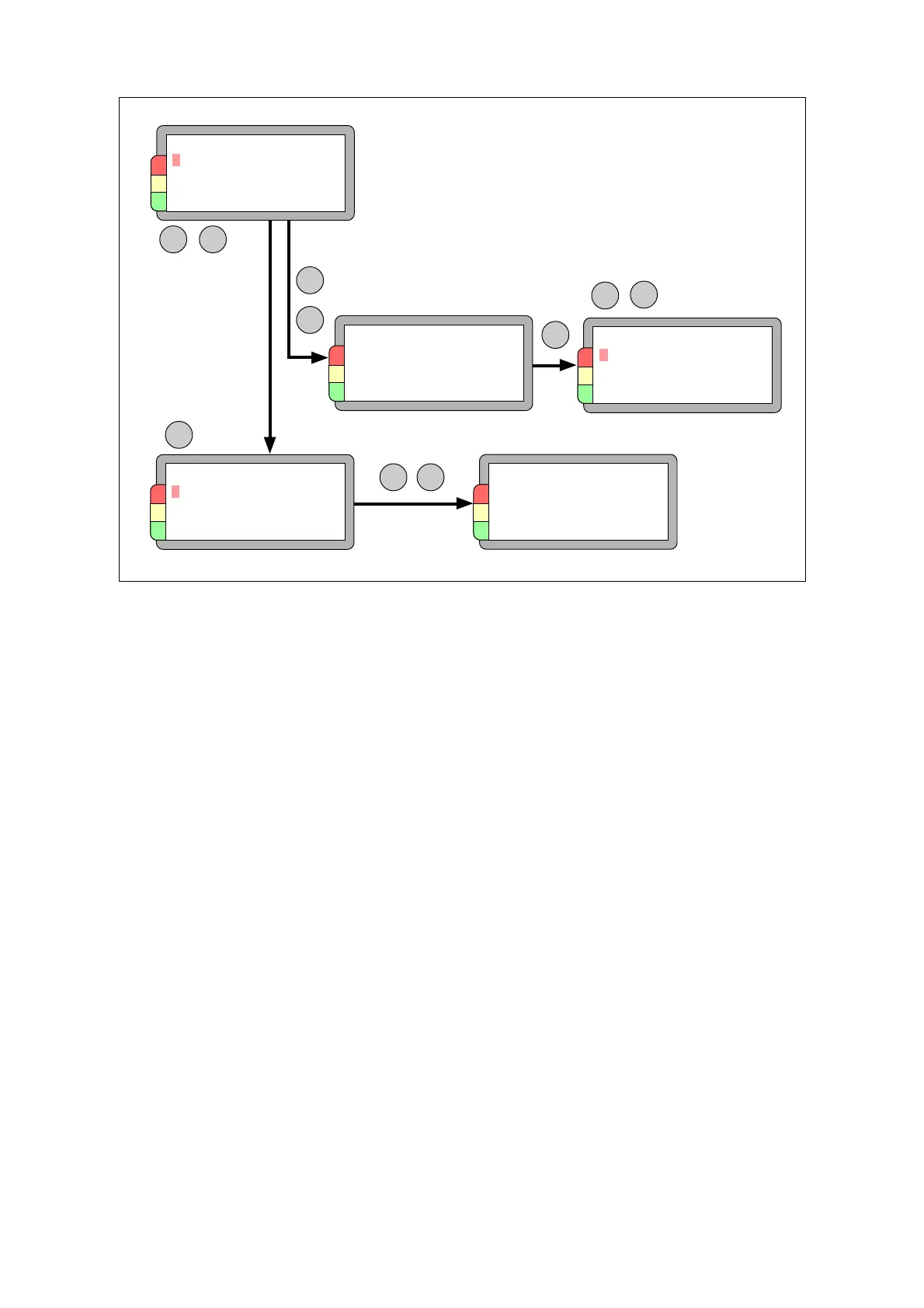
Testing ID tags and clearing the instrument memory
In case of an identification error you can test the identity of a CondID
TM
tag. The cause of the fault
may be a missing link to the measuring point in Condmaster
®
Pro and not a tag or instrument
malfunction. When both tag and instrument are OK, the tag will get the tag’s ID number.
The same menu can be used to clear the instrument memory. Select COMMUNICATION and press
ENT. The display shows READY FOR TRANSFER. Press SET. This puts the cursor on EXIT, so you
cannot accidentally erase a measuring round by pressing ENT at this stage. SET, then ENT will clear
all data.
66 Identification tag



 To Next Page