Technical data are subject to change without notice.
© Copyright SPM 2002-04. 71650.B
SPM Instrument AB • Box 504 • S-645 25 Strängnäs • Sweden
Tel +46 152 225 00 • Fax +46 152 15075 • info@spminstrument.se • www.spminstrument.se
Data logging, general procedure [Logger, Expert]
For systematic condition monitoring, data logging is recommended because it saves much time.
For long-time recording, comments, and vibration spectrum measurements you must have a
Logger or Expert version. When loaded from the PC, the instruments contains
• the measuring points in the right measuring sequence
• the input data for all used measuring techniques
• the list of comments (option)
• the result of the last measurement.
You simply use the M and ENT keys to collect the reading and go to the next point. When a
measuring round is reported, all measuring results and comments are transferred to Condmaster
®
Pro,
without manual input.
For T30 Logger and Expert, you need Condmaster
®
Pro for Windows, a communication module
with cable (CAB-31 = 25 pin, CAB-32 = 9 pin connector to the PC's COM port). CAB-10 is the
standard cable fitting the logger's EXT connector. In Condmaster
®
Pro, you must create either
measuring rounds or work orders (individual measuring points cannot be transferred), plus special
rounds for long-time recording if used. The access level of the operator is ”Read/Edit”. COM port
and baud rate are input when you first activate the measuring instrument in Condmaster
®
Pro.
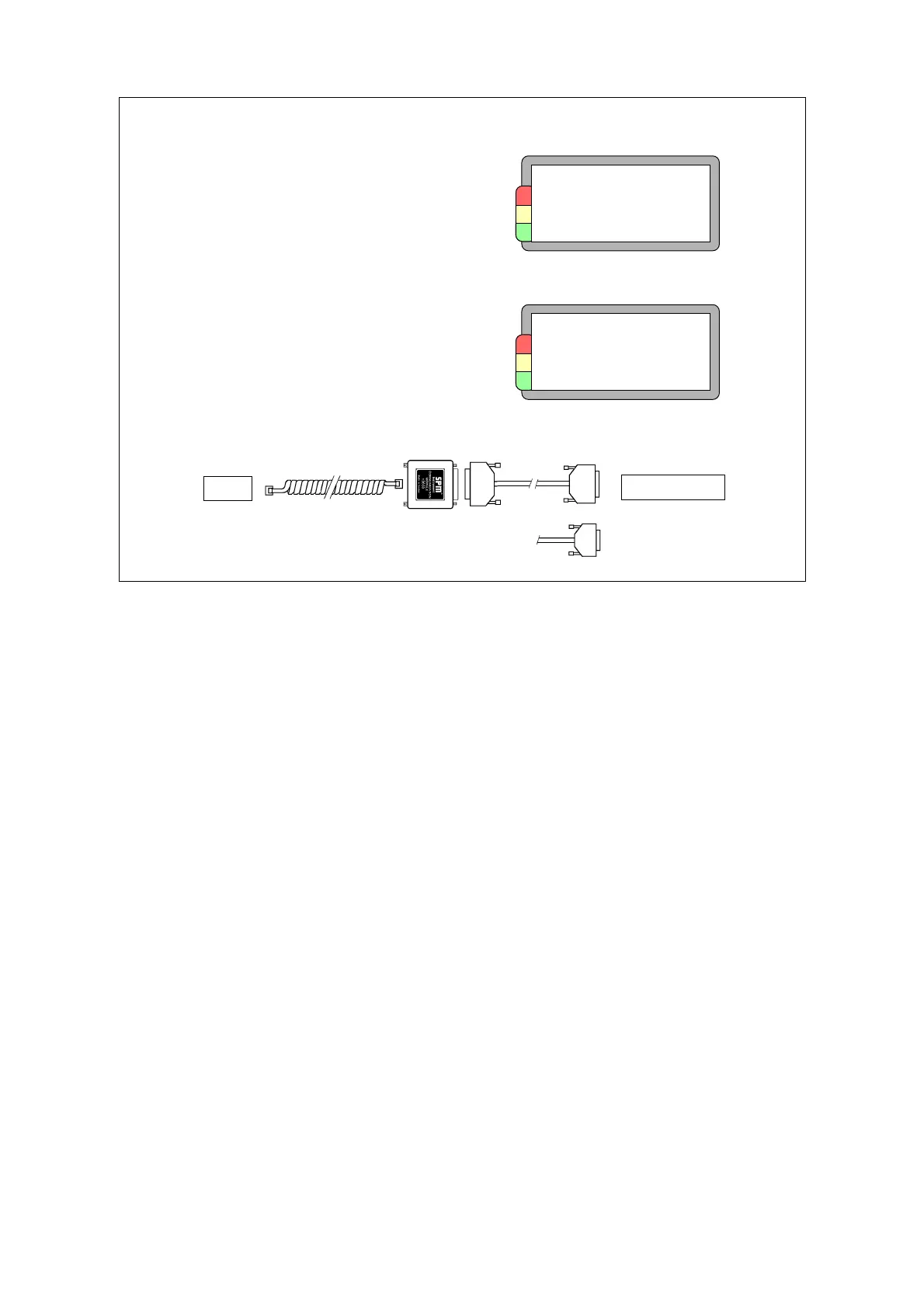
To transfer data, you connect the instrument to the PC as shown. In Condmaster
®
Pro, you use the
transfer routines under either DATA TRANSFER or PLANNING, or under RECORDING, all under
MAINTENANCE. The data logger is switched on and set to COMMUNICATION.
Data logging:
Hardware
• T30 Logger or Expert
• Cable CAB-10
• Comm. module 13603
• Computer cable CAB-31/32
• PC
Software
• Condmaster
®
Pro
Communication mode
> Communication
Test
Version
Current setup
EXT
COM port X
T30
SPM 13603
CAB-10
CAB-31/32
Transferring data
Ready for
transfer
On
Finished
Computer
Data logging 53



 To Next Page