Technical data are subject to change without notice.
© Copyright SPM 2002-04. 71650.B
SPM Instrument AB • Box 504 • S-645 25 Strängnäs • Sweden
Tel +46 152 225 00 • Fax +46 152 15075 • info@spminstrument.se • www.spminstrument.se
52 Measuring temperature
Measuring temperature
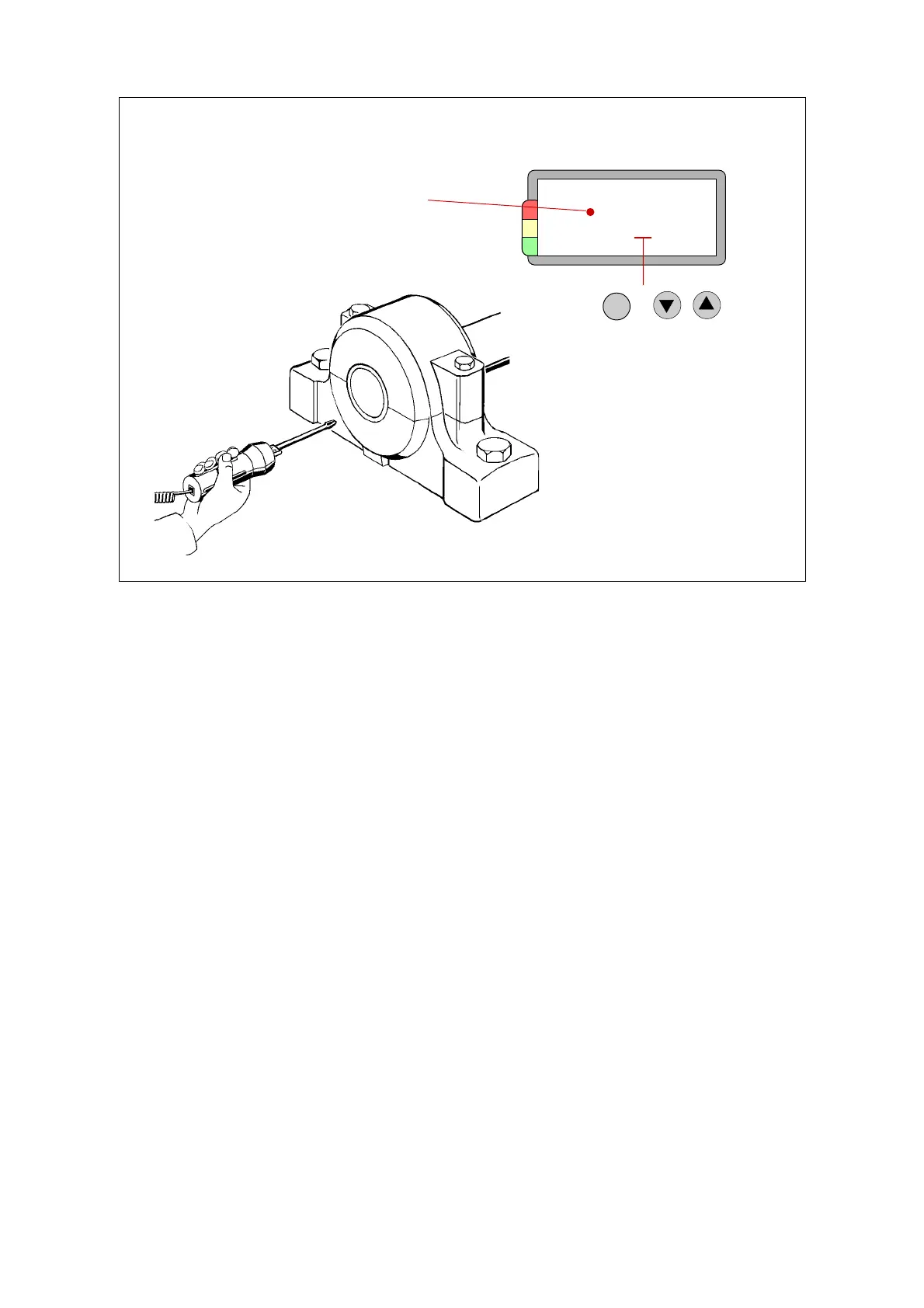
Temperature can be measured with a contact probe, from -20 to +350 °C (-4 to +662 °F). There are
two probe tips:
TEN-10 probe tip for solid objects
TEN-11 probe tip for fluids.
The TEMP menu turns up as soon as the temperature probe is connected to the EXT connector.
Under the Current setup menu, you can switch between °C (Celsius = centigrade) and °F (Fahren-
heit), see page 6 of this part.
To measure, hold the probe tip against the object. Press and hold down the M key until the result
is displayed.
Calibration
There is a variation of approx. 4° C between probes. When using a new temperature probe, it has
to be calibrated. The SET key opens a menu where you can calibrate ± 5° C or ±9° F. This can be
done at room temperature. Measure against an object that has room temperature and compare
the measuring result of the instrument with the reading of another thermometer. Press SET. then
use UP / DOWN to adjust the temperature. Finish with ENT.
TEMP
Contact
87 °C
Temperature reading
Temperature probe
used
SET
Calibrate probe
Under Setup:
Toggle °C – °F



 To Next Page