Technical data are subject to change without notice.
© Copyright SPM 2002-04. 71650.B
SPM Instrument AB • Box 504 • S-645 25 Strängnäs • Sweden
Tel +46 152 225 00 • Fax +46 152 15075 • info@spminstrument.se • www.spminstrument.se
Open for data transfer
Battery test: Show present
battery voltage
CondID test: Testing the
identity of a CondID tag
Show EPROM version, date,
check sum
Change
setting
Setup menu
Communication
Test
Version
Current setup
Time mm
Display °C
English
Off 5 min 00 sec
ENT
SET
ENT
Open,
close
Select
line
General setup
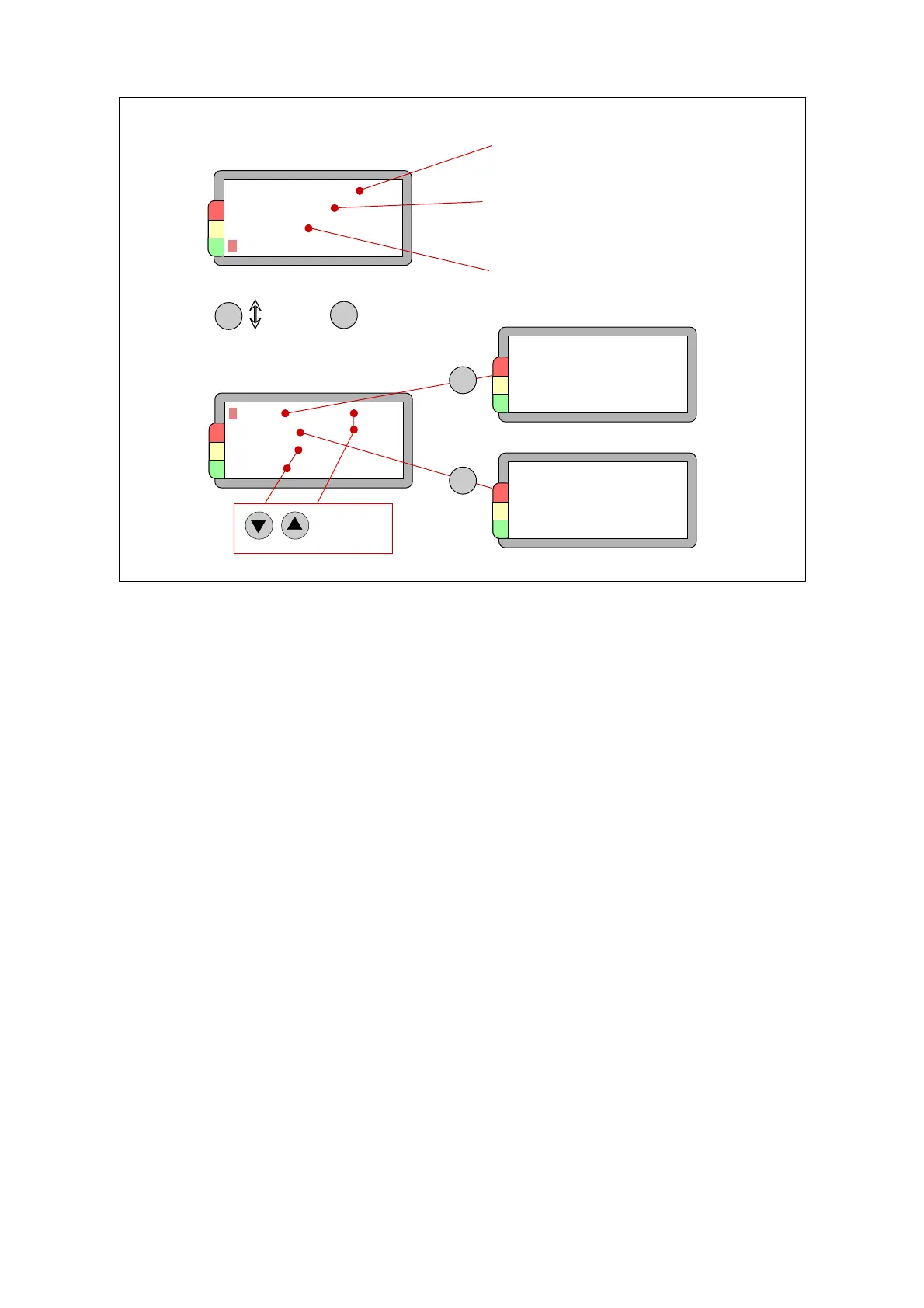
General instrument functions are available under the setup menu, selected with the LEFT/RIGHT
arrow keys. Use the SET key to mark the desired function, the ENT key to open, save, and close.
Test and Version show data, there is nothing to adjust.
A number of display languages are permanently stored. Mark the language line and use UP/
DOWN to scroll through the available languages and display the language you want.
The line Off shows the time which elapses between pressing any key and automatic power off.
When the line is marked, UP/DOWN changes the time in 10 second intervals.
Bearing diameters can be displayed in either mm or inch, and vibration velocity in mm/s or inch/
second. Use SET to go past the Off line to the length measuring unit and change with UP or
DOWN. At the following position, you can toggle between the temperature units °C and °F.
The settings under Current setup are saved when you press ENT to leave the menu.
The menus for communication, time and date setting, and display adjustment are described
separately.
ENT
Clock
Date 97.11.02
Time 14.36
Contrast
Light ON
Sensitivity 5
Brightness 5
Current setup
General description, setup 5



 To Next Page