Technical data are subject to change without notice.
© Copyright SPM 2002-04. 71650.B
SPM Instrument AB • Box 504 • S-645 25 Strängnäs • Sweden
Tel +46 152 225 00 • Fax +46 152 15075 • info@spminstrument.se • www.spminstrument.se
Measuring point mode
T30.123.09
Motor drive side
SPM 001
T30.123.09
CondID
Read
Write Exit
SET
ENT
M
T30.123.09
CondID
Read
Message displayed
in case of wrong
password or tag
malfunction
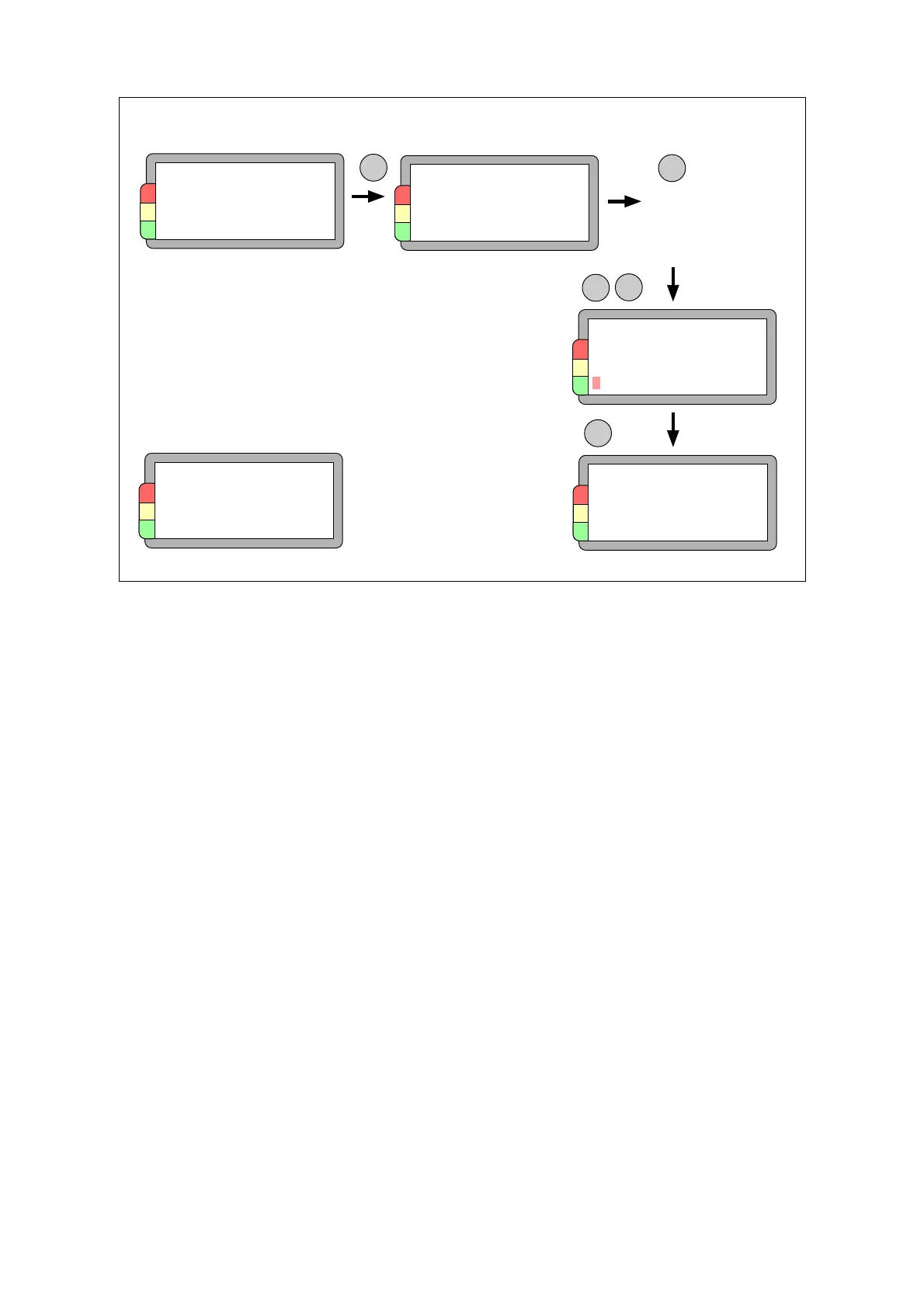
Read the tag ID and data
Transferring the measuring point data to the tag
The data logger reads from the tag when you hold the display end, which contains an aerial, close
to the tag and press the M key. To store the results of the measurement in the tag, you have to
press SET until WRITE is marked on the menu, then press ENT. Comments attached to measuring
results will not be written to the tag.
To initiate a tag and link it to a measuring point, do as follows:
• Download the measuring points you want to ”tag” to the data logger.
• Attach the tag to the machine. Pick a place that is easy to get at. The normal reading distance
is 2 to 3 cm, max. 5 cm when the tag is at a right angle to the instrument.
• Hold the instrument close to the tag.
• Press SET until WRITE is selected, then press ENT.
This links the tag to the measuring point. On uploading the round to Condmaster
®
Pro, the
measuring point is marked with a CondID
TM
icon. To break the link, you simply removes this icon
before downloading the point. The tag can then be linked with another point.
The tag memory is 116 characters. If this is exceeded, e.g. by long measuring point names, the tag
icon in Condmaster
®
Pro is marked with a red dot. This means that data have been deleted , starting
with truncating the measuring point name. You can then edit the measuring point data to fit the
tag memory (see Condmaster
®
Pro manual).
All tags are safeguarded and can only be read with SPM instruments. In addition, you can set (and
change) read and write passwords in Condmaster
®
Pro, see Condmaster
®
Pro manual. These pass-
words are automatically sent to data logger and tag when you download measuring points. If you
cannot establish contact with a tag, you may have the wrong password.
SET
T30.123.09
CondID
Write
CondID
P A S S W O R D
* * * ERROR * * *
Measure
Pressing M selects the measuring point or
loads a ”new measuring point” from the tag.
To load new results to the tag:
• Finish all measurements
• Hold the instrument close to the tag
• Press SET until WRITE is selected
• Press ENT
Go to WRITE
M
Identification tag 65



 To Next Page