Technical data are subject to change without notice.
© Copyright SPM 2002-04. 71650.B
SPM Instrument AB • Box 504 • S-645 25 Strängnäs • Sweden
Tel +46 152 225 00 • Fax +46 152 15075 • info@spminstrument.se • www.spminstrument.se
Entering alternative measurements [Logger, Expert]
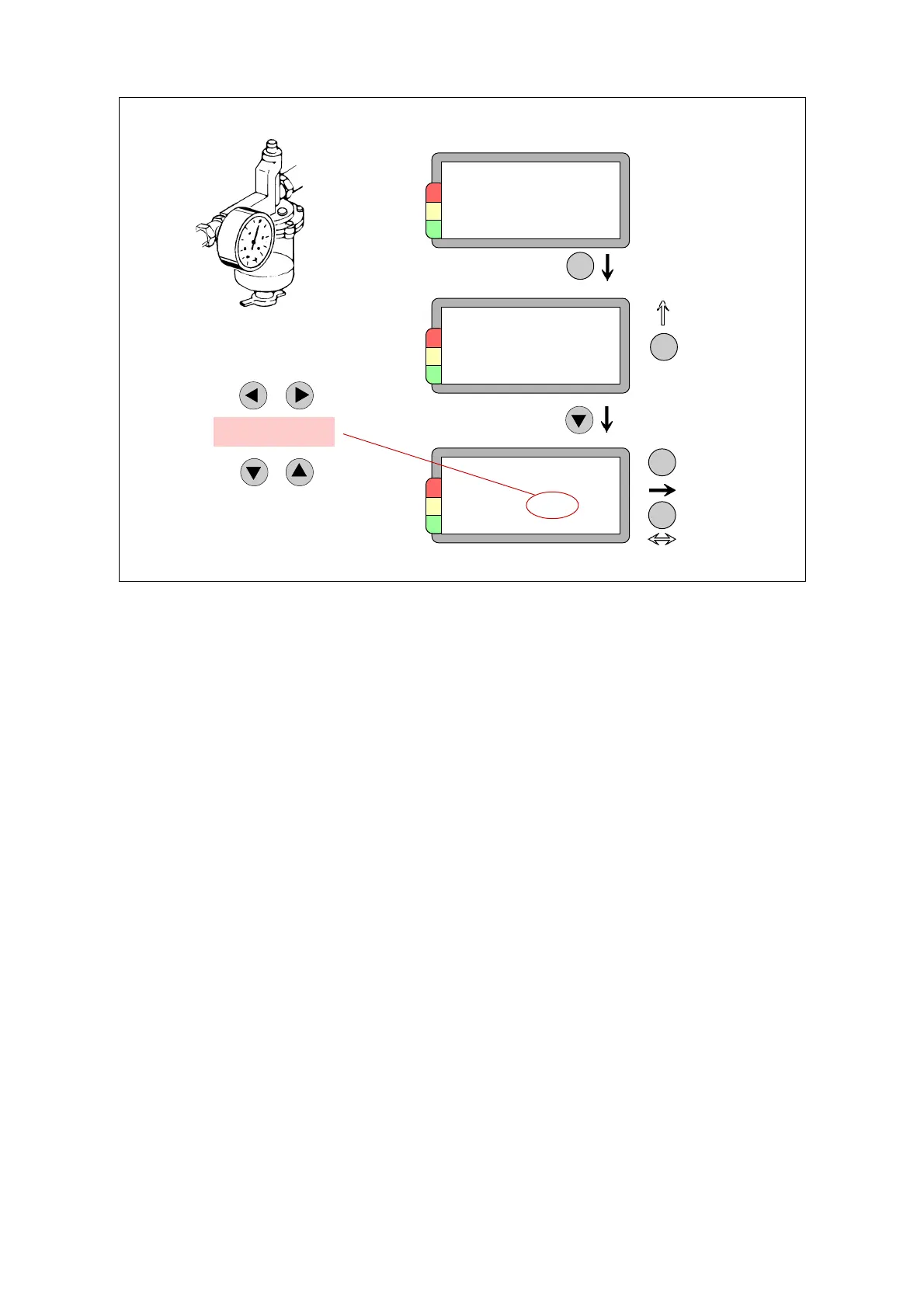
Recording alternative measurements is very easy. Measuring point number and name are displayed
with either ALT 1 or ALT 2 to indicate the measuring mode.
Pressing ENT opens the display of the previous value. Pressing any arrow key opens the display for
recording the new value.
The LEFT/RIGHT arrow keys are used to shift to the desired digit position.
The UP/DOWN arrow keys change the digit marked by the cursor.
By pressing the LEFT arrow key to the left of the highest digit you reach a position where the
previous measuring value appears.
Like with other measurements, you can press the SET key to come to the comments display and
record a comment.
Measuring point, ALT
Previous value
Cancel
ENT
ENT
AT30.200.04
Exhaust fan 6
motor N
ALT 1 011
AT30.200.04
Pressure
4.8
971124 bar
Recording value
Save,
exit
ENT
AT30.200.04
Pressure
5.2
bar
SET
Comment
5.2
Change position
Set value
60 Alternative measurements



 To Next Page