Objet260 User Guide 6 Operating and Maintaining the Objet260 3DPrinter
DOC-37004 Rev.E 6-27
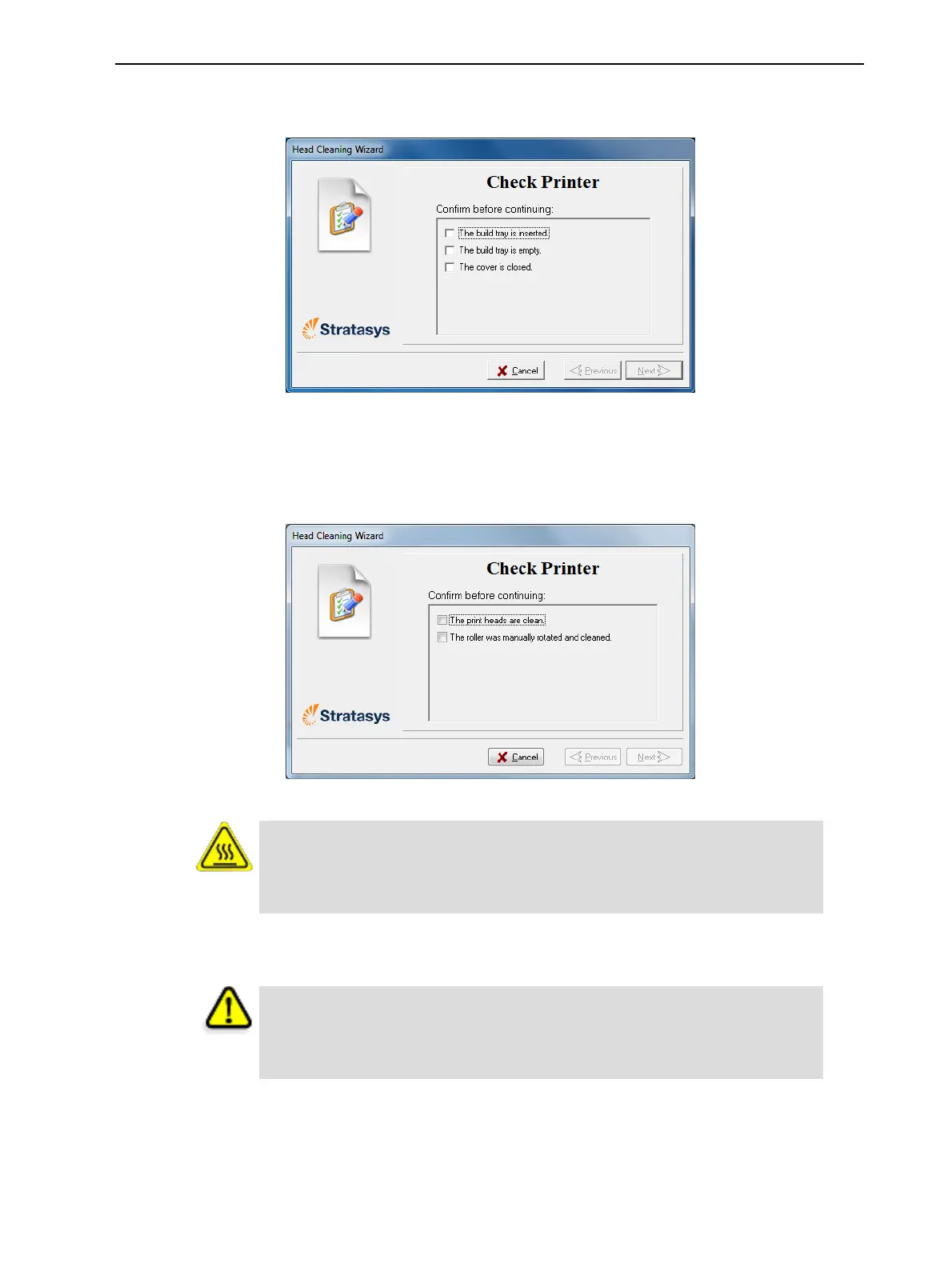
3. Followtheinstructionsonthewizardscreens,andselecttheconfirmation
checkboxes.
Figure6-24Headcleaningprocedure—wizardscreen
4. ClickNext.
Theprinterpreparesforyoutocleantheprintheads.
5. Whenthefollowingscreenappears,openthecover.
Figure6-25Headcleaningwizard—steps5–11
Warning: Hot Surface
Theprintheadorificeplates(bottomsurface)maybehot.Donottouch
themwithyourbarehands,andproceedwithcaution.
6. Placethemirroronthebuildtray.
7. Putonthegloves.
Caution
Uncuredprintingmaterialontheprintheadsmightcauseskinirritation.
Usedisposablecleaningglovestoprotectyourhands.
8. Soakthecleaningclothwithalcohol.













 To Next Page