Objet260 User Guide 6 Operating and Maintaining the Objet260 3DPrinter
DOC-37004 Rev.E 6-28
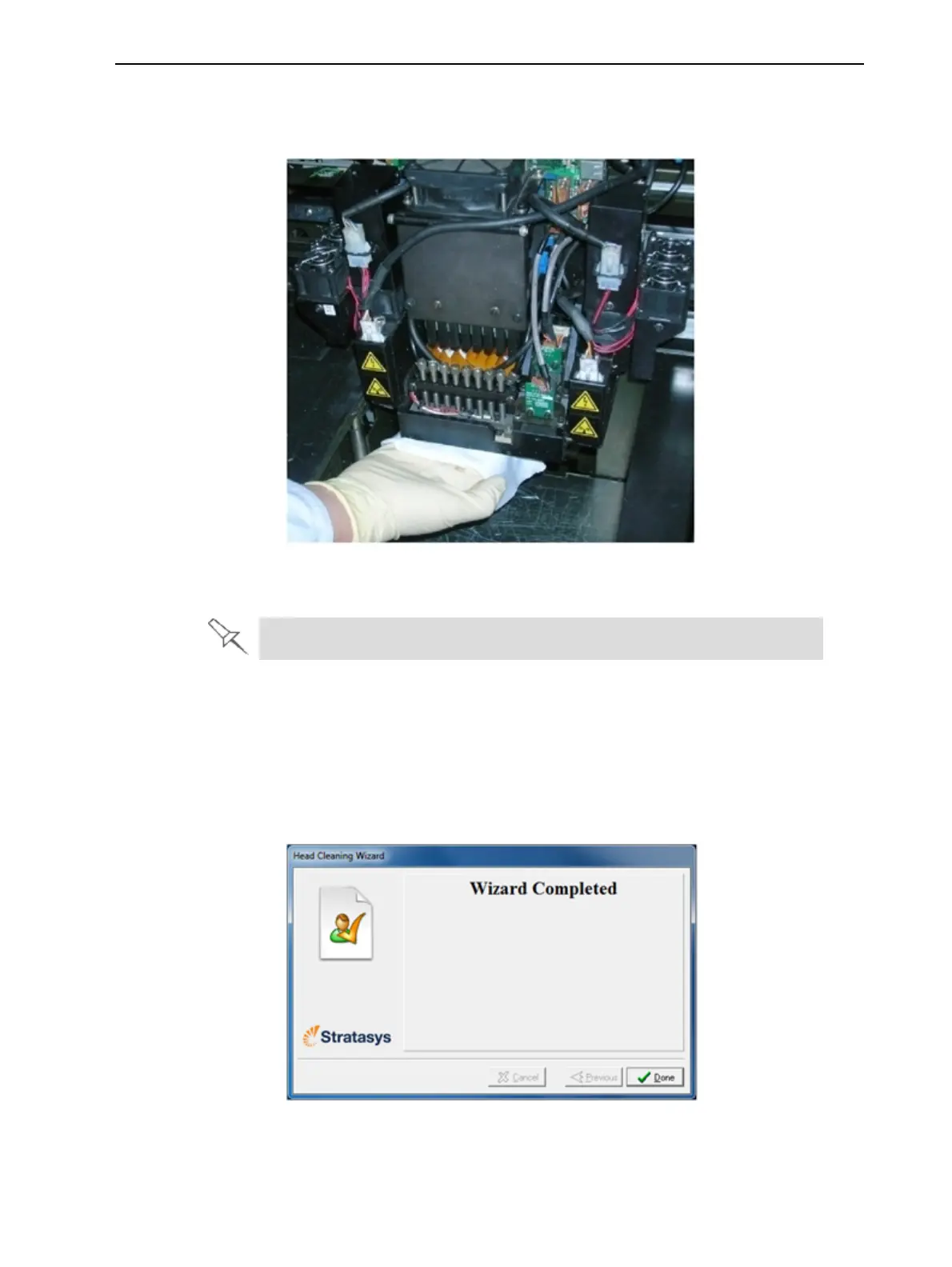
9. Cleantheorificeplates,withaback-and-forthmotion(seeFigure6-26).
Usethemirrortomakesurethatyouhaveremovedalloftheresidue
material.
Figure6-26Cleaningtheheads
10.Cleantheentirerollersurface,byrotatingitasyouclean.
UsethisopportunitytocleantheglasslensontheUVlamps.
11.Whenyouhavefinishedcleaning,selecttheconfirmationcheckboxesin
thewizardscreen(seeFigure6-25)andclickNext.
12.Removethecleaningmaterialsfromtheprinterandclosethecover.
13.SelecttheconfirmationcheckboxesinthewizardscreenandclickNext.
Thehead-purgecyclebegins.Whenthisiscomplete,thefinalwizard
screenappears.
Figure6-27Head-cleaningwizard—finalscreen
14.ClickDonetoclosethewizard.













 To Next Page