Objet260 User Guide 6 Operating and Maintaining the Objet260 3DPrinter
DOC-37004 Rev.E 6-39
Aligning the
Print Heads
Youshouldcheckthealignmentoftheprintheads—
•onceamonth
•afterreplacingoneormoreheads
•ifmodelqualityisnotacceptableevenaftercleaningtheorificeplateon
thebottomoftheprintblock(see"CleaningthePrintHeadsandthe
Roller"onpage6-26).
Thisproceduretakesabout20minutes.
Tocheckthealignmentoftheprintheads:
1. Prepare—
❒ atransparencysheet—A-4orLettersize
❒ anytypeofadhesivetape,tofastenthetransparencysheettothebuild
tray
2. StarttheHeadAlignmentwizardfromtheOptionsmenu.
3. ClickNexttobegin,andclosethecover.
4. Inthewizardscreen,selectthecheckboxtoconfirmthatthecoveris
closed,andclickNext.
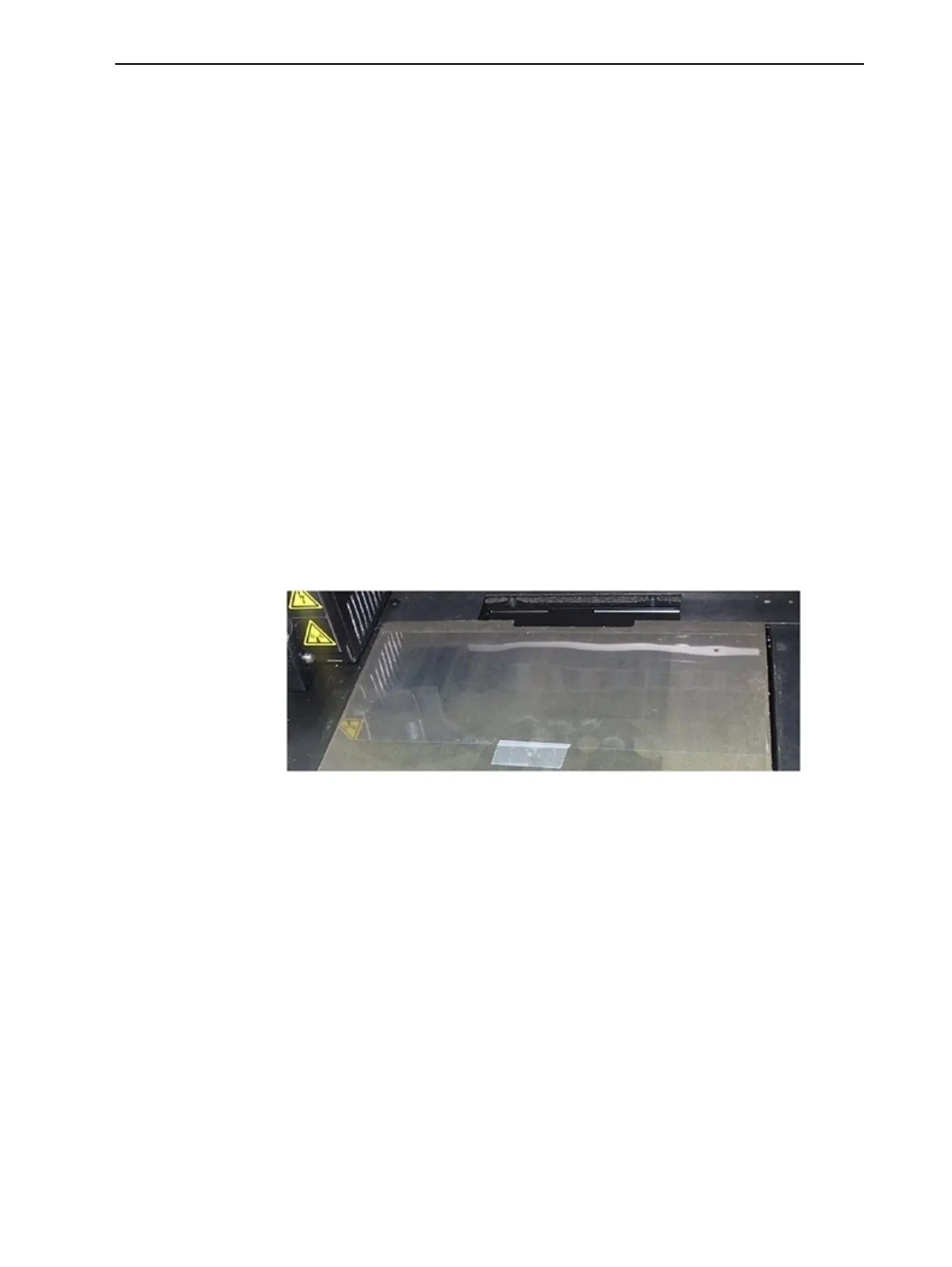
5. Wheninstructedtodoso,placethetransparencyonthebuildtray—next
totheleftandrearedgesofthetray,asshowninthefollowingfigure.
Figure6-48Positioningthetransparencyonthebuildtray
6. Makesurethatthetransparencysheetislyingflat,andtapeittothetray.
7. Inthewizardscreen,selectthecheckboxtoconfirmthatthe
transparencysheetisonthebuildtray,andclickNext.
Theprinterprintstheheadalignmenttestonthetransparency.













 To Next Page