Objet260 User Guide 6 Operating and Maintaining the Objet260 3DPrinter
DOC-37004 Rev.E 6-40
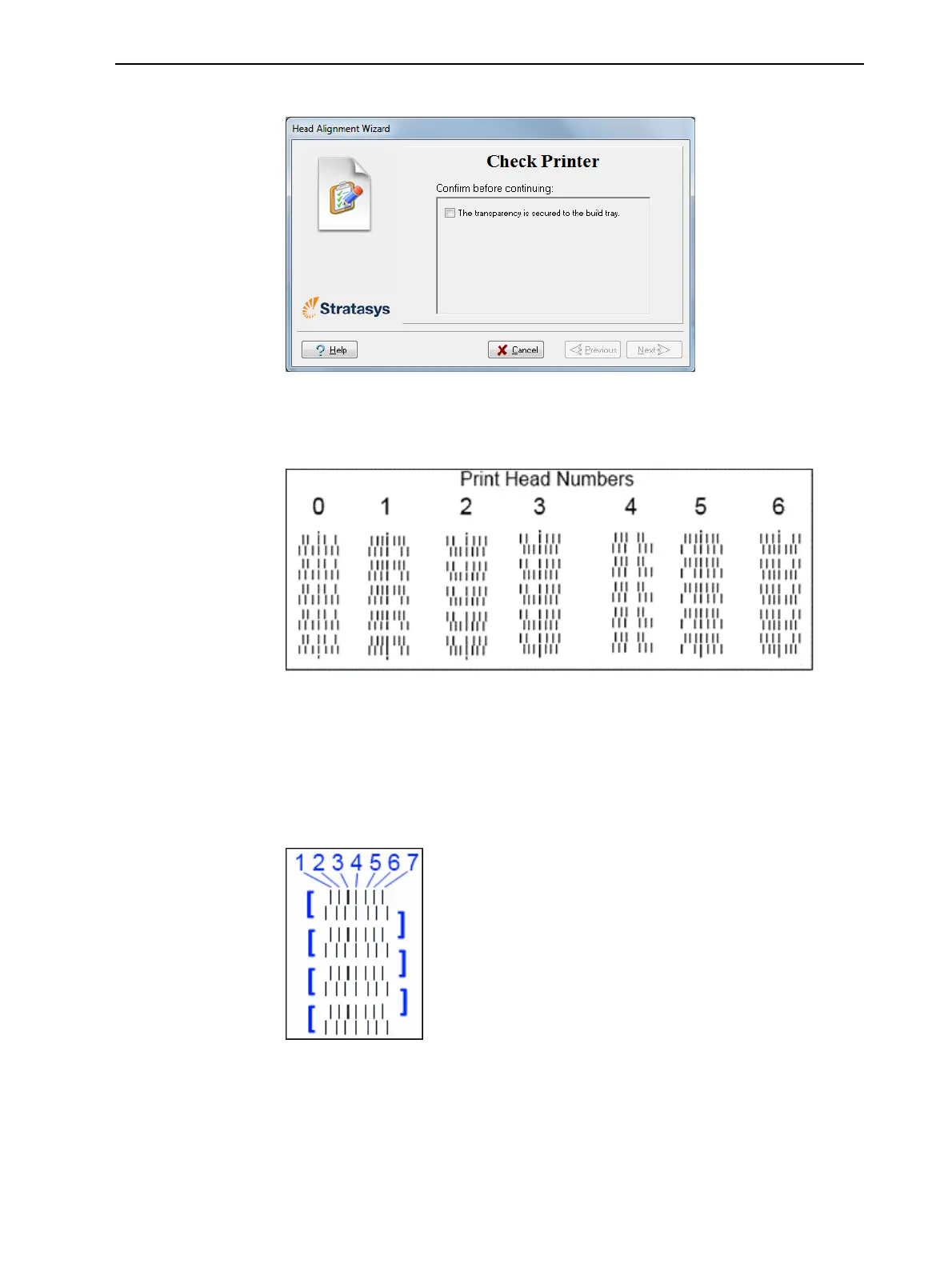
8. Whenthefollowingscreenappears,removethetransparency.
Figure6-49HeadAlignmentwizard—steps8–10
Thetransparencysheetisprintedwithsetsofverticallinesinseven
columns,eachshowingtheresultsfromadifferentprinthead.
Figure6-50Samplehead-alignmenttest
Note: ThereisnocolumnforheadH7becauseitsalignmentisusedasa
referenceforaligningallotherheads.
9. Foreachcolumnoflines,useamagnifyingglassorloupetoinspectpairs
ofconsecutiverowsprintedonthetransparencytoseewherethevertical
linesalign.
Figure6-51Comparingrowsofalignmentlines
Note: Itdoesnotmatterwhichpairoflinesyouinspect,sincetheywereall
printedbythesamehead.Chooseapairofclearlyprintedlinesforthe
inspection.(Sincesomenozzlesmaynotprintclearly,youmayhaveto
inspectseveralpairsoflinestoproperlyviewthealignment.)













 To Next Page