84
Image on monitor does not
change when new video is
routed
Verify the monitor is set on DVI/Digital RGB
Video distorted or noisy
• Check video cables for secure connections and
proper routing
• Confirm that the input device is functioning properly
No video on monitor • Ensure that the monitor power is ON (monitors can be
switched on via display tab on Touch Panel or the
power switch on the monitor)
• Confirm that the main power switch on the Video
Router is ON
• Verify the monitor is set on DVI/Digital RGB
• Ensure that the video is properly routed to the monitor
No Endoscopic Camera
Video is displayed on a flat
panel monitor
• Ensure that the light source,
camera, and monitor are turned ON
• Route the Endoscopic camera to a
different monitor to ensure it
displays an image
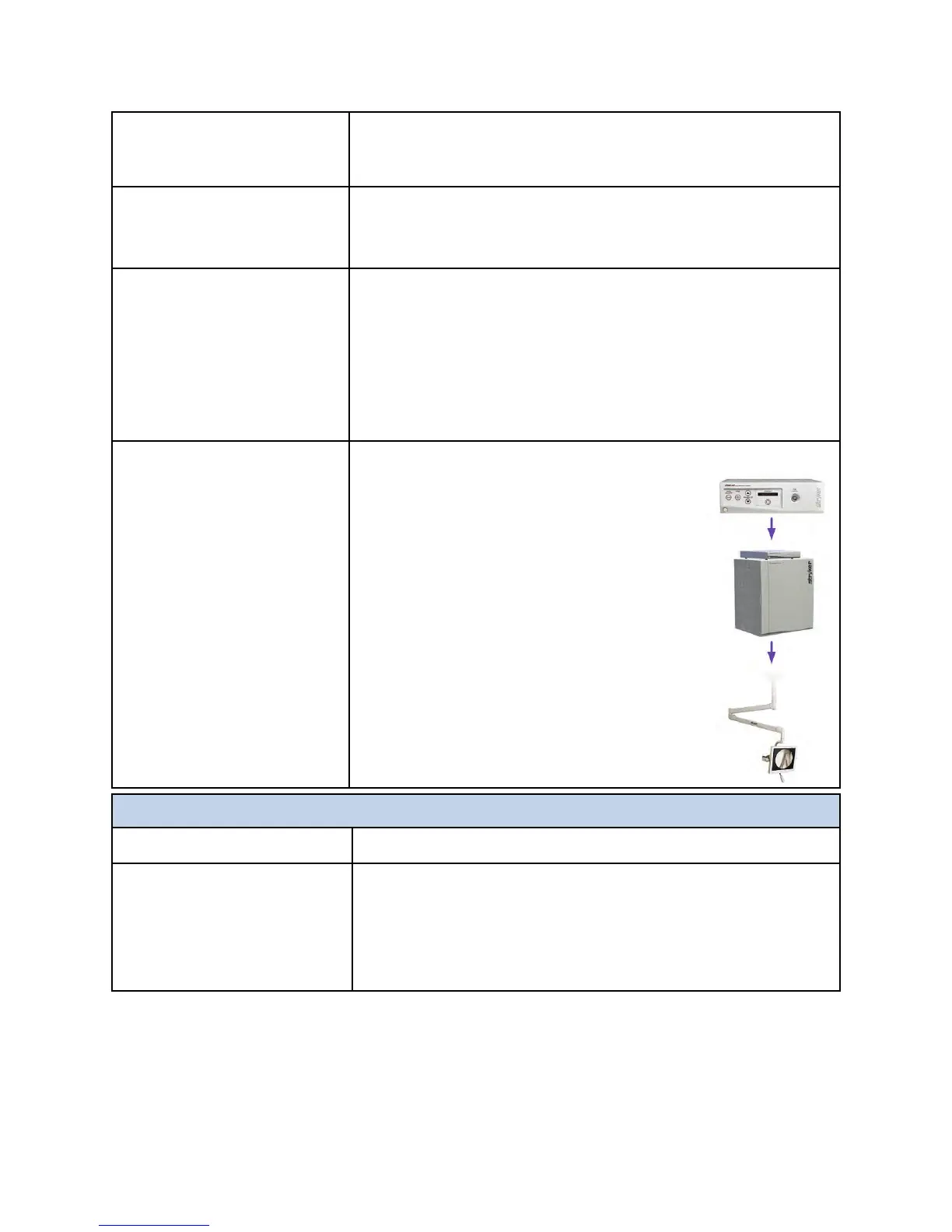
• Ensure there is a video out from
Digital Capture Device. If there is
no video out from the Digital
Capture Device then the problem is
in the Digital Capture Device, Video
Control Device, or the camera
• Route any other known good
source to the Flat Panel monitor to
ensure it displays an image
PPIIPP//QQuuaadd
SSyymmppttoomm AAccttiioonn
Pip/Quad just shows
internal color bars
• On PIP/Quad page, verify a source is routed to PIP/
Quad
• Ensure all routed sources are ON
• Verify the color bars are not being generated by the
video source by routing the source to a monitor



 To Next Page