Black plate (125,1)
一般Model "A2470GE-B" EDITED: 2010/ 9/ 24
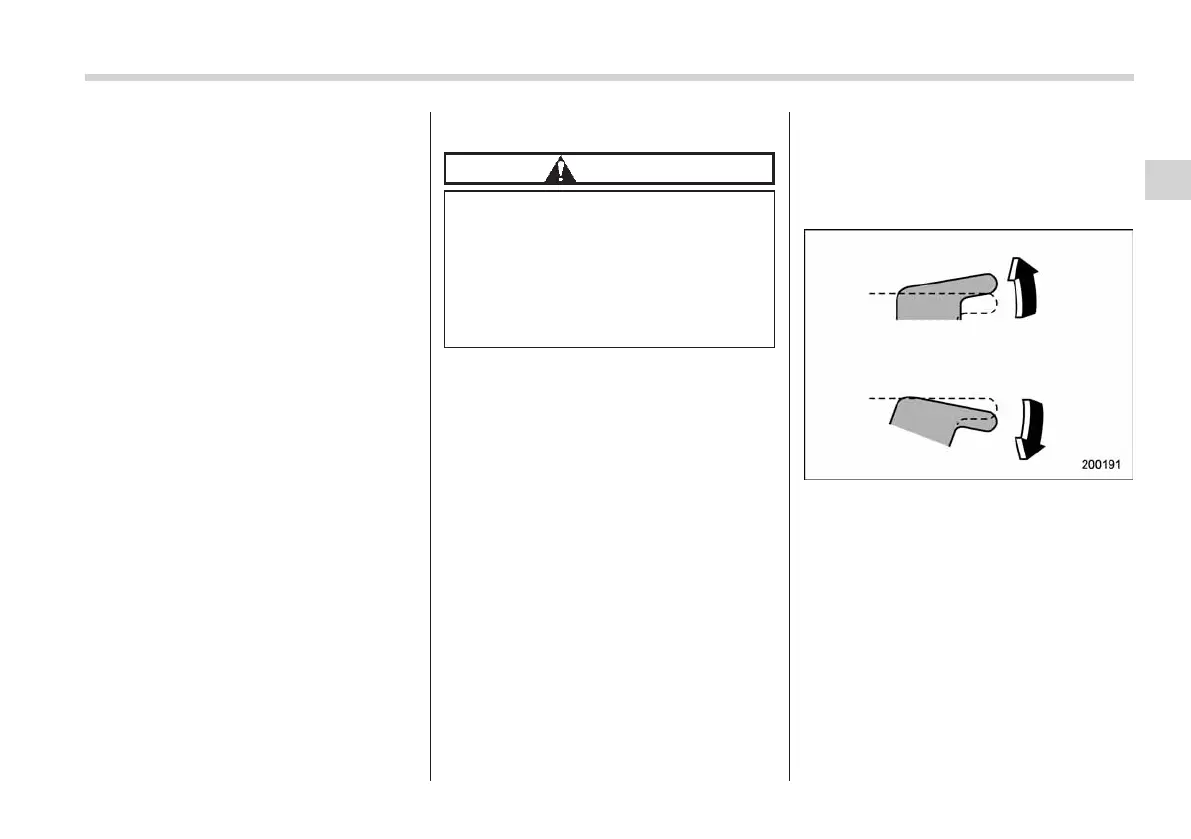
This switch also has a one-touch auto up
function that allows the window to be
closed fully without holding the switch.
Pull the switch up until it clicks and release
it, and the window will fully close. To stop
the window halfway, press the switch
down lightly.
NOTE
If the vehicle’s battery is disconnected
due to situations such as battery or
fuse replacement, the one-touch auto
up/down function is deactivated. Initi-
alize the power window to reactivate
the one-touch auto up/down function.
Refer to “Initialization of power win-
dow” F2-31.
! Off delay function (driver’s window
only)
The driver’s window can be opened or
closed within approximately 40 seconds
after the ignition switch is turned to the
“Acc” or “LOCK”/“OFF” position. However,
the driver’s window cannot be opened or
closed after the driver’s door is open.
NOTE
While the indicator light on the switch
is illuminated, the driver’s window can
be opened or closed.
! Anti-entrapment function
CAUTION
. Never attempt to test this func-
tion using fingers, hands or other
parts of your body.
. The anti-entrapment function
may not operate properly if some
object gets trapped just before
the window fully closes.
NOTE
. If a window detects an impact simi-
lar to that caused by trapping an object
(for example, when the vehicle encoun-
ters a deep pothole), the anti-entrap-
ment function may operate.
. The window cannot be operated for
a few seconds after the anti-entrap-
ment function operates.
. If the vehicle’s battery is discon-
nected due to situations su ch as
battery or fuse replacement, the anti-
entrapment function is deactivated.
Initialize the power window to reacti-
vate the anti-entrapment function. Re-
fer to “Initialization of power window”
F2-31.
While closing automatically, if the window
senses a substantial enough object
trapped between the window and the
window frame, it au tomati cally move s
down slightly and stops.
! Operating the passengers’ win-
dows
To open:
Press the appropriate switch down and
hold it unti l the wi ndow re aches the
desired position.
To close:
Pull the switch up and hold it until the
window reaches the desired position.
Keys and doors 2-29
– CONTINUED –
2














 To Next Page