Black plate (219,1)
一般Model "A2470GE-B" EDITED: 2010/ 9/ 24
FM/AM radio operation
Press the “FM” or “AM” button when the
radio is off to turn on the radio.
NOTE
If a cell phone is placed near the radio,
it may cause the radio to emit noise
when it receives calls. This noise does
not indicate a radio malfunction.
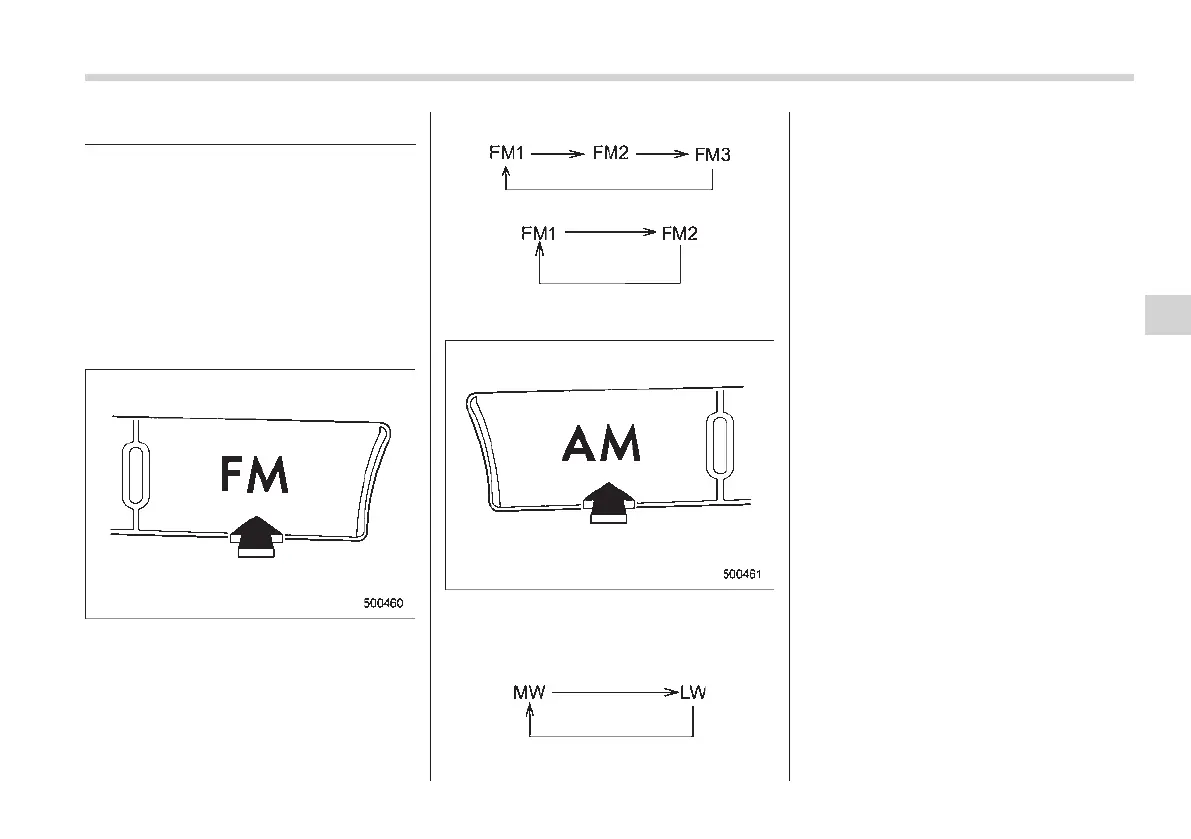
& FM selection
Press the “FM” button when the radio is on
to select FM1, FM2 or FM3 (type A audio)
reception.
Each time the “FM” button is briefly
pressed the radio changes in the following
sequence starting from the last radio band
that you selected.
Type A audio:
Type B audio:
& AM selection
For the type A audio, each time the “AM”
button is briefly pressed the radio changes
in the following sequence starting from the
last radio band that you selected.
NOTE
For some areas, the LW radio mode is
not available.
For the type B audio, press the “AM”
button when the radio is on to select AM
reception starting from the last radio band
and the last frequency interval that you
selected.
Audio 5-9
– CONTINUED –
5














 To Next Page