Black plate (227,1)
一般Model "A2470GE-B" EDITED: 2010/ 9/ 24
4. When the magazine is filled with discs
by repeating steps 2 and 3, the player will
start playback of the discs, beginning with
the one inserted first.
If you fail to insert any disc during each 15
seconds interval, the full disc loading
mode will be canceled, and the player will
start playback of the disc inserted first.
& How to play back a CD
NOTE
If a disc that the player cannot read has
been loaded, the player will display the
message “CHECK DISC”.
! When there is no CD inserted
Insert a CD by referring to “How to insert a
CD(s)” F5-15.
When a CD is loaded, the player will start
playback of the CD, beginning with the
first track.
! When playing back all CDs in the
player
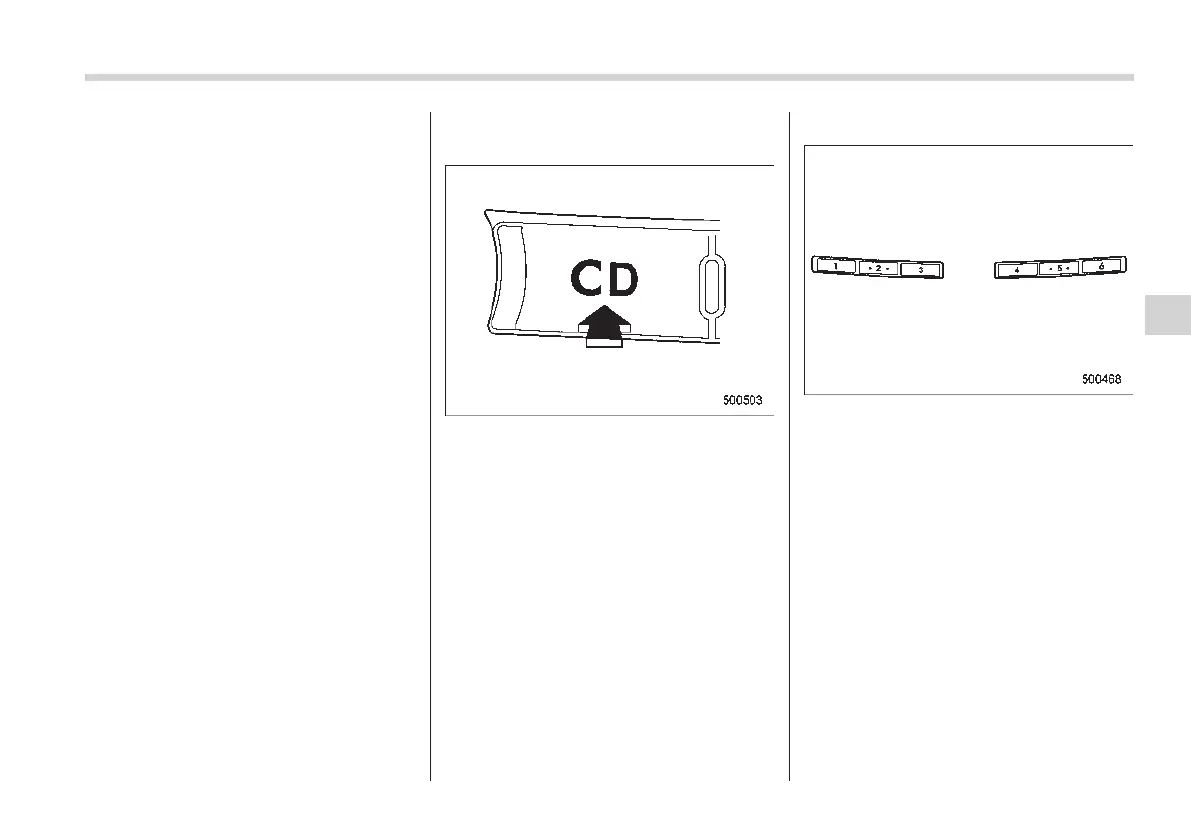
When the “CD” button is pressed, the
player will start playback.
! When selecting a CD to play
Disc select buttons
Press a desired one of the disc select
buttons the disc number indicator of which
steadily lights up. The player will then start
playback of the selected CD, beginning
with the first track.
Audio 5-17
– CONTINUED –
5














 To Next Page